To download a log file for all events:
Click the Events tab, then click the Download icon at the top of the window to download a log file for all events.
NOTE: A downloaded event log can be imported into Microsoft® Excel® and viewed as a spreadsheet.
To clear all events:
Click the Events tab, then click the Flush icon at the top of the window to clear all events except for active alarms.
3.7 System Tab
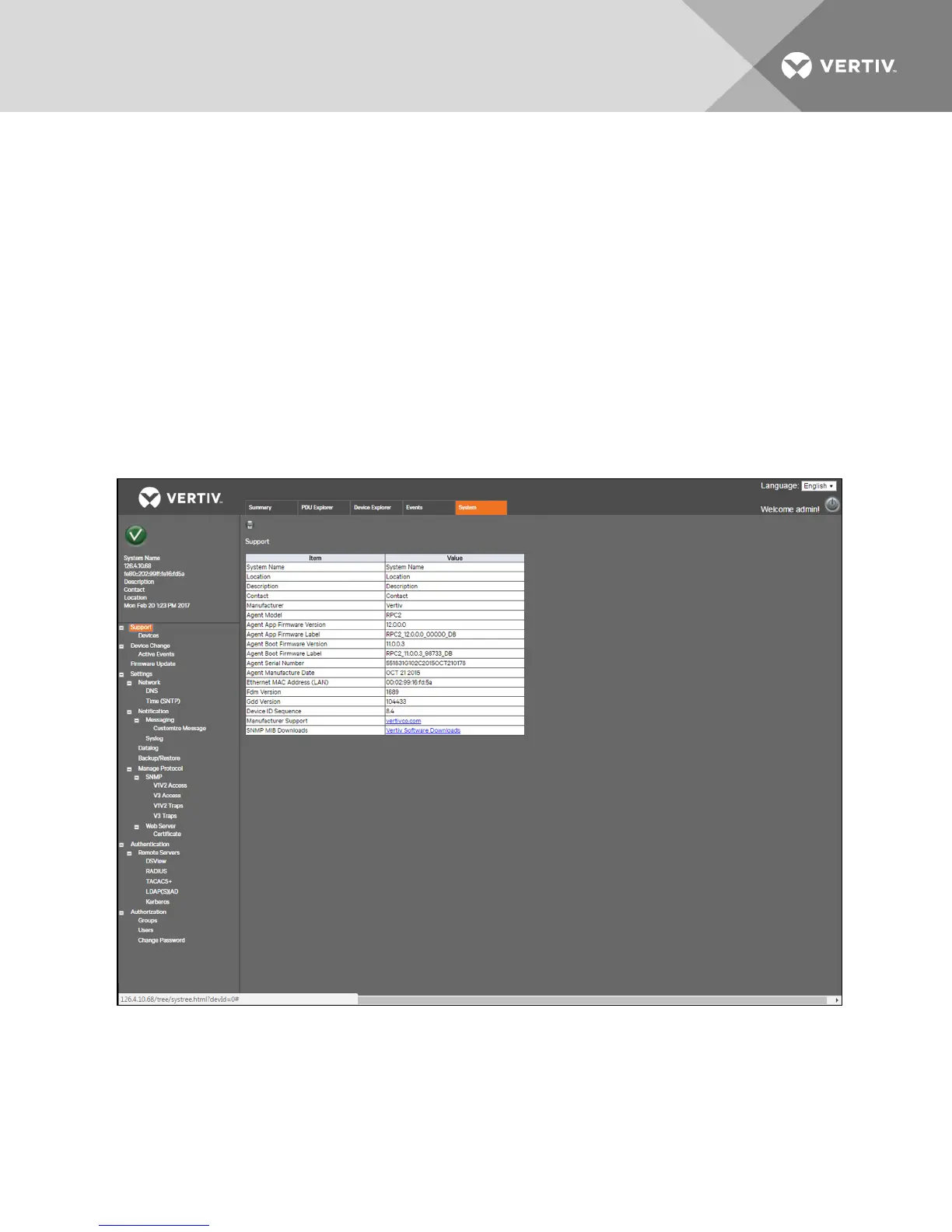
The System window is the control and configuration center for the RPC2 rack communications module. Links on the
navigation tree allow you to update firmware, join networks, set security levels, add and remove users, set access privileges
and alarm thresholds and set automatic messages for events and alarms. The System window also displays information
about the RPC2 communications module and the PDU, where it is installed, including location, contact personnel, technical
support, firmware version, serial number and MAC address. With administrative privileges, you can configure the RPC2
communications module’s parameters, such as notifications and SNMP traps and access. You can also update the RPC2
communications module’s firmware and change passwords.
Figure 3.8 System Tab
3.7.1 Support
The Support link in the navigation tree on the System tab is a read-only window. You can access this window to view
information about the RPC2 communications module and print the summary table via the Print icon.
Vertiv | RPC2™ Communications Module Installer/User Guide | 21



 To Next Page