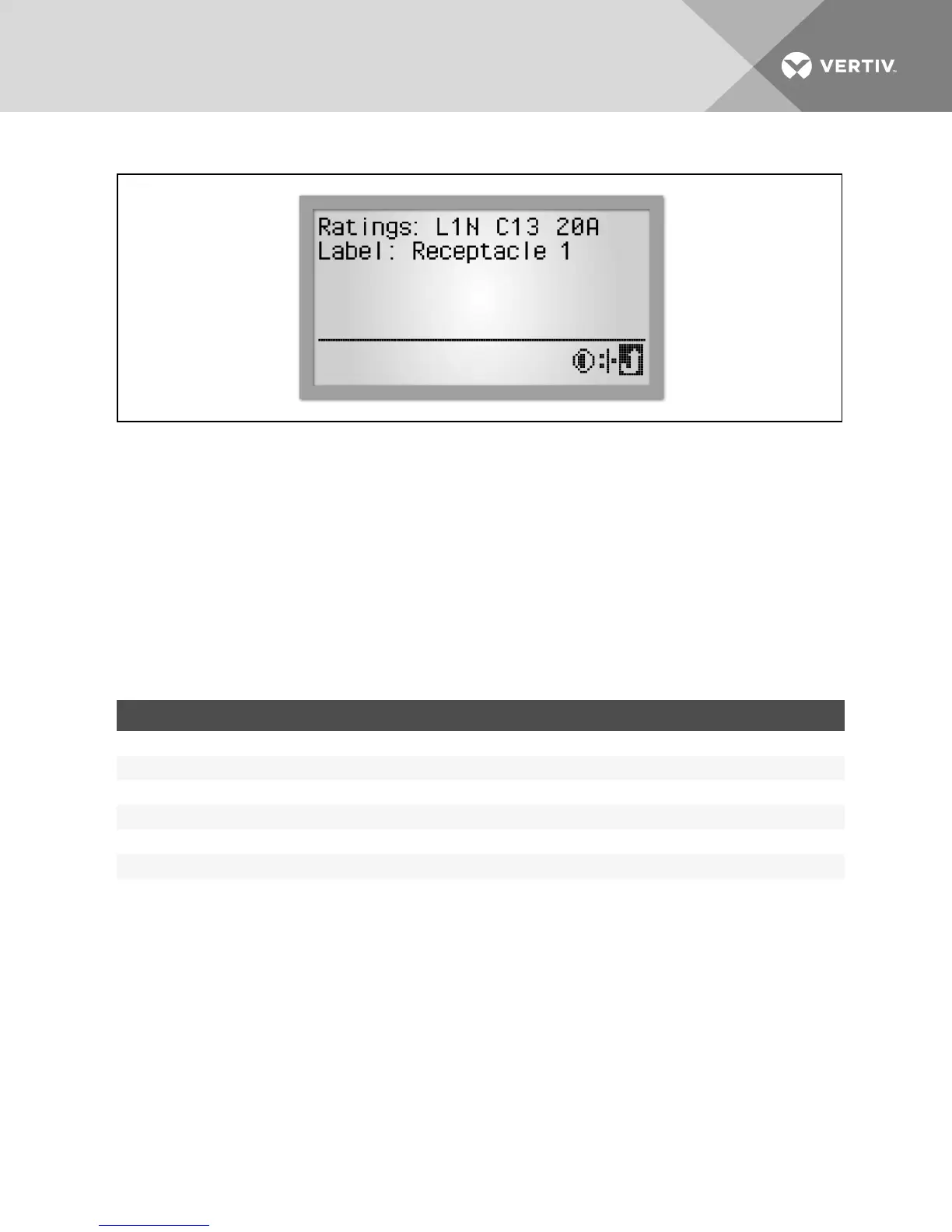
Figure 4.13 Receptacle Information Screen
To view receptacle level information:
1. Select the Information icon in the receptacle view.
2. Select the receptacle to be viewed.
3. Use the RPC BDM’s scroll button to highlight a receptacle in the list. If a scroll bar appears on the right, use the
page up and page down icons to display the rest of the list.
4. Press the scroll button to select the highlighted receptacle. The screen displays the PDU Explorer view for the
selected receptacle.
4.4.5 Types of data available at PDU, branch and receptacle levels
The following table shows the types of data available at each level. Branch and Receptacle data may vary depending on the
rack PDU capabilities.
DATA AVAILABLE PDU BRANCH RECEPTACLE
Bar graph of power utilization Yes (each phase) Yes Yes
Amperage of selected module Yes (each phase) Yes Yes
Voltage of selected module Yes Yes Yes
Wattage of selected module Yes Yes Yes
VAof selected module No Yes Yes
State:On/Off Not applicable Yes Yes
Table 4.7 Monitoring Data Available on the RPC BDM Via the PDU Explorer
4.4.6 Viewing active events
When an event is detected, the display switches to the PDU view with an Active Events icon in the lower-right corner of the
screen. The information view displays a list of events with icons to indicate severity.
To view an active event:
1. Scroll to the Active Events icon, then press the scroll button to select it.
2. Scroll to an event, then press the scroll button to view the event's details.
Vertiv | RPC2™ Communications Module Installer/User Guide | 44



 To Next Page