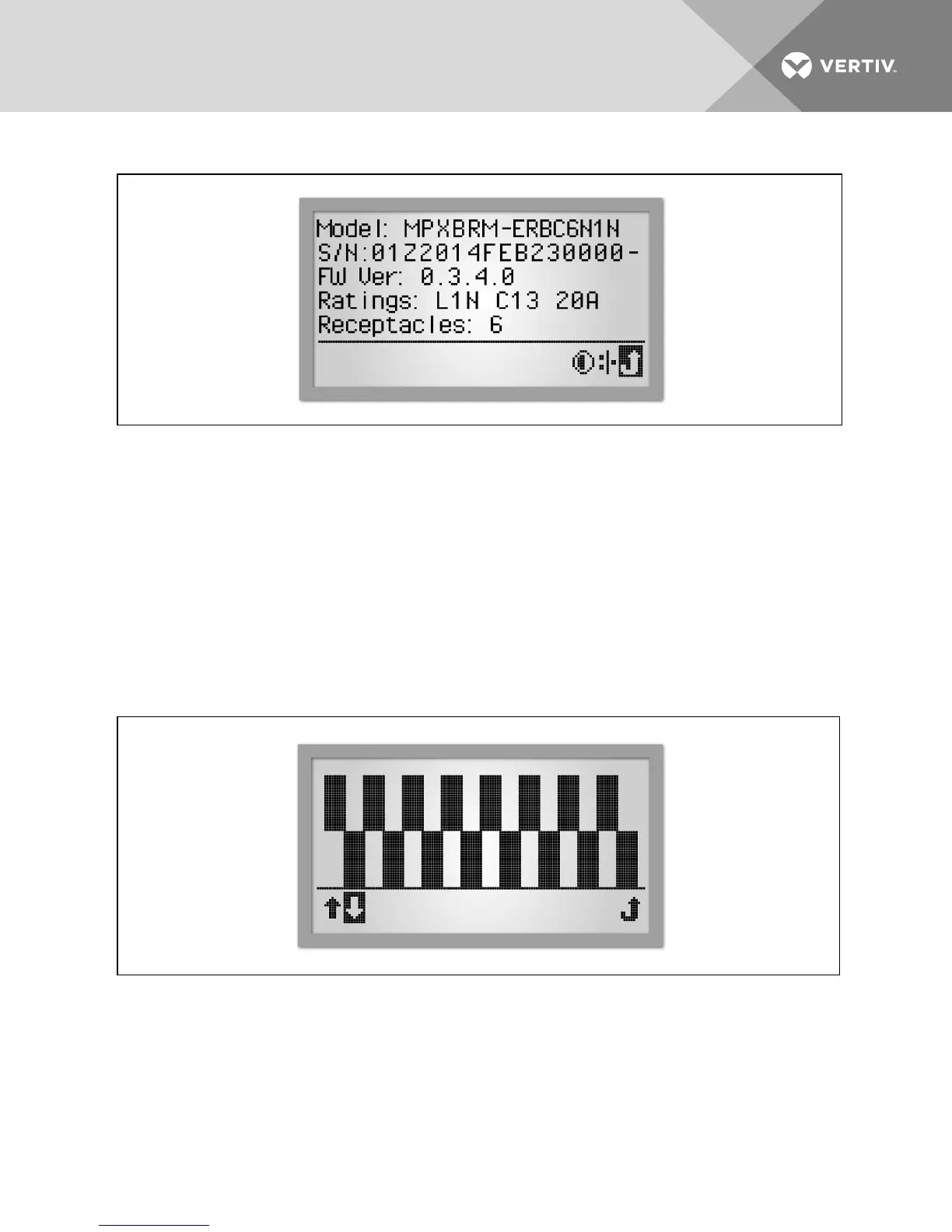
Figure 4.6 PDUSystem Information Screen
To view PDUsystem information:
1. Use the scroll button to highlight the Information icon.
2. Press the scroll button to display the PDU model number, serial number, firmware version, power rating and
number of receptacles.
NOTE: The energy measurement (#8 in the PDULevel View Descriptions table) reaches a display limit at 99.99 MW-h.
The unit's energy display must be reset to restore the displayed values.
4.4.2 RPCBDMcontrast
The RPCBDM is factory set to be easily viewed in common lighting conditions. Contrast adjustment may improve screen
legibility in a highly lit environment.
Figure 4.7 Contrast Screen
NOTE: Both lighting conditions and high-temperature operation can affect contrast and, as a result, require an
adjustment.
To adjust the contrast of the RPCBDM:
1. Use the scroll button to highlight the Information icon.
2. Press the scroll button to display the Information screen. Use the scroll button to highlight the Contrast icon
and press the scroll button to display the Contrast screen.
Vertiv | RPC2™ Communications Module Installer/User Guide | 40



 To Next Page