3. Use the scroll button to highlight the up or down arrow keys, then press the scroll button to increase or
decrease the contrast. When the contrast of the pattern on the screen is satisfactory, use the scroll button to
highlight the Return icon and press the scroll button to return to the Information screen.
4.4.3 Active alarms
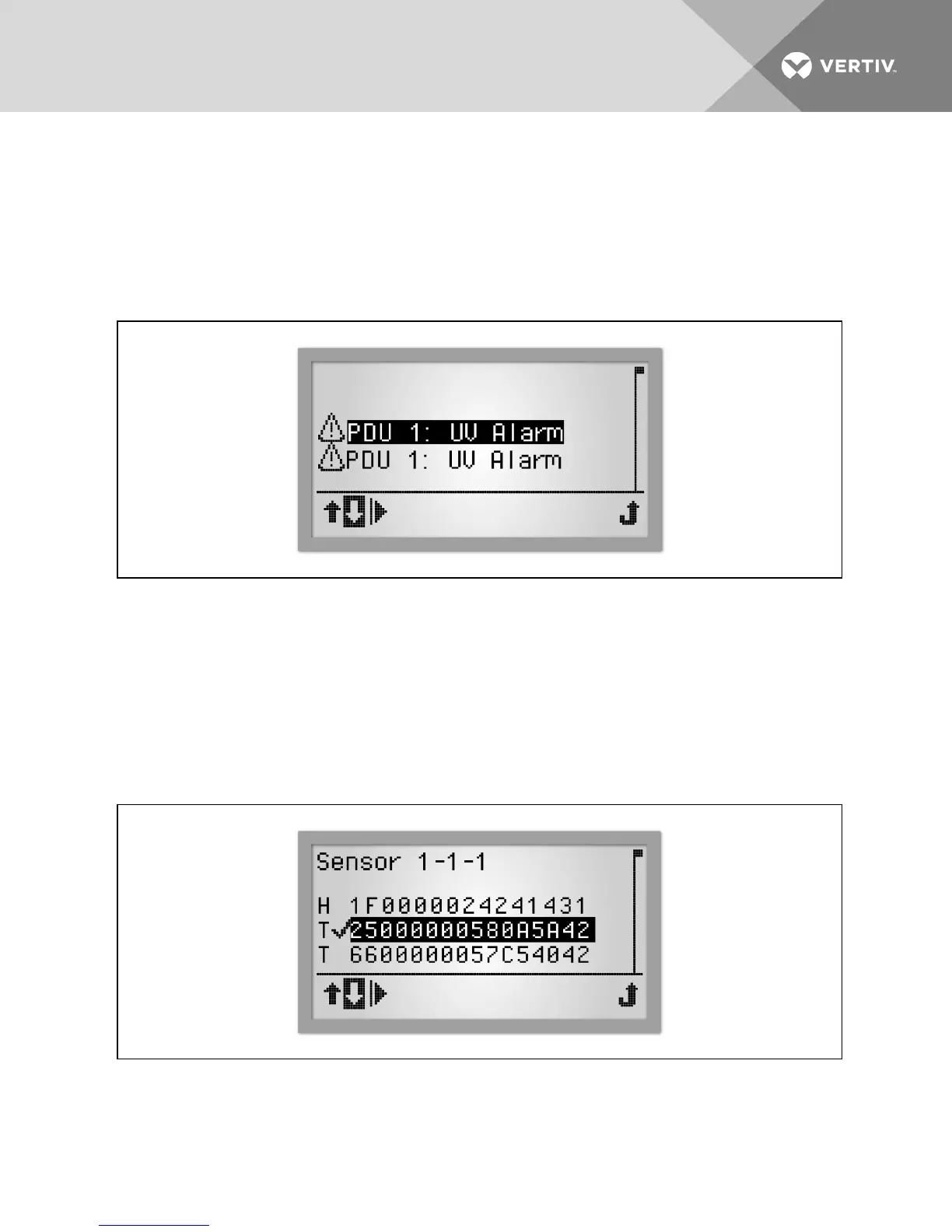
The most recent alarms appear at the top of the list. Use the device's scroll button to review the list of active alarms.
Figure 4.8 Alarm List Screen
To view active alarms:
1. Use the scroll button to highlight the Alarm icon.
2. Press the scroll button to display a list of active alarms.
3. Use the scroll button to highlight the up or down arrow keys to highlight an alarm.
4. Use the scroll button to highlight the Play button and press the scroll button to display the alarm details.
4.4.4 Sensors
The default label is the sensor's serial number, but it can be changed through the web interface.
Figure 4.9 Sensor List Screen
To view sensor information:
1. From the PDUlevel, use the scroll button to highlight the sensor icon and then press the scroll button to display
a list of sensors in the order of their identification number.
Vertiv | RPC2™ Communications Module Installer/User Guide | 41



 To Next Page