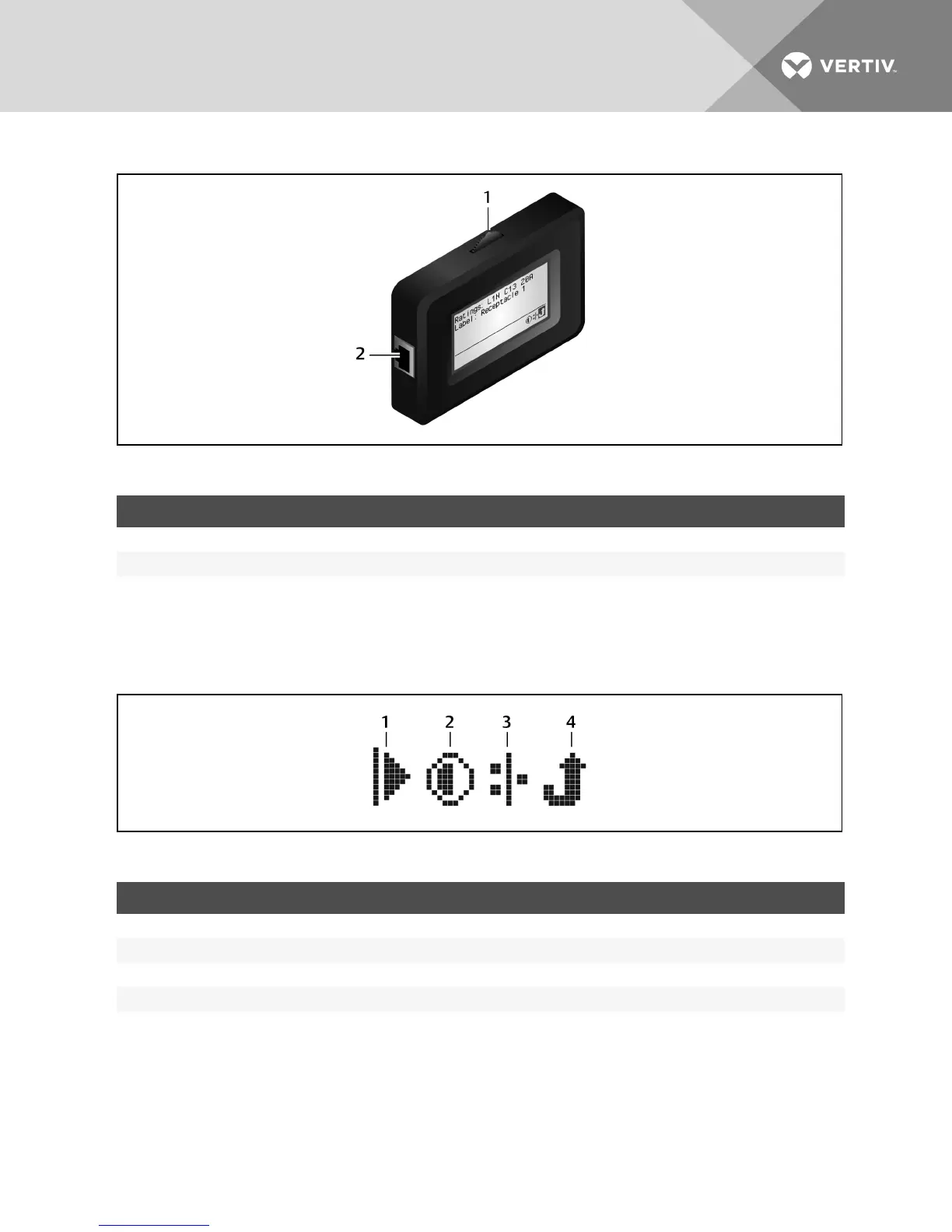
Figure 4.2 RPCBDMScroll Button
ITEM DESCRIPTION
1 Scroll button
2 Connection port
Table 4.1 BDM Descriptions
System options
The icons shown in the following figure are displayed in the bottom right of the screen. These icons provide access to further
network information, system and screen options. Use the scroll button to highlight and select these icons.
Figure 4.3 System Option Icons
ITEM DESCRIPTION
1 Play icon
2 Adjust screen contrast icon
3 System network icon
4 Return to previous level icon
Table 4.2 System Option Icon Descriptions
4.2 RPC BDM™ Installation
The RPC BDM comes with a factory-supplied Ethernet cable for connection to the RPC2. If additional or longer cables are
needed, use standard Ethernet cables.
Vertiv | RPC2™ Communications Module Installer/User Guide | 36



 To Next Page