EasyManua.ls Logo

Verve PANTERA - Pedal Assistance Setup (Cadence Sensor - Torque Sensor)

Default Icon
53 pages
Print Icon
To Next Page IconTo Next Page
To Previous Page IconTo Previous Page
Loading...
1.
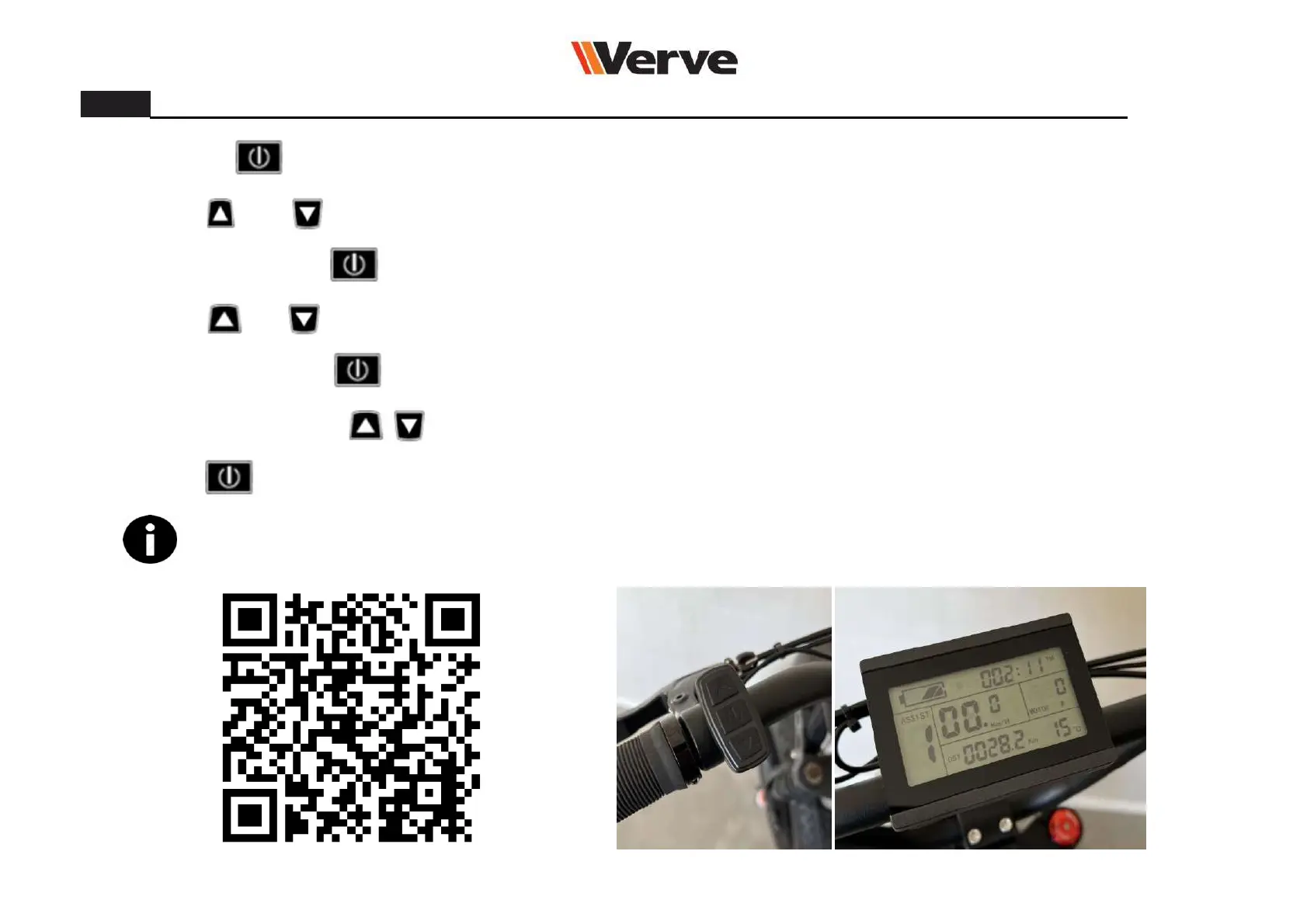
Hold button to turn on the power.
2.
Hold and
3.
4.
Hold and
5.
6.
7.
Hold
button, all the writings should stop flashing.
Push 3 times the
8.3.1.
If you encounter any problem, scan the QR code! A simple video tutorial will guide you through all operations.
Push repeatedly
Pedal assistance setup (Cadence sensor – Torque sensor)
button at the same time for a few seconds, until when the speed indicator starts flashing.
button at the same time for a few seconds, until when the writing P1 pops up.
button until when the writing P3 pops up.
Use the arrow keys
to select the cadence sensor (P3 0) or the torque sensor (P3 1).
button to save the new settings and end the operation.
30

Related product manuals