Page 52
MNVADCJ01_1729_EN
5.15 Sanyo multiplexer
5.15.1 Description
The Sanyo MPX-CD163 multiplexer can be used to connect 16 input videos that are digitalized and then
displayed in a composite output image.
5.15.2 Materials and reference documents
Sanyo MPX-CD163 multiplexer
Multiplexer manual
5.15.3 Direct connection
5.15.3.1 Cable
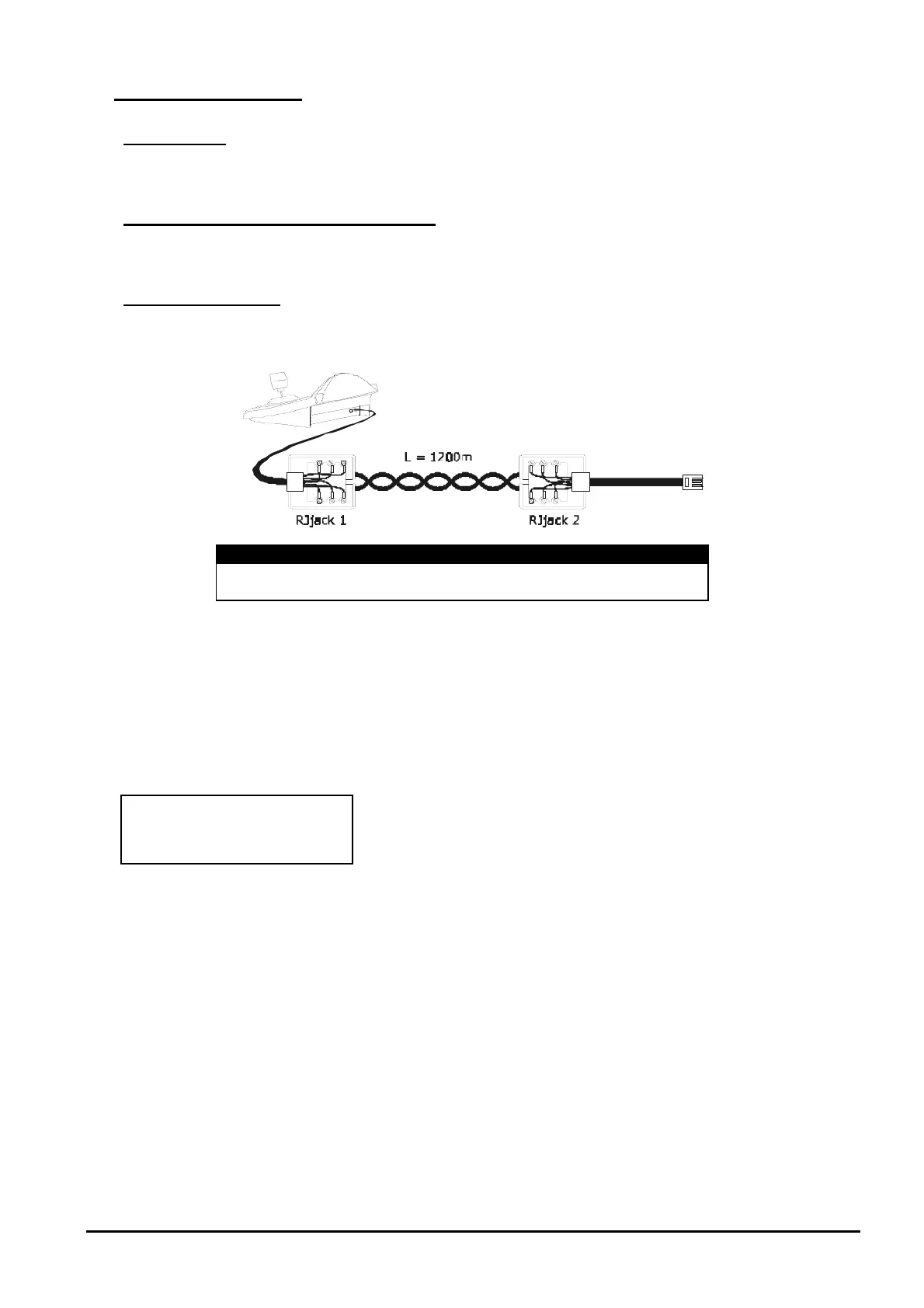
DCJ RJjack 1 RJjack 2 Mux
RS485A white red RS485A
RS485B yellow green RS485B
The co
nnection is in RS485. The max. distance between keyboard and multiplexer is 1200 m.
5.15.3.2 Setting up the multiplexer
Configure the unit address and the RS485 communication mode appropriately. See the corresponding user’s
manual.
5.15.3.3 Setting up the keyboard
When configuring the keyboard, the submenu should be set as follows:
Sanyo multiplexer control
Four baud rate values are possible.
5.15.3.4 Operational test
When the keyboard is connected directly with the multiplexer configured as above, using the cable as shown
above, it should be immediately possible to switch the input videos:
press to select multiplexer unit 1
press , , to select the input videos.
For ea
ch command sent by the keyboard, a corresponding LED lights up on the local multiplexer keyboard.
Important!! If the multiplexer unit number does not match, the commands sent by the keyboard
will be
ignored.



 To Next Page