Page 82
MNVADCJ01_1729_EN
6.9 Ernitec Saturn Dome
6.9.1 Reference material and documents
Dome Ernitec Saturn
ICU Installation Instruction, Manual No.3040-00014, Rev.980220
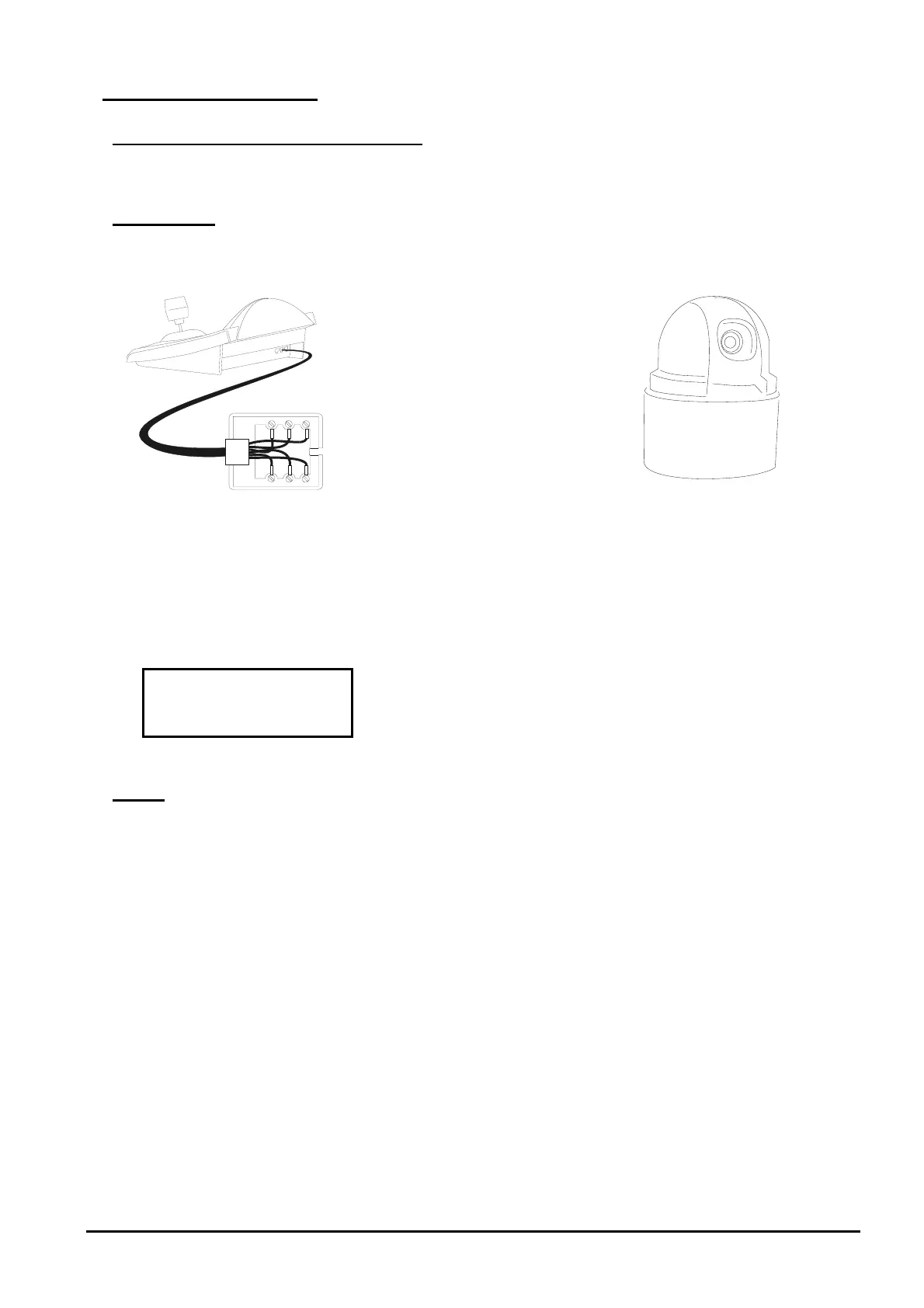
6.9.2 Connection
6.9.2.1 Cable
White
Yellow
RS485
A
RS485B
Rx+
Rx-
6.9.2.2 Dome settings
Dome ID-number must be set according to the respective installation manual.
Baudrate can be selected among the following values: 1200, 2400 (default), 4800, 9600, 19200 baud.
6.9.2.3 Keyboard settings
During Keyboard setup, submenu must be suitably set:
Baudrate mu
st be equ
al to the one selected for the dome.
6.9.3 Setup
Dome setup is mostly carried out by On Screen Menu.
Some parameters can be set up by pressing a combination of keys or by inserting a special code.
For all setup operations the keyboard must be enabled to perform the receiver setup (menu



 To Next Page