Page 106
MNVADCJ01_1729_EN
6.17 Santec Dome
6.17.1 Connection
6.17.1.1 Cable
White
Yellow
RS485
A
RS485B
TX +
TX -
6.17.1.2 Setting up the dome
The dome number and protocol should be correctly configured.
The baud rate can be selected between: 2400 (default), 4800, 9600 baud.
Consult the dome manual.
6.17.1.3 Setting up the keyboard
While configuring the keyboard, the submenu , should have the
following settings:
The ba
ud ra
te should correspond to the one chosen for the
dome.
6.17.2 Configuration
Dome configuration is mostly carried out using the On Screen Menu.
For all dome setup operations the keyboard should be enabled for TELEMETRY CONFIGURATION (menu
).
6.17.2.1 OSM Configuration
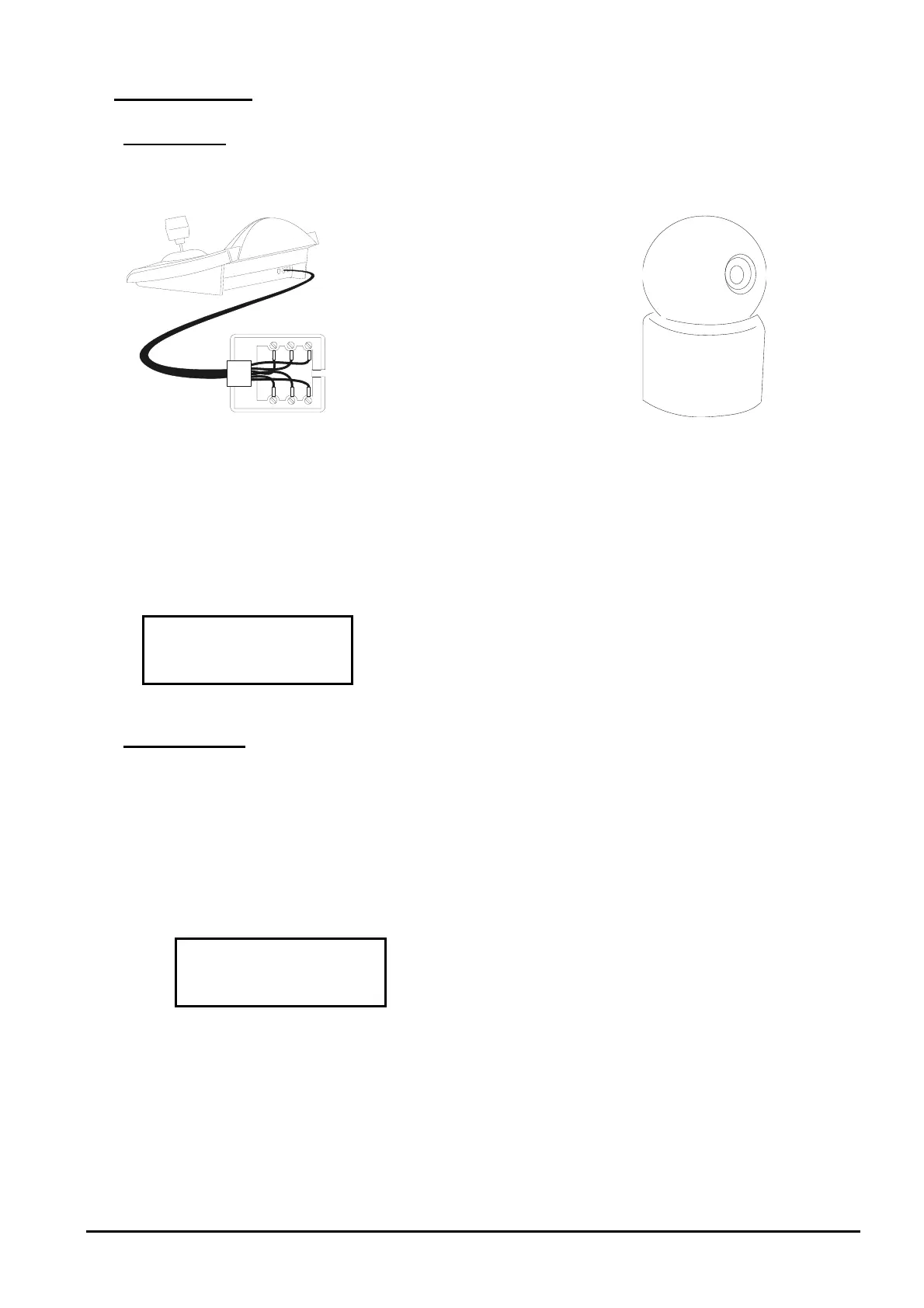
Directly connect the dome to the keyboard as shown in the diagram and a monitor to the dome video output.
start dome configuration.
The dome shows the on screen menu; the keyboard display shows the mode change:
end of configuration.
The ESC key requi
red by dome configuration procedure is replaced by the
key.
Important note! When exiting dome configuration it is necessary to press
to return the keyboard to normal
operation.
Joystick
: cursor movement within the menus
: replaces the CTRL key.



 To Next Page