Page 100
MNVADCJ
01_1729_EN
6.15 Pelco Dome
6.15.1 Reference material and documents
Dome Spectra II 3.31
Pelco Protocol Manual, “D” Protocol, March 2, 1999
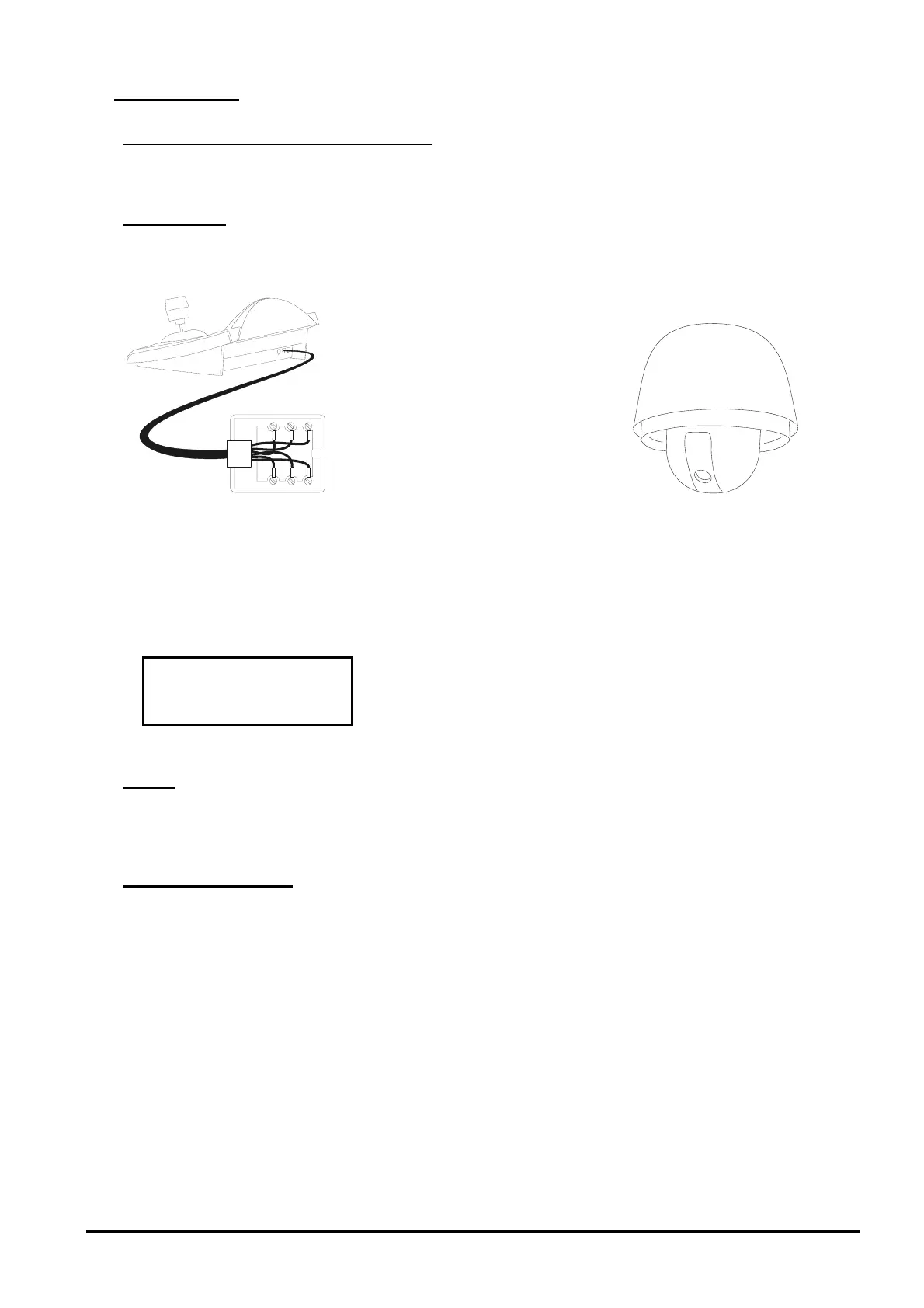
6.15.2 Connection
6.15.2.1 Cable
White
Yellow
RS485A
RS485B
RX+
RX-
6.15.2.2 Dome settings
Dome ID-number must be set according to the respective installation manual.
Protocol must be set as Type ‘D’.
6.15.2.3 Keyboard settings
During Keyboard setup, submenu must be suitably set:
Baudrate is fixed (240
0 baud).
6.15.3 Setup
The dome can be set up by pressing a combination of keys or by inserting a special code.
For all setup operations the keyboard must be enabled to perform the receiver setup (menu
).
6.15.4 Preset, scan, home
(1÷32): store the present position as preset position number X
(1÷32): erase previously stored preset position number X
(1÷32): movement towards previously stored position X
: movement towards the Home position, corresponding to preset position 1
: movement towards pan position 0



 To Next Page