G4 Multi Channel Weighing Instrument
Scale Batching (program option)
The RM instrument is a complete multi scale batcher but it is not intended as an
operator interface for batching. It is possible to set-up the batching sequences
from the RM instrument front panel. However for control (start, stop, reset etc) of
the batching sequence should a supervising computer be used (PLC, SCADA
system etc).
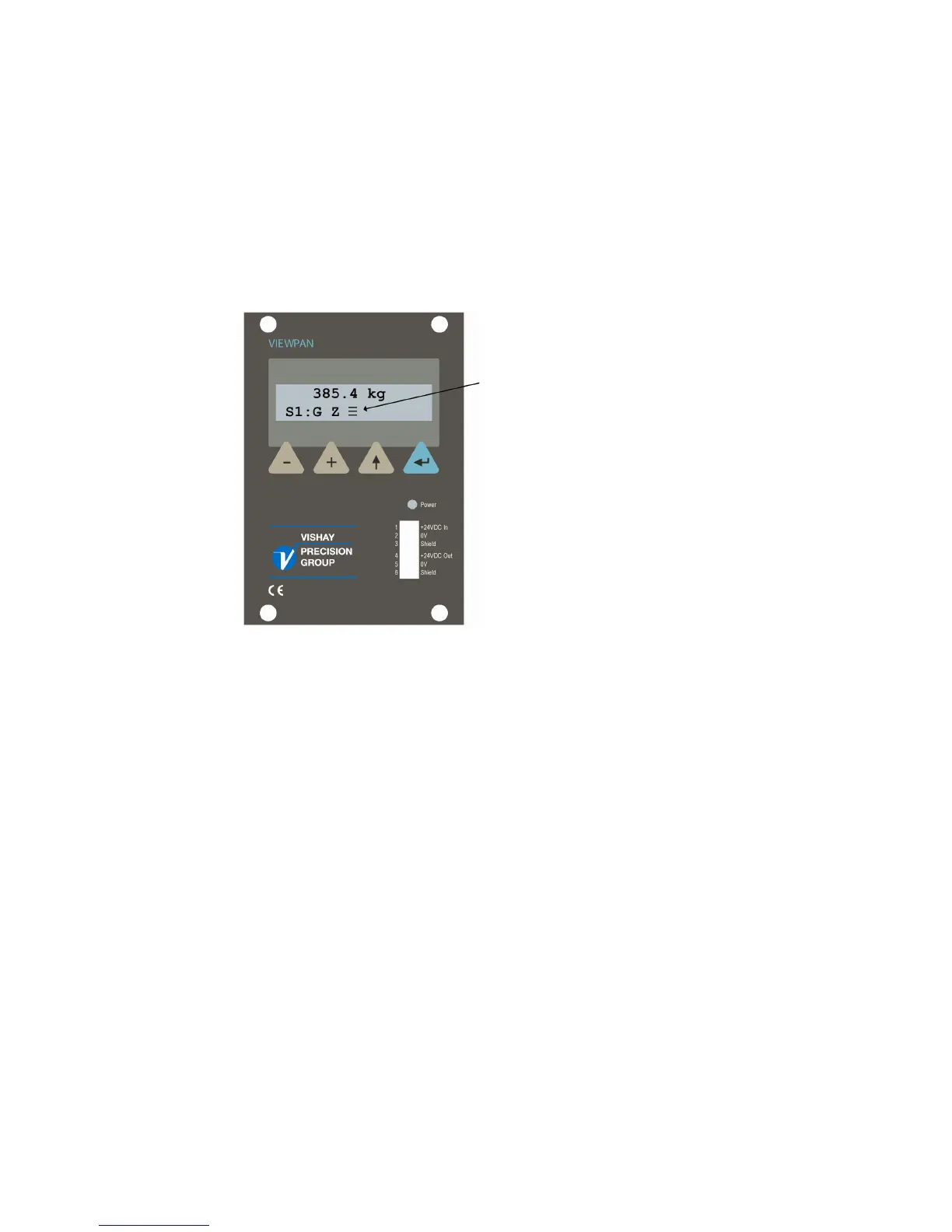
An animated symbol is shown in the weight display, when batching is active
(running) for the selected scale.
Animated batching indicator symbol
Batched weights
For each scale accumulated weights (batched material) will be created.
In the menu ‘Batched Weights’, in the ‘Main Menu’, are the accumulated weights for
each configured scale to be found. Each batched weight can be changed, e.g. set to
zero (see ’Accumulated Weights’ above).
13



 To Next Page