G4 Multi Channel Weighing Instrument
Service panel
General
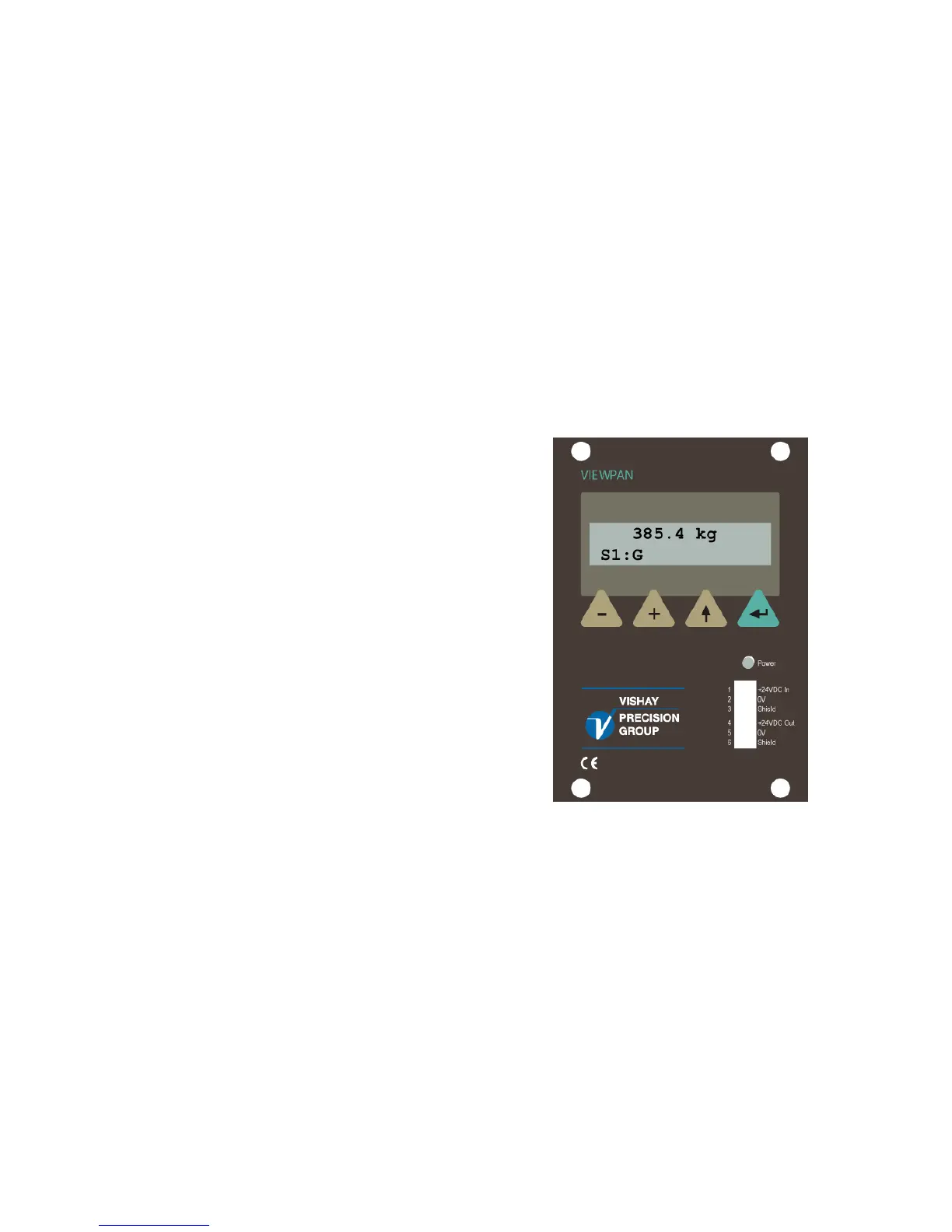
The service panel VIEWPAN features a two-line, back lighted LCD-display and four
function keys. It can display the weight or flow value, or other selected information,
for one scale at a time.
It is also possible to connect a standard USB keyboard for PC to the USB connector
at the CPU module. The keyboard will work in parallel with the keys on VIEWPAN and
will make it easier to handle the configuration of the instrument, as it can be used as an
input for digits and characters.
The keyboard keys ' + ', ' – ', ' ↑ ' or 'Esc', and 'Enter' will correspond the VIEWPAN
keys ' + ', ' – ', ' ↑ ' , and ' ↵ '.
Function key 'F11' on the keyboard can be used to access the 'Main Menu'.
Display
During measuring operation the function
keys + and – are used to toggle G4 RM
between display of measured values for
the scales in the instrument.
As G4 RM is in measuring operation
the top line shows a weight or flow value.
The bottom line, to the left, indicates
the actual scale number (S1:, S2: etc.),
and information about the measured value
(G=gross weight, N=net weight, M=motion,
Z=zero, Flow=flow display).
VIEWPAN module
3



 To Next Page