Operating instructions, Quick installation
Clock set-up
Date/time information always exists within G4 RM, but is not presented at VIEWPAN.
Setting of correct date and time is performed in 'Clock Set-up', a sub menu
to the 'Main Menu'.
Setting of date and time doesn't interrupt normal weighing operation.
(To open the 'Main Menu' from normal weight display,
press the keys + and ↑ simultaneously for 1 second.)
In 'Main Menu', use key + or – to find
sub menu 'Clock Set-up'.
Press key ↵ to enter the menu.
Parameter 'Date:' is displayed.
To edit the date, press key ↵ .
A flashing cursor appears on the bottom line.
Use key + or – to edit the date digit by digit.
Accept each digit by key ↵ .
Press key ↵ for 1 second to accept the displayed
date. The cursor disappears.
Now key + can be used to display next parameter.
Parameter 'Time:' is displayed.
To edit the time, press key ↵ .
A flashing cursor appears on the bottom line.
Use key + or – to edit the time digit by digit.
Accept each digit by key ↵ .
(Display of time is halted during edit.)
Press key ↵ for 1 second
to accept the displayed time.
The cursor disappears.
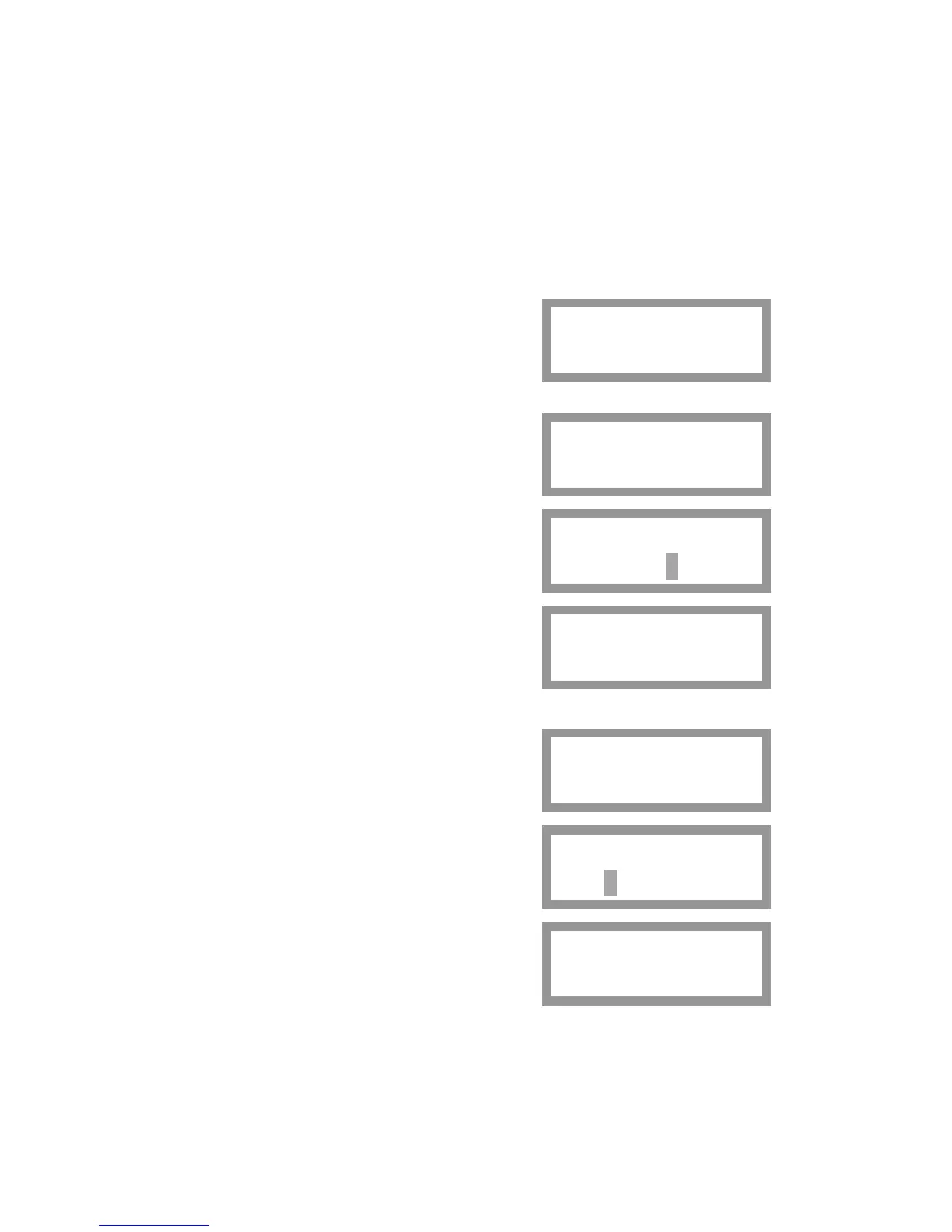
Main Menu
Clock Set-up
Date:
2006-09-23
Date:
2006-09-24
Date:
2006-09-24
Time:
19:07:14
Time:
19:09:24
Time:
19:09:30
Press the key ↑ to leave 'Clock Set-up' and get to the 'Main Menu'.
24



 To Next Page