Operating instructions, Quick installation
Start-up
As soon as power is connected to the instrument, it will display 'Vishay' during a
start-up period, then the text ‘Start up, please wait’ is displayed after some seconds.
Then G4 automatically switches to normal measuring operation.
If the instrument is set for operator start-up, the text
‘Manual start. Push any key!’ will be shown until a key is pushed.
If a warm up time has been set, the text ‘Warming up Please wait!’
will be displayed before the instrument switches to measuring operation.
If any error is detected, the start-up stops and an error message will be displayed.
Maintenance
The G4 instrument needs no maintenance performed by the end-user. Any service
or repair work must be performed by qualified personnel. Contact your supplier.
Cleaning
Before cleaning the G4, break the power connection to the instrument.
Use a soft cloth to clean the exterior of the instrument.
Safety information
Utilization.
Before connecting power to the instrument, check that all fixation screws at the modules
are tightened so that the instruments functional grounding by the housing is maintained.
The instrument may only be utilized for the measurement and control functions, described
in the Technical Manual for G4 Multi Channel Weighing Instrument, RM type. It is
especially important to adhere to the load limits of the input/output connectors.
We accept no responsibility for any damage arising from improper operation.
Any changes to the instrument, which causes any function changes, may only be
carried out by the manufacturer, or after discussion with and permission by the
manufacturer.
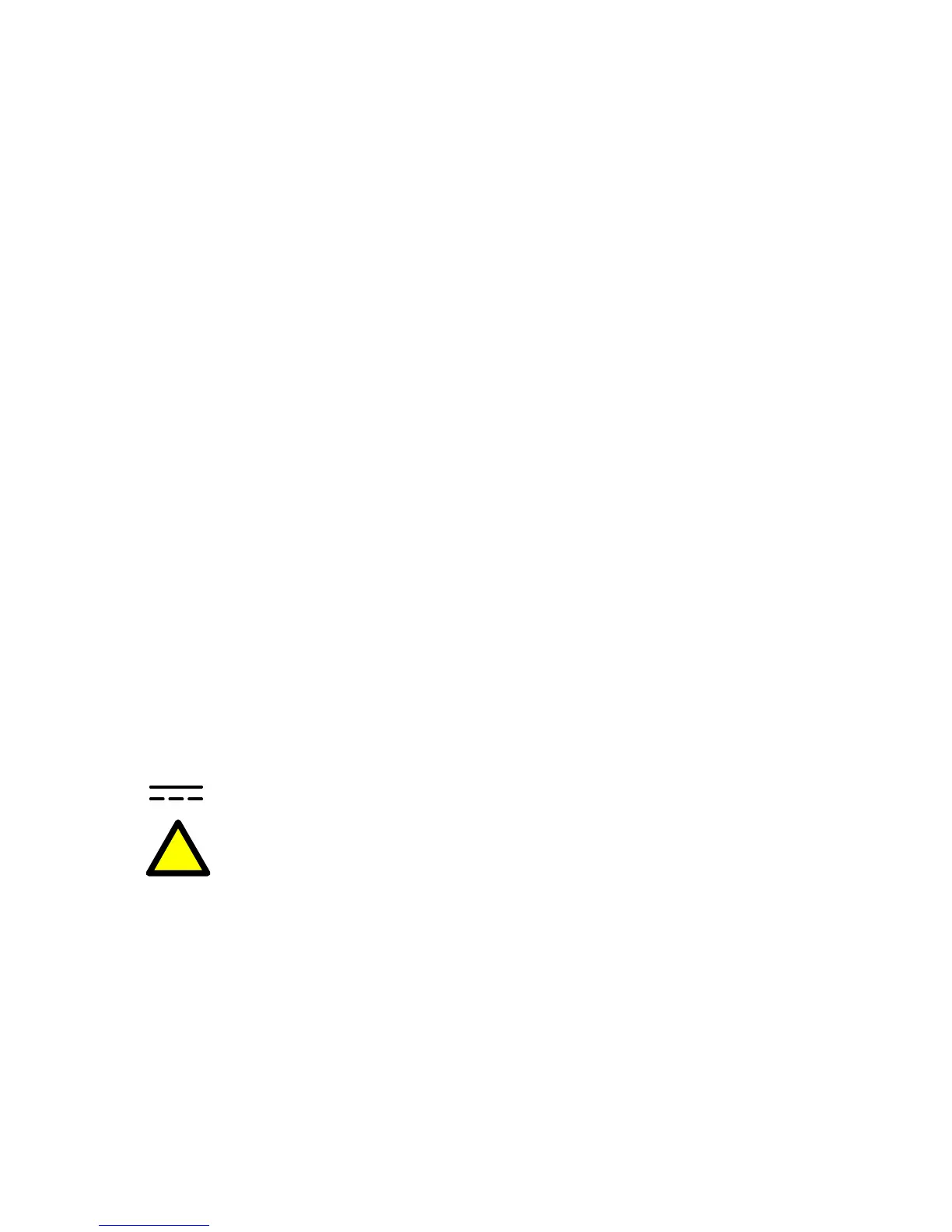
Meaning of symbols, used in this manual
Direct current.
!
Caution, risk of danger. Documentation needs to be consulted.
2



 To Next Page