Operating instructions, Quick installation
Common parameters
G4 has a number of parameters that are common for the whole instrument.
They are found in menu 'General', a sub menu to 'Param. Set-up'.
Press the keys + and ↑ simultaneously
for 1 second to open 'Main Menu'.
In 'Main Menu', use key + or – to find
sub menu 'Param. Set-up'.
Press key ↵ .
In 'Param. Set-up', use key + or – to find
sub menu 'General'.
Press key ↵ .
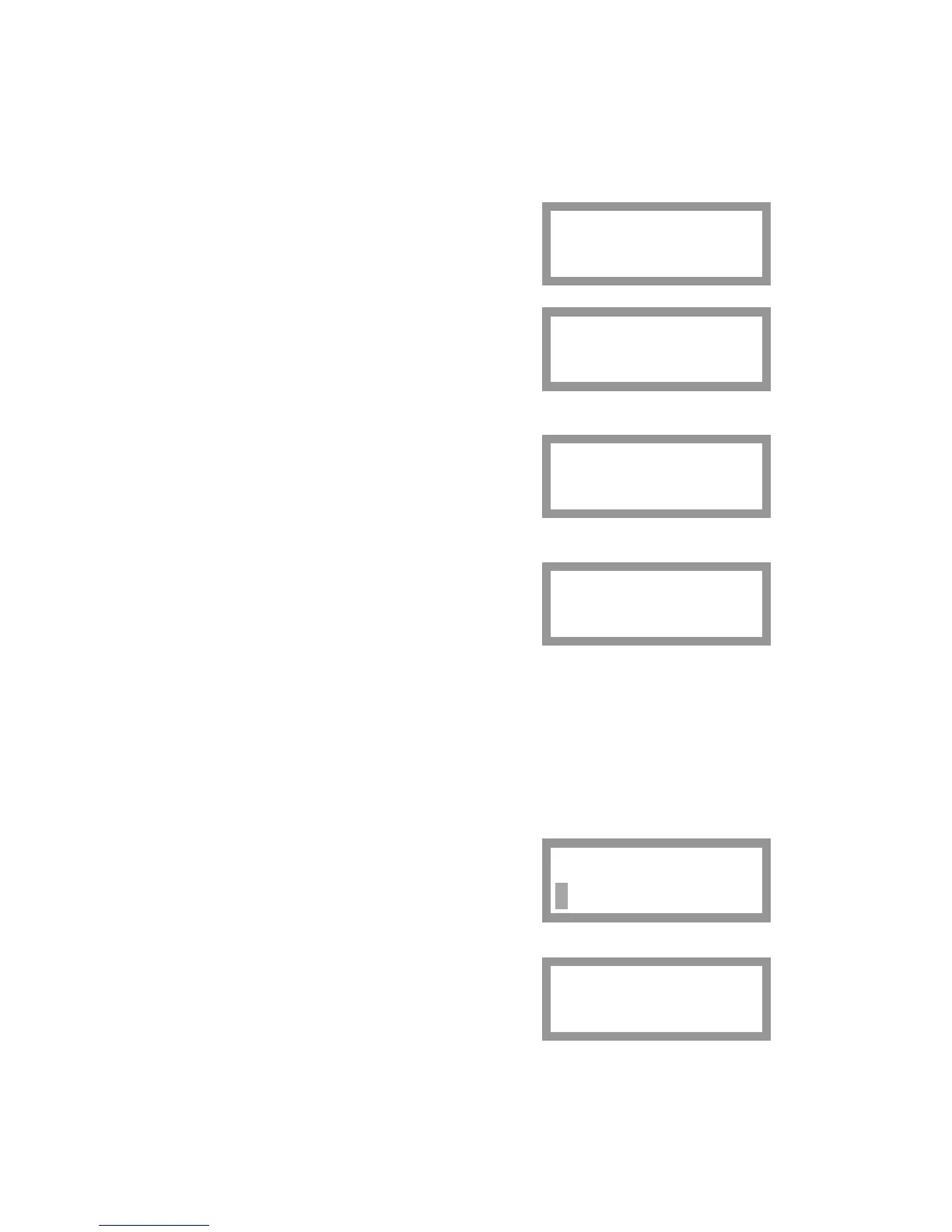
Sub menu 'General' is displayed with the first
parameter 'Language'. The keys + and –
can be used to scroll the list of parameters.
Some basic parameters are explained below.
123.4 kg
S1:G
Main Menu
Param. Set-up
Param. Set-up
General
General
Language
Press key ↵ to perform editing
of the displayed parameter.
The Set-up Code or the Operator Code may be needed to start editing.
Language
If parameter 'Language' is selected for editing, the actual language appears
on the bottom line with a flashing cursor.
Press key + or – to scroll the alternatives.
The selected language will be used for all text
at the display, and for all parameter names.
Press key ↵ for 1 second to accept
the displayed alternative.
The selected language is displayed
without cursor.
Language
English
Language
English
Now key + or – can be used to display another parameter.
22



 To Next Page