G4 Multi Channel Weighing Instrument
Date Format
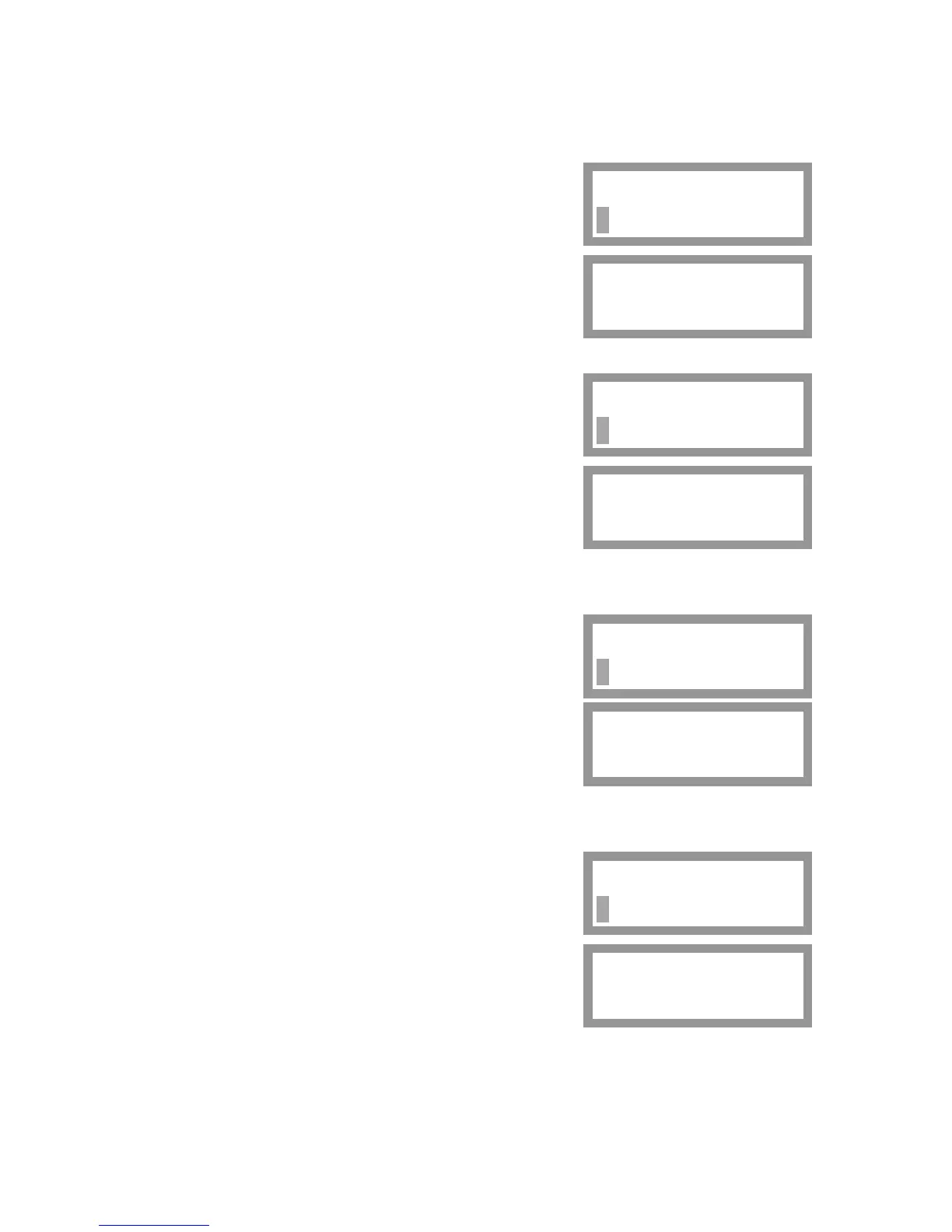
If parameter 'Date Format' is selected, the actual format appears on the bottom line
with a flashing cursor. Press key + or – to scroll the alternatives.
In the alternatives, YYYY stands for 'year',
MM stands for 'month', DD stands for 'day'.
Press key ↵ for 1 second to accept the displayed
alternative.
The selected date format is displayed without cursor.
Now key + or – can be used to display another
parameter.
Time Format
If parameter 'Time Format' is selected for editing,
the actual format appears on the bottom line
with a flashing cursor.
Press key + or – to scroll the alternatives.
Press key ↵ for 1 second to accept the displayed
alternative.
The selected time format is displayed without cursor.
Now key + or – can be used to display another
parameter.
Set-up Lock
For security reasons, we recommend setting of this
parameter to 'On'.
If parameter 'Set-up Lock' is selected for editing,
the actual setting appears on the bottom line
with a flashing cursor.
Press key + or – to scroll the alternatives.
Press key ↵ for 1 second to accept the displayed
alternative.
The selected alternative is displayed without cursor.
If 'Set-up Lock' is set to 'On', parameter 'Set-up Code'
will appear. See below.
Date Format
YYYY-MM-DD
Date Format
YYYY-MM-DD
Time Format
24 h
Time Format
24 h
Set-up Lock
Off
Set-up Lock
On
Now key + or – can be used to display another parameter.
Set-up Code
If 'Set-up Code' is selected for editing, the actual code
appears on the bottom line with a flashing cursor.
Use key + or – to edit the code, digit by digit.
Accept each digit by key ↵ .
Press key ↵ for 1 second to accept the displayed
code.
The code, replaced by four asterisks, is displayed
without cursor.
Set-up Code
****
Set-up Code
1937
Now key + or – can be used to display another parameter.
Press key ↑ twice to leave 'General' and return to the 'Main Menu', where a sub menu
is available for Clock Set-up of the instrument. See next page.
23



 To Next Page