Page 46 Vision Microsystems Incorporated
Sending Data Back to VM1000C
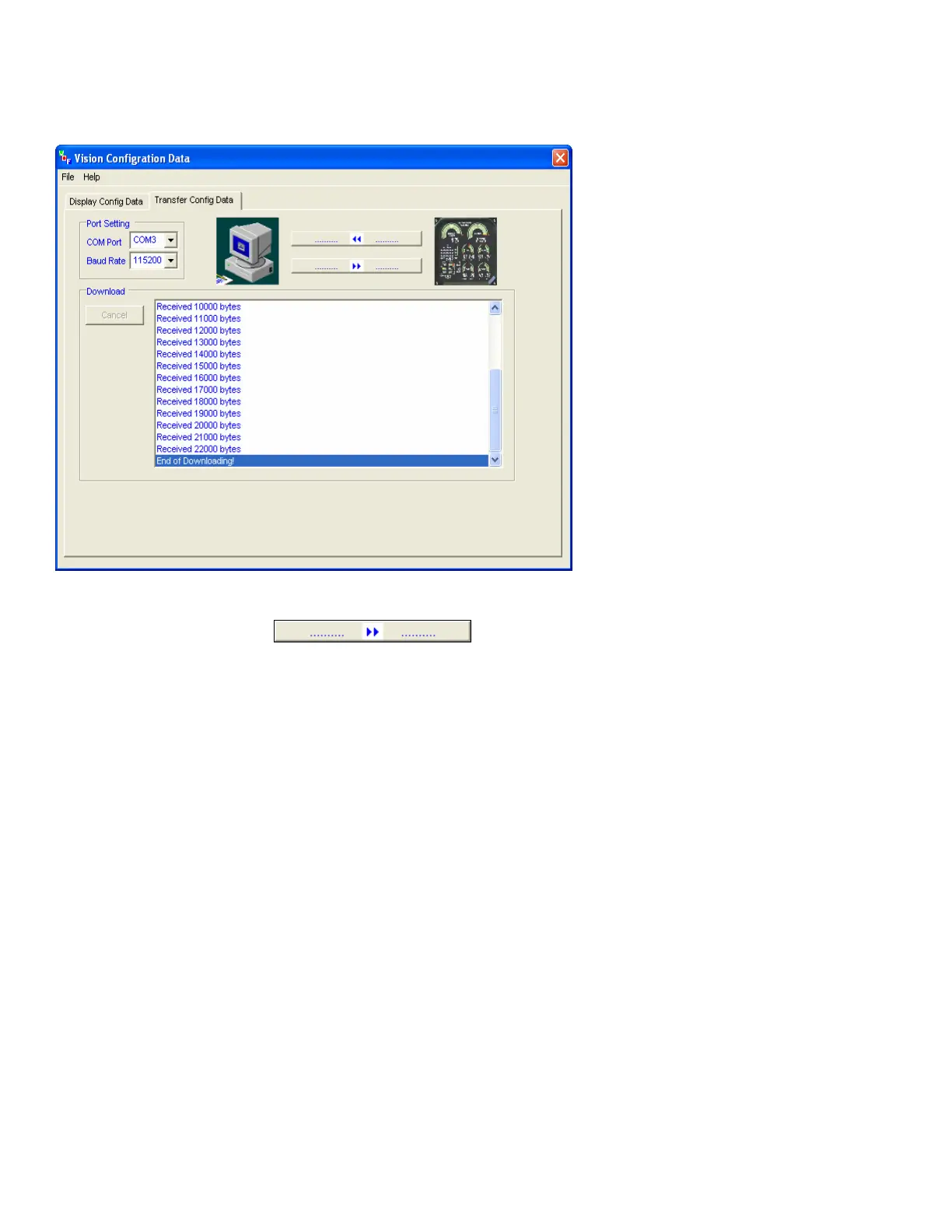
To save your changes to the VM1000C configuration, click on the lower
button between the two images The
Vision Configuration program will send the modifications to the
VM1000C and when complete the VM1000C will restart with the new
values.
After you have finished any modifications, you can save the
configuration data as a file by clicking the
File menu item and then
click Save Config data to a File. Select a file name of enter a new file
name.


 To Next Page