Visionary, Network Audio Video
DUETE-2/DuetD-2 USER MANUAL
STREAM.AUDIO=ANALOG
(Encoders only)
DuetE-2 – STREAM.AUDIO=Analog
Uses the Analog audio (balanced or unbalanced consumer line level via Euroblock connector) and sends it out the AV stream.
***DuetD-2 is always passing analog audio via the Euroblock connector. DuetD-2 allows volume level (AUDIO.VOLUME) setting of
analog audio output. AUDIO.DAC_MUTE will mute or unmute the audio being transmitted out the analog output. This output is
always the first two channels of audio in the AV over IP stream or Dante receive channels (encoded source audio must be LPCM).
AUDIO.DAC_MUX=STREAM
(Decoder only)
1. Decoder receives AV over IP stream with both audio and video and decodes just the audio to the decoder analog output.
AUDIO.DAC_MUX=DANTE
(Decoder only)
1. Decoder takes up to 2 channels of Dante™ audio (channel 1 & channel 2) selected via Dante™ Controller and sends audio out
decoder analog output.
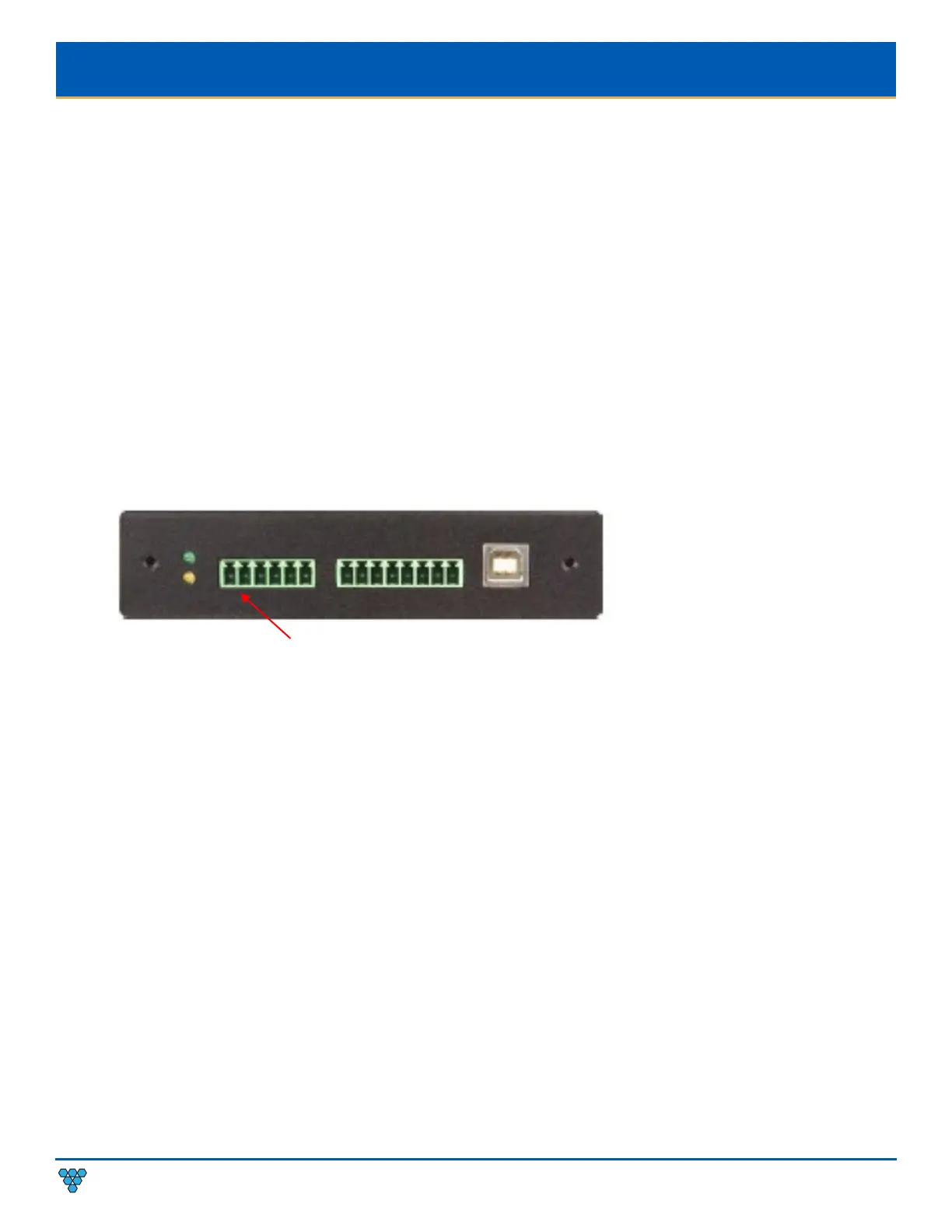
AUDIO CONNECTIONS
Pin 1: Left
Pin 2: GND
Pin 3: Shield
Pin 4: Right
Pin 5: GND
Pin 6: Shield
Figure 10. Audio Connector Pinout Diagram
RTP AUDIO STREAM (ENCODER ONLY)
All encoders (E4100, DuetE-WP, DuetE-WP-H, DuetE-WP-BT, and DuetE-2) have the ability to transmit up to 8 channels of LPCM audio as an RTP
audio stream. The RTP audio stream may be transmitted as either a unicast or multicast stream. This feature is mainly used to transmit RTP audio
from an encoder to a QSC Core DSP.
1. Access the web interface for the encoder unit that will be transmitting the RTP audio stream and log in with username=admin
password=admin.
2. Click the Configuration tab.
3. Enter an IP address into the STREAM.RTP_ADDRESS filed.
a. To send unicast (recommended), enter the IP address of the QSC Core DSP.
b. To send multicast, enter a unique multicast IP address (example: 225.168.8.100).



 To Next Page