Visionary, Network Audio Video
DUETE-2/DuetD-2 USER MANUAL
4. Click Factory Default.
5. Click OK on the pop-up.
6. The unit will reset to its factory default settings.
Method 2:
1. Locate the reset button on the bottom side of the Duet-2.
2. Use a paperclip or similar device to press physical reset button.
3. Press and hold the reset button until the LEDs on the front of the Duet-2 indicate the unit has been reset (Fast Link LED).
4. The unit will reset to its factory default settings.
DIAGNOSTICS PAGE
Every encoder and decoder have a diagnostics page that is accessible via the web UI. To access the diagnostics page, type the
following address into a web browser: http://admin:admin@<unit IP address>/diagnostics.html. The diagnostics page provides the
following information:
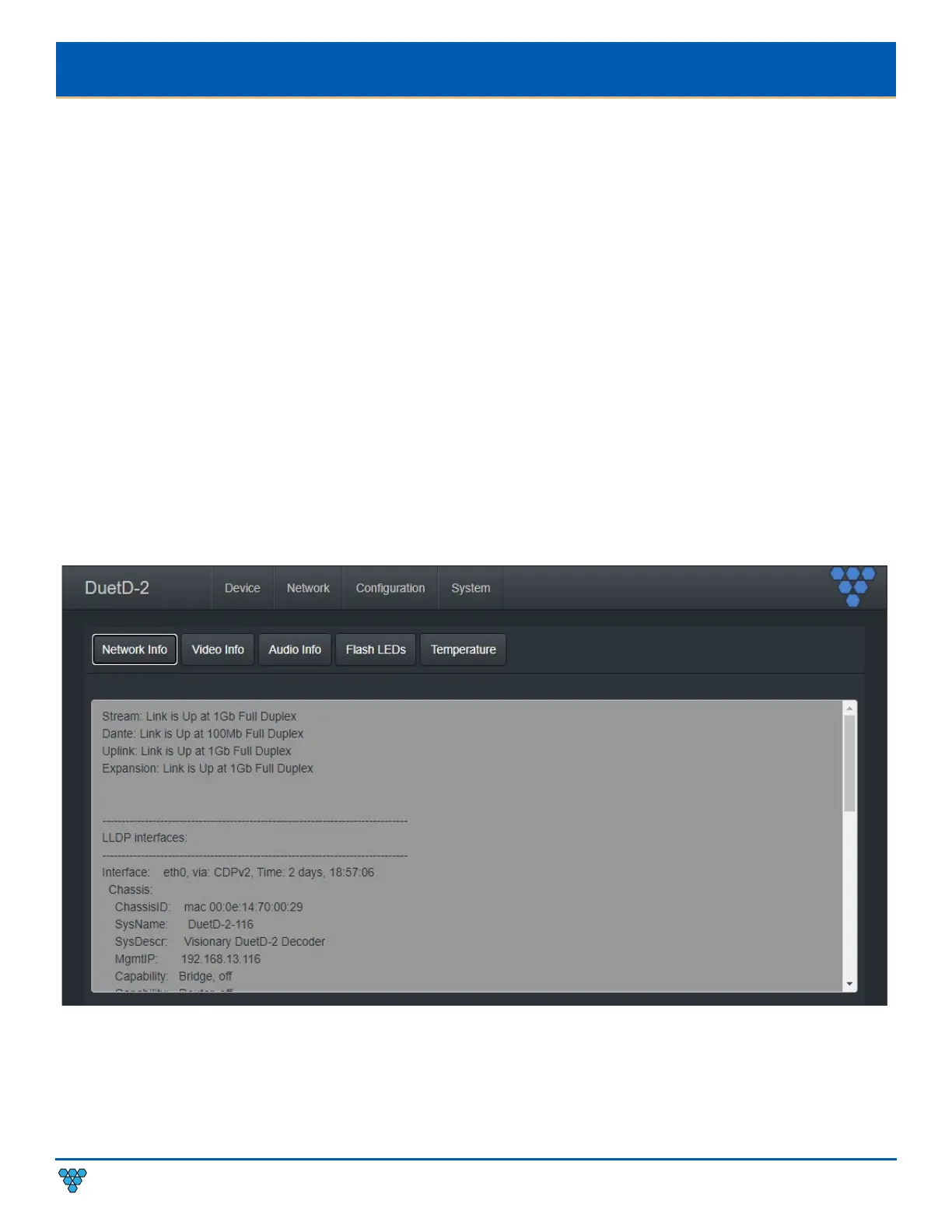
NETWORK INFO
Displays the current network link speed for Stream, Dante, Uplink, and expansion port. In addition, the network info displays local
and neighbor LLDP information.



 To Next Page