Visionary, Network Audio Video
DUETE-2/DuetD-2 USER MANUAL
CONFIGURATION TAB (CONT.)
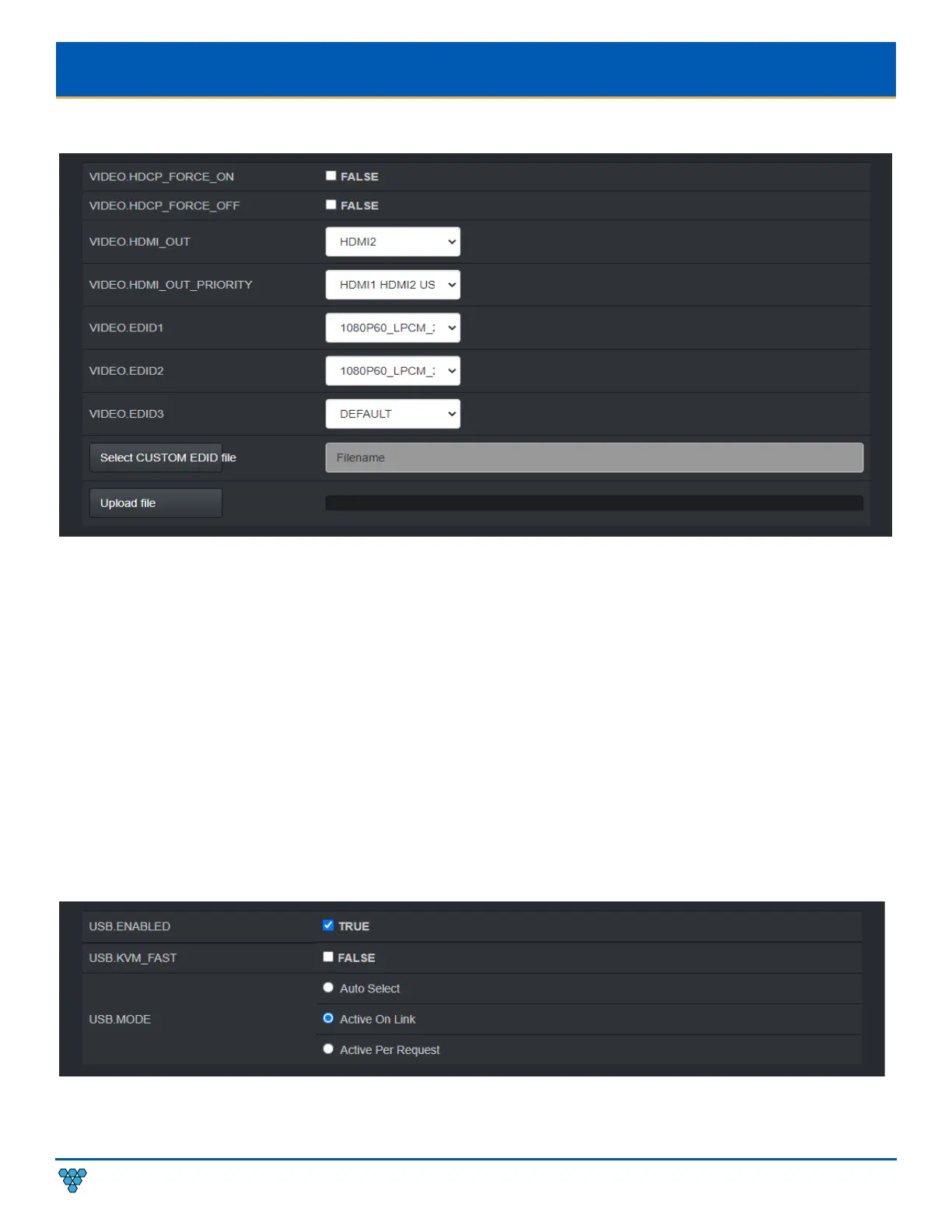
VIDEO.HDCP_FORCE_ON – Force the encoder to accept only HDCP sources. See section HDCP Force On.
VIDEO.HDCP_FORCE_OFF - See section HDCP Force Off (Encoder Only).
VIDEO.HDMI_OUT – Used to set encoder HDMI out (loop out) source select – AUTO, HDMI1, HDMI2, USB-C
VIDEO.HDMI_OUT_PRIORITY - Used to set encoder HDMI out (loop out) select priority when VIDEO.HDMI_OUT is set to AUTO.
VIDEO.EDID1 – Used to select between different default, prebuilt, and custom EDID files for HDMI1. See section Multi-Input EDID
Management.
VIDEO.EDID2 – Used to select between different default, prebuilt, and custom EDID files for HDMI2. See section Multi-Input EDID
Management.
VIDEO.EDID3 – Used to select between different default, prebuilt, and custom EDID files USB-C. See section Multi-Input EDID
Management.
Select CUSTOM EDID file – Browse to select a custom EDID file. The filename must be in the format *.edid. See section EDID.
Upload file – Upload the selected custom EDID file. See section EDID.



 To Next Page