31
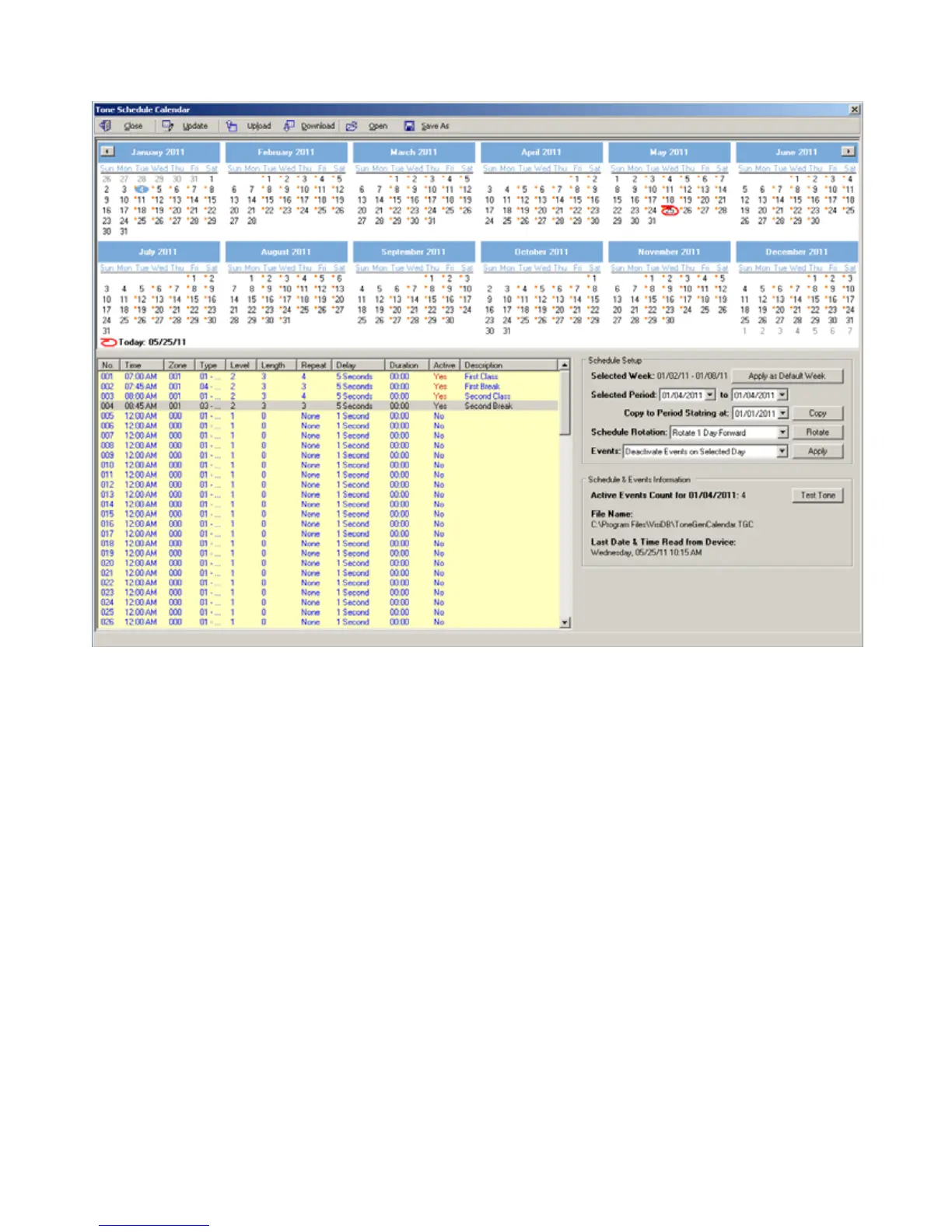
7. If the Rotate command is selected, the schedule will be rotated by one day or one month forward or backwards. In the
following example, the schedule was rotated one day forward (the first event if moved from 01/03/2011 to 01/04/2011).
In the following example, the schedule was rotated one month forward to accommodate a schedule that starts with a
month other than January. In that case, the daily events of January 2011 were applied to the January 2012.
Since January 3rd on 2012 is a Tuesday (compared to a Monday on 2011), the range of 01/03/2012 to 01/28/2012 may
be copied to the period starting at 01/02/2012 in order have the events start at Monday 01/02/2012 using the Copy
command. In addition, the events of 01/31/2012 may be copied to 01/30/2012 and the events for 01/31/2012 may
have to be edited as required.



 To Next Page