15
3.1.11 Operation Modes Menu
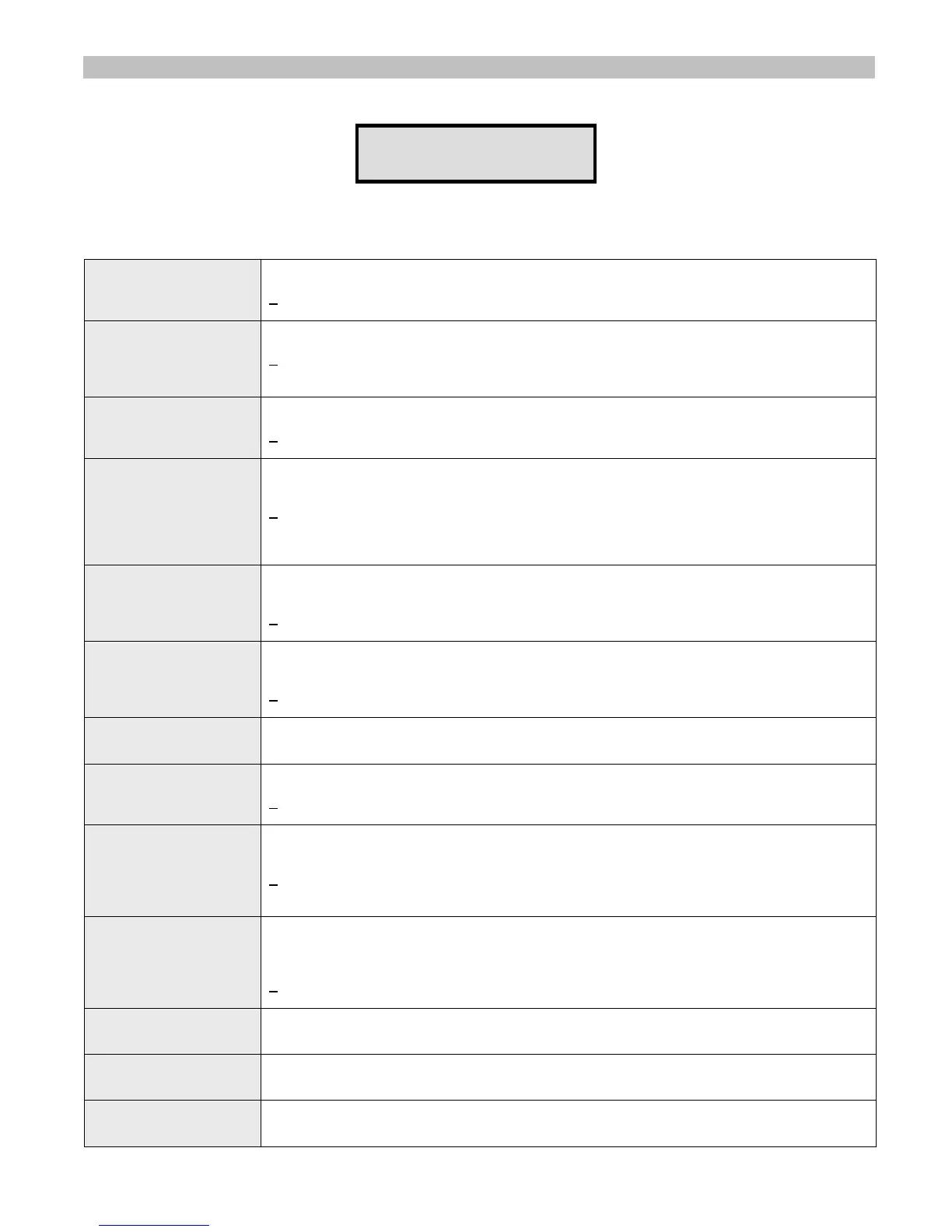
From the Administration Menu, select B followed by the # key. The following screen will be displayed:
OPERATIOS MODES:
PRE-PAGE DELAY
This screen allows the administrator to configure global settings of the VS4500.
Press the key representing the field followed by # key to edit the settings. Following are the fields description:
1 - Pre-Page Delay
Determines if a delay will be applied before the transmission of data for digital paging. Enter a
value between 0 and 1 followed by # key to save the settings:
0
– Disabled
1 – Enabled
2 - Intercom
Determines the mode of the 2-way intercom feature. Enter a value between 0 and 2 followed
by # key to save the settings:
0
– Disabled
1 – Enabled
2 – full-duplex mode
3 - LBT Mode
Determines if the Listen before Transmit is activated. Enter a value between 0 and 1 followed
by # key to save the settings:
0
– Disabled
1 – Enabled
4 - Two-Channel Mode
Determines if different frequencies should be used for different type of transmissions. The 1st
channel will be used for standard paging and PA while the 2nd channel will be used for wireless
clocks. Enter a value between 0 and 1 followed by # key to save the settings:
0
– Disabled
1 – Enabled
Note: This feature requires supporting transmitter with two channels set to different
frequencies.
5 - Auto Speaker
Determines if the system will automatically transmit messages to the pre-assigned device
(usually 898) when the microphone's PTT is activated. Enter a value between 0 and 1 followed
by # key to save the settings:
0
– Disabled
1 – Enabled
6 - Auto Phone Page
Determines if the system will automatically transmit messages to the pre-assigned device
(usually 899) when a call is received on the telephone interface is activated. Enter a value
between 0 and 1 followed by # key to save the settings:
0
– Disabled
1 – Enabled
7 - Speaker Level
Determines the default volume level of the VS4500 internal speaker used for 2-way
communication with intercom stations. Enter a value between 0 and 9 followed by # key to
save the settings.
8 – TX ALC
Determines if the Automatic Level Control is activated for voice transmissions. Enter a value
between 0 and 1 followed by # key to save the settings:
0
– Disabled
1 – Enabled
9 – LED Display Mode
Determines if the messages sent to alphanumeric display should overwrite the displayed
message or added to the current queue of messages displayed by the alphanumeric display.
Enter a value between 1 and 2 followed by # key to save the settings:
1
– New messages overwrite the currently displayed message.
2 – New messages are added to the list of messages (messages will be displayed one after the
other according to the messages parameters).
0 – MIC PTT Mode
Determines if the wireless speaker controllers (such as VNS2200) should be muted when the
microphone PTT is off to reduce background audio. Enter a value between 0 and 1 followed by
# key to save the settings:
0 – Wireless speaker controllers are not muted when the microphone PTT is off.
1
– Wireless speaker controllers are muted when the microphone PTT is off.
Note: This feature requires compatible wireless speaker controller.
A – LED Color
Determines the default color that should be used to display messages sent to alphanumeric
displays. Enter a value according to the settings supported by the alphanumeric display.
Note: Please refer to the alphanumeric display instructions sheet for more information.
B – LED Text Mode
Determines the default effect that should be used to display messages sent to alphanumeric
displays. Enter a value according to the settings supported by the alphanumeric display.
Note: Please refer to the alphanumeric display instructions sheet for more information.
C – Led Font Style
Determines the default font that should be used to display messages sent to alphanumeric
displays. Enter a value according to the settings supported by the alphanumeric display.
Note: Please refer to the alphanumeric display instructions sheet for more information.



 To Next Page