34
4.1.8 System Devices Database Programmer
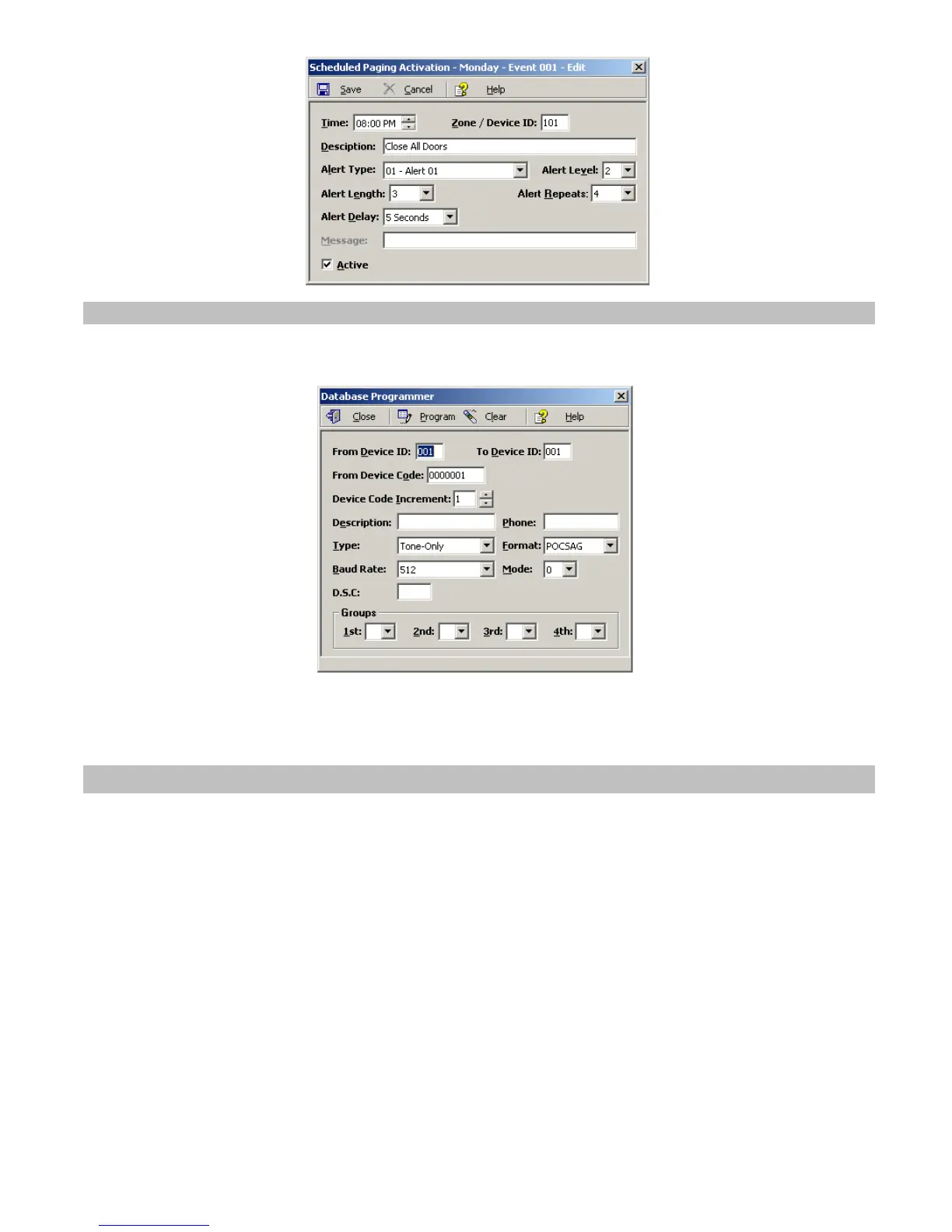
The System Devices Database Programmer allows you to easily add a multiple devices to the devices database.
Click on VS4500, System Devices & Messaging. Click on Programmer to display the Database Programmer dialog box.
Enter the required information into the fields and click on Program button to update/program the devices database.
Note: If the Work Offline check box is cleared, devices are not programmed in to the VS4500. In that case, use the
Upload command to program the VS4500 with the device displayed.
4.2 TimeSync
The optional TimeSync software provides central control from a management PC of up to 16 synchronized devices by using
serial communication (RS232) between the PC and the device. This software provides the following functionality:
1. Write the PC time and date to the VS4500. This time will be used as the reference time for these devices.
2. Read the time from the VS4500 and synchronize the PC date and time accordingly.
The serial communication can be established in one of the following methods:
1. Using a local RS232 (serial) port on the management PC (usually COM1 to COM4). The encoder or tone generator must
be connected via null modem cable to the PC (usually no more than 6' long).
2. Using a virtual RS232 port (such as TS-ADA-051, LAN to RS232 adaptor). This will allow the synchronized device to be
located anywhere in the facility as long as it accessible via the LAN to which the PC is connected to.
Each TS-ADA-051 is assigned with an IP address and creates a virtual serial port on the PC. This virtual serial port can be
used by the TimeSync software to write or read the time from the synchronized device.
Typical solution packages:
1. Synchronize encoder or tone generator according to PC time:
VS4500
TimeSync (VSPS-02) software
TS-ADA-051 (optional, required only if the encoder or receiver are not connected directly to the PC)



 To Next Page