22
3.7.3 Wireless Devices Menu
Wireless devices messages provide support for automated messaging activated by CT-1xx series or 900MHz (EN or FA
series) wireless pendants or push button transmitters.
Each wireless device button sends a wireless signal containing its ID. When a signal is received by the wireless receiver, it is
compared to the list of ID stored in the VS4500. If a match is found, the VS4500 will send a message to the assigned device
with the assigned message.
Notes: Wireless serial receiver (VPR-04 or 900MHz) is required to activate these messages.
If multiple matches are found, the VS4500 will send a message corresponding to each match to the respective assigned
device with the respective assigned message.
Following are the fields description:
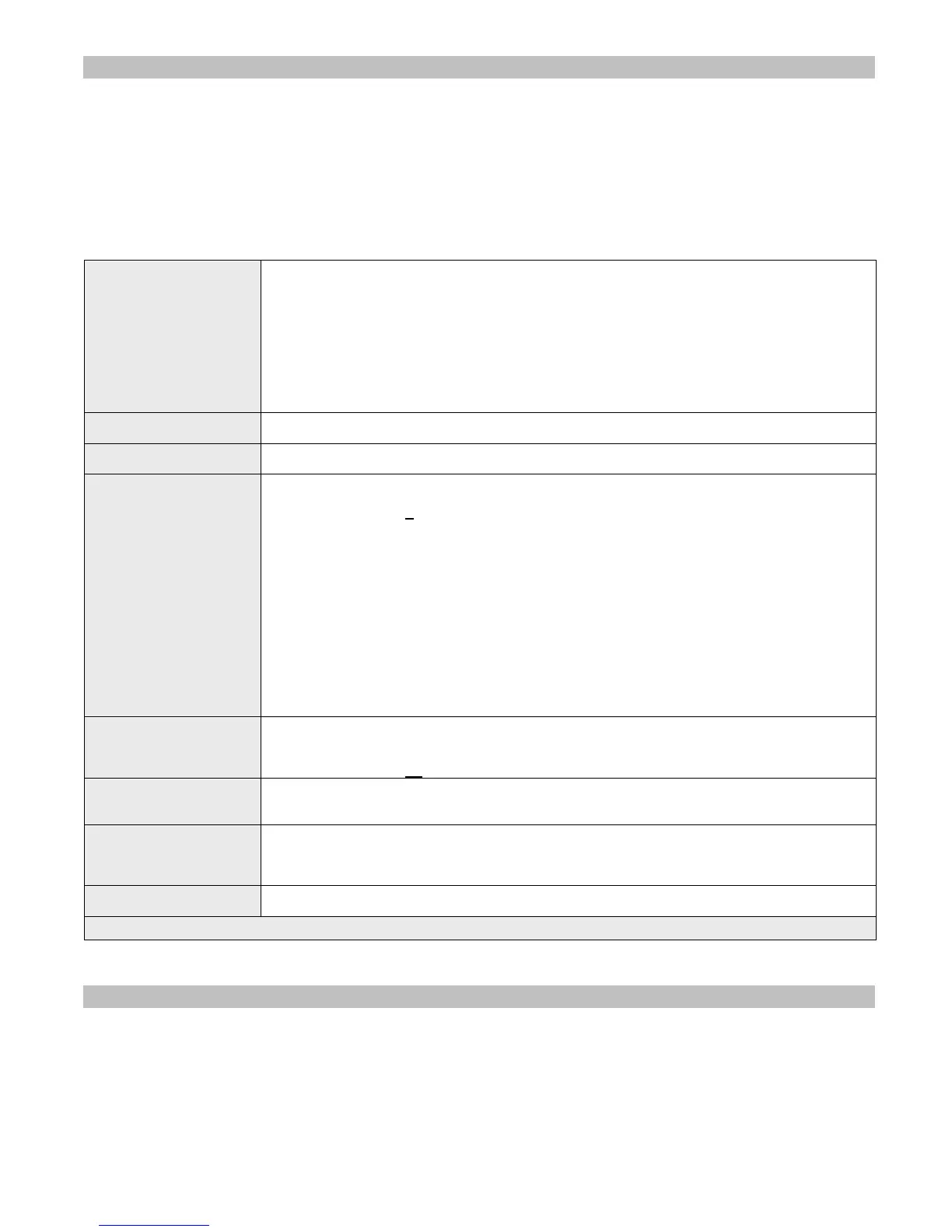
Wireless Code
If the wireless device hasn't been registered, enter the ID of the wireless device that should
trigger a message.
Note: For CT-1xx series, the ID is the 6 rightmost digits of the serial number. For 900 MHz
EN series devices, the ID is the 6 rightmost digits of the device code (see 8 digit label on the
wireless device)
Multiple button 900 MHz wireless device from the FA series have to be programmed as
individual wireless devices with different Wireless Code.
Multiple button CT-1xx wireless device or 900 MHz wireless device from the EN series have to
be programmed as individual wireless device with same Wireless Code and different Button /
Alarm ID.
Supervised
Determines if the device is supervised. If a signal is not received from a supervised device, the
VS4500 will send an alert.
Send to Device
Enter the number of the device that should receive the message when the selected wireless
code is detected.
Activity Plan
Determines when the device monitoring is active. The system will send a message to the
designated device only if the wireless pendant device is triggered during the monitored time.
Enter a number from 0
to 9.
0 - Always Active
1 - Daily, 6PM-8AM
2 - Weekdays Only, 6PM-8AM
3 - Daily, 8PM-6AM
4 - Daily, 10PM-6AM
5 - Daily, 10PM-5AM
6 - Daily, 6AM-10PM
7 - Weekdays Only, 6AM-10PM
8 - Daily, 8AM-6PM
9 - Weekdays Only, 8AM-6PM
Note: The execution of the activity plan is dependent on the time stored the VS4500 internal
clock. This clock should be kept accurate by receiving time updates from a GPS receiver or
from a PC connected to the VS4500 via a serial port.
Repeat Page
Determines if the message should be repeated as long as no cancel transmission is received
from the wireless device, and the maximum number of repeat messages. The message will be
repeated every minute.
Enter a number from 00
to 99.
Cancel Code
Enter the ID of the wireless device that should trigger a cancel message.
Cancellation message will be sent when this ID is received and will add the word “Cancel” to
the message.
Call Type
Determines if the message will be sent when a Normal call (Buttons 1-4), Cancel call,
Horizontal Position / Man Down call or Tamper call is received from the wireless device.
Differentiation between buttons 1-4 on multiple button wireless device is supported by wireless
devices from the CT-1xx and EN series only.
Message
Determines the message that should be sent to the assigned device when the selected wireless
device button is pressed or released.
Note: Underlined values indicate default values.
Note: The VS4500 supports 500 Wireless Devices messages.
3.7.4 Voice Messages
Voice messages provide support for automated voice messaging to speakers and telephone subscribers. The VS4500
supports a total of approximately 8 minutes of voice storage memory that can be divided to 1,2,4,8,16,32 or 64 messages
with identical storage space and playback time. The longer the length of the messages, the smaller is the number of
messages available.
The memory configuration and programming is performed using the VPS software (see page 24). On the VPS software, click
on the VS4500 menu, Pre-Programmed Messages & Activation and then click on Alerts. Select the preferred memory
configuration, select the audio files and then click on Program to store the audio file on the VS4500 memory.
Note: Press F1 for help on the VPS software for more details.



 To Next Page