103
Quantum Plus installation and user manual
PRESET/LEARN
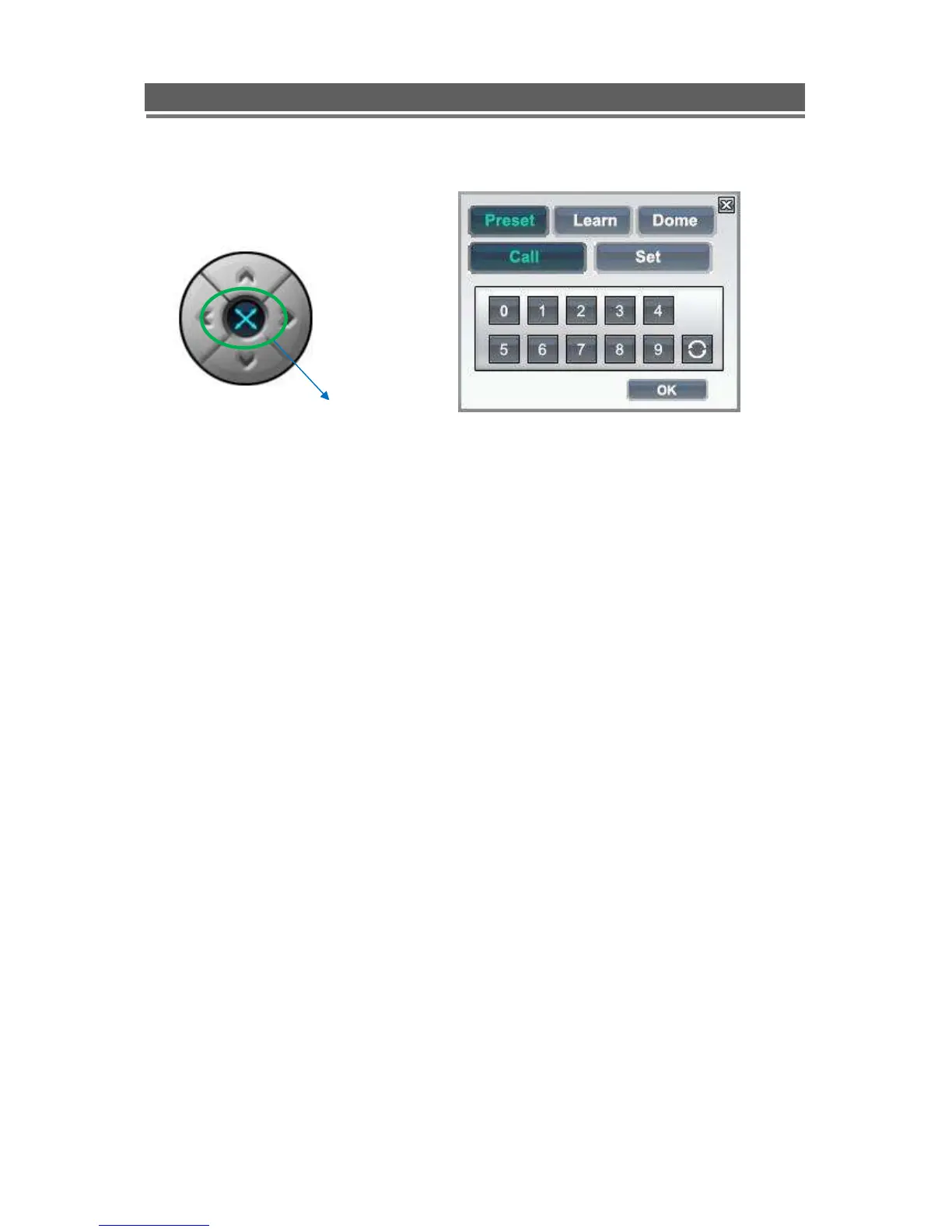
The presets button can be activated by clicking on the centre of the control icon, the
preset symbol will appear and the Preset selection box will appear.
To save a preset, move the camera to the desired position then click “Set” followed by
the desired number.
To recall the preset, click “Call” followed by the desired number.
PRESET&LEARN icon



 To Next Page