51
Quantum Plus installation and user manual
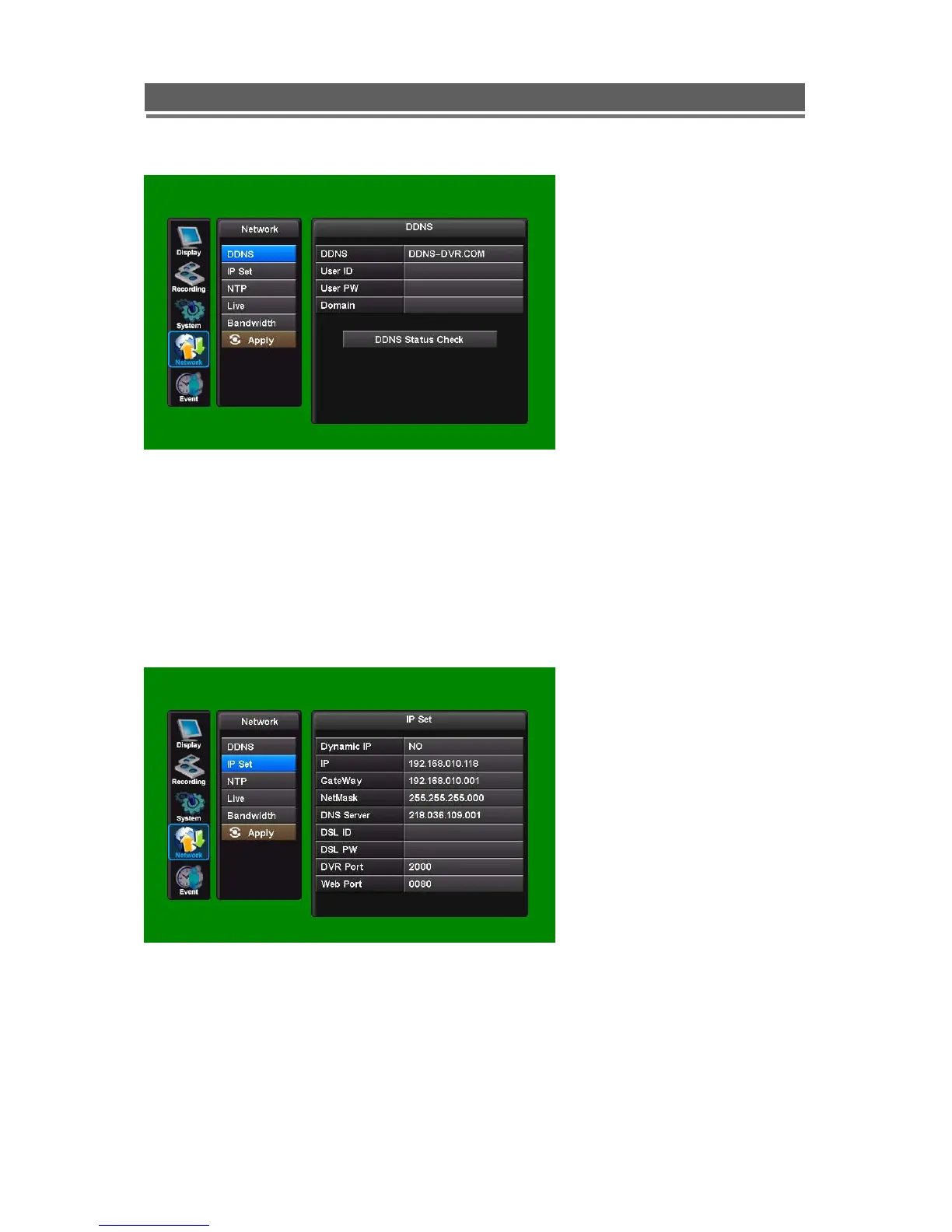
4-2. IP SET
When a fixed IP address is being used, the Use Dynamic IP should be set to NO
The IP Address, Gateway and Subnet Mask need to be set, these will generally be given by
the Network Manager.
DSL refers to all types of Digital Subscriber Line such as ADSL and SDSL.
The DVR Port and WEB Port can both be changed if required, default are 2000, and 80
respectively.



 To Next Page