115
Quantum Plus installation and user manual
Appendix 4
SETUP FOR DVR PORT/ WEB SERVER PORT USING IP SHARING ROUTER
(Port Forwarding)
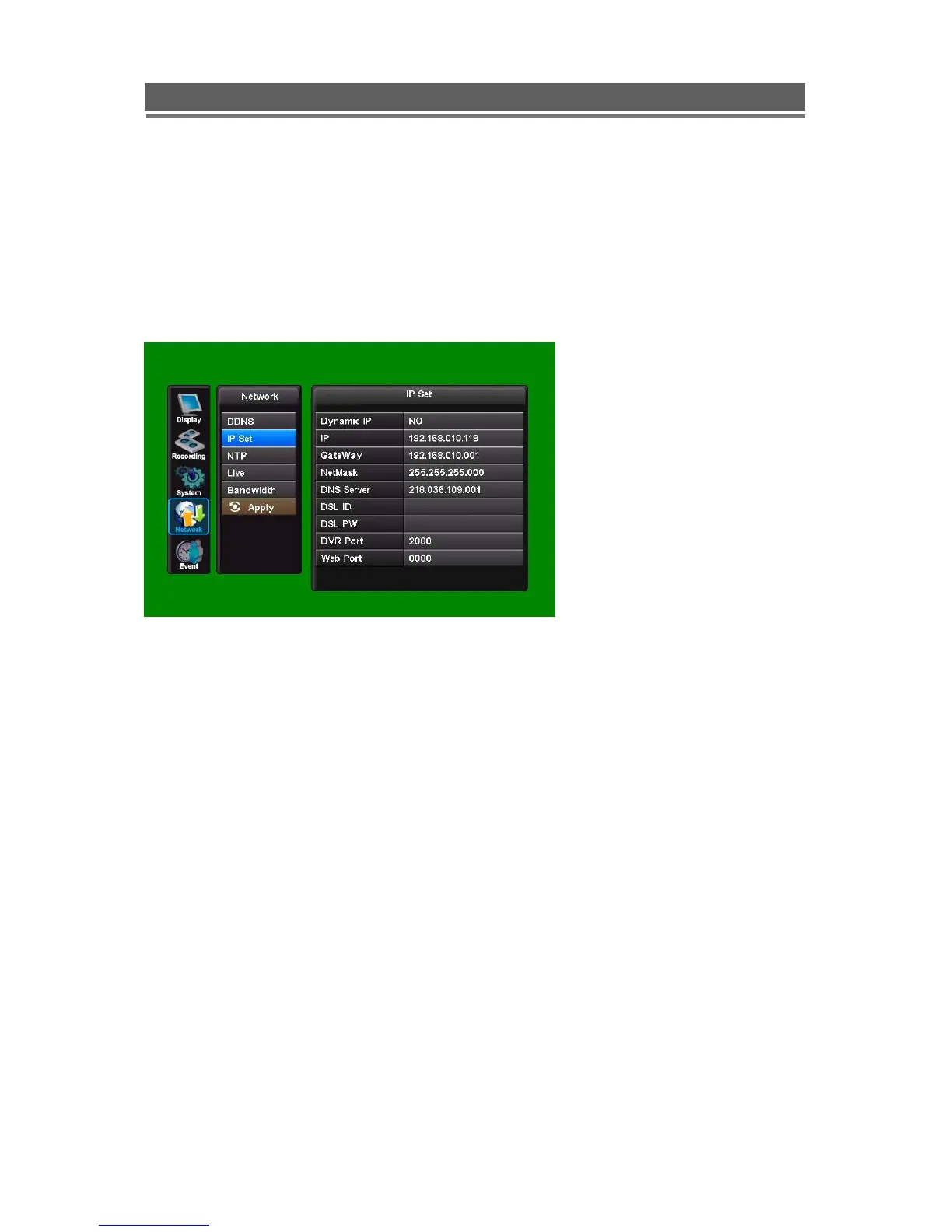
1) To use IP sharing Router, “Use Dynamic IP” should be set to “NO”.
- DVR Port: This can be set to any number between 2000 to 65535.
- Web Server Port: this can be set to any number between 2000~65535, as long as
it is not the same as the DVR Port number
2) Setup “virtual server” on IP sharing Router
It is for setting virtual server to forward IP which is allotted to DVR.
> For example,
DVR-1, IP : 192.168.10.107, DVR Port : 7000, Web Server Port : 7001
If DVR-1 is configured as above, the virtual server on IP sharing router is as follows.
1) PC Server Name : DVR-1(IP 192.168.10.107)
Protocol : TCP, Internal Port : 7000, External Port : 7000
2) PC Server Name : DVR-1 (IP 192.168.10.107)
Protocol : TCP, Internal Port : 7001, External Port : 7001



 To Next Page