102
Quantum Plus installation and user manual
PAN, TILT, Zoom, Focus (Remote telemetry control)
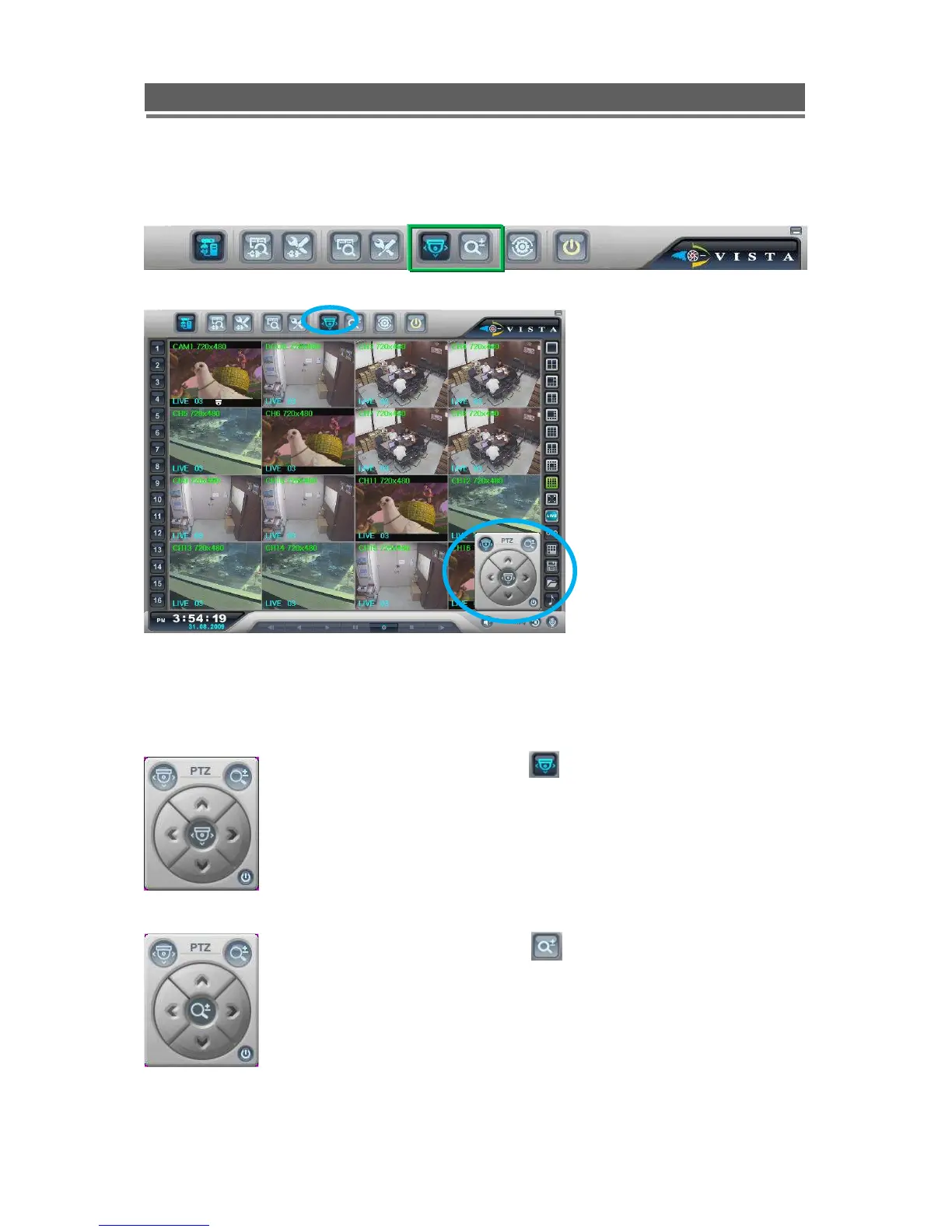
When PTZ button is being pressed, PTZ control icon will be pop-up on the live image.
PAN/TILT/ZOOM/FOCUS
When PAN/TILT button is
clicked the Pan/Tilt control appears,
this allows Left, Right, Up and Down
Control of PTZ cameras
When Zoom/Focus button is
clicked, the control changes to Zoom
in on the up arrow, Zoom out on the
down arrow. Focus near on the left
button and focus far on the right
arrow.



 To Next Page