67
Quantum Plus installation and user manual
Live Monitoring
he software is best viewed with the PC monitor resolution, set to: 1024 x 768.
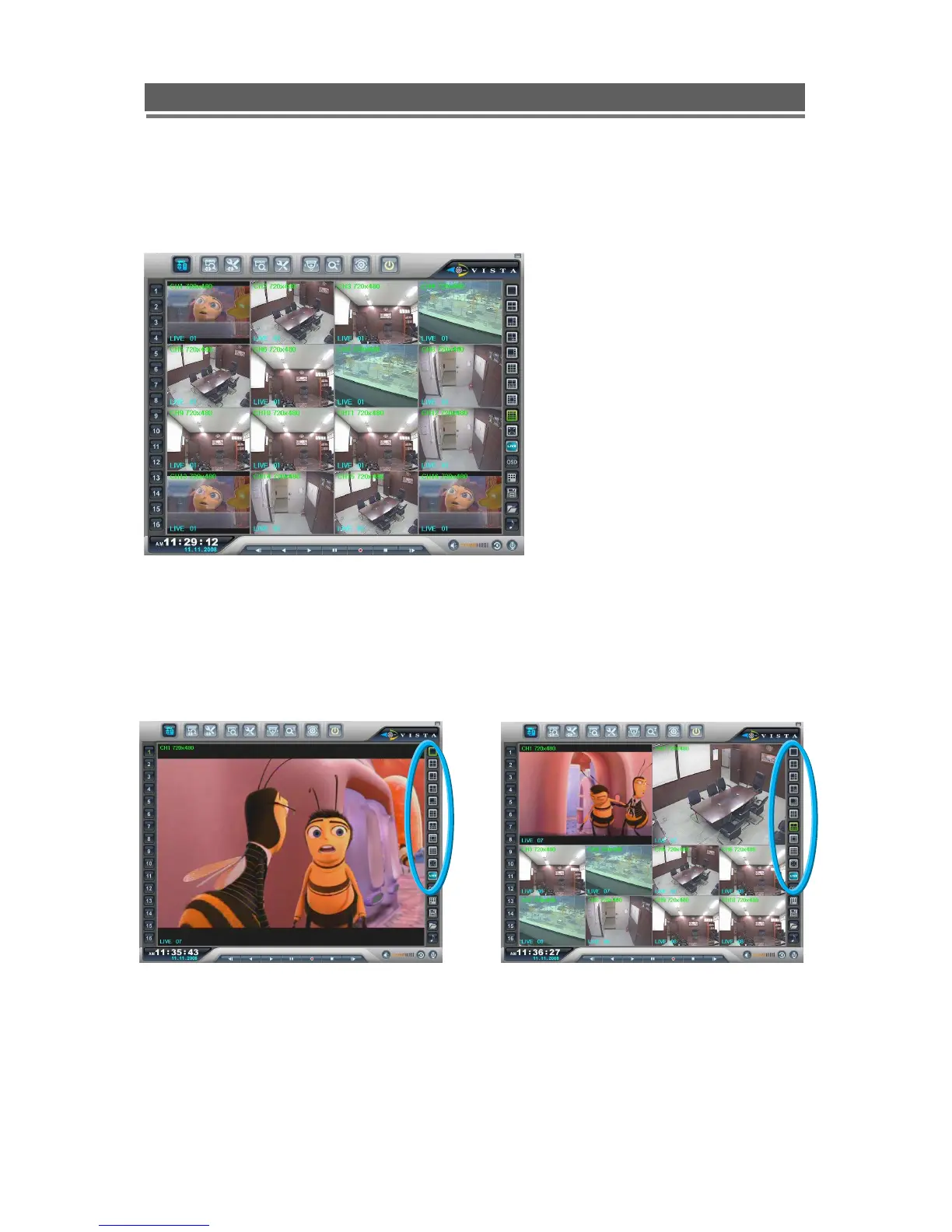
Split Screen options (1, 4, 6, 7, 8, 9, 10, 13,16):
Spilt Screens can be viewed during both live and playback. The splits screens available are:
full screen,4,6,7, 8,9,10,13 and 16 way.
1) Full Screen 2) 10 Way



 To Next Page