65
Quantum Plus installation and user manual
Logging on
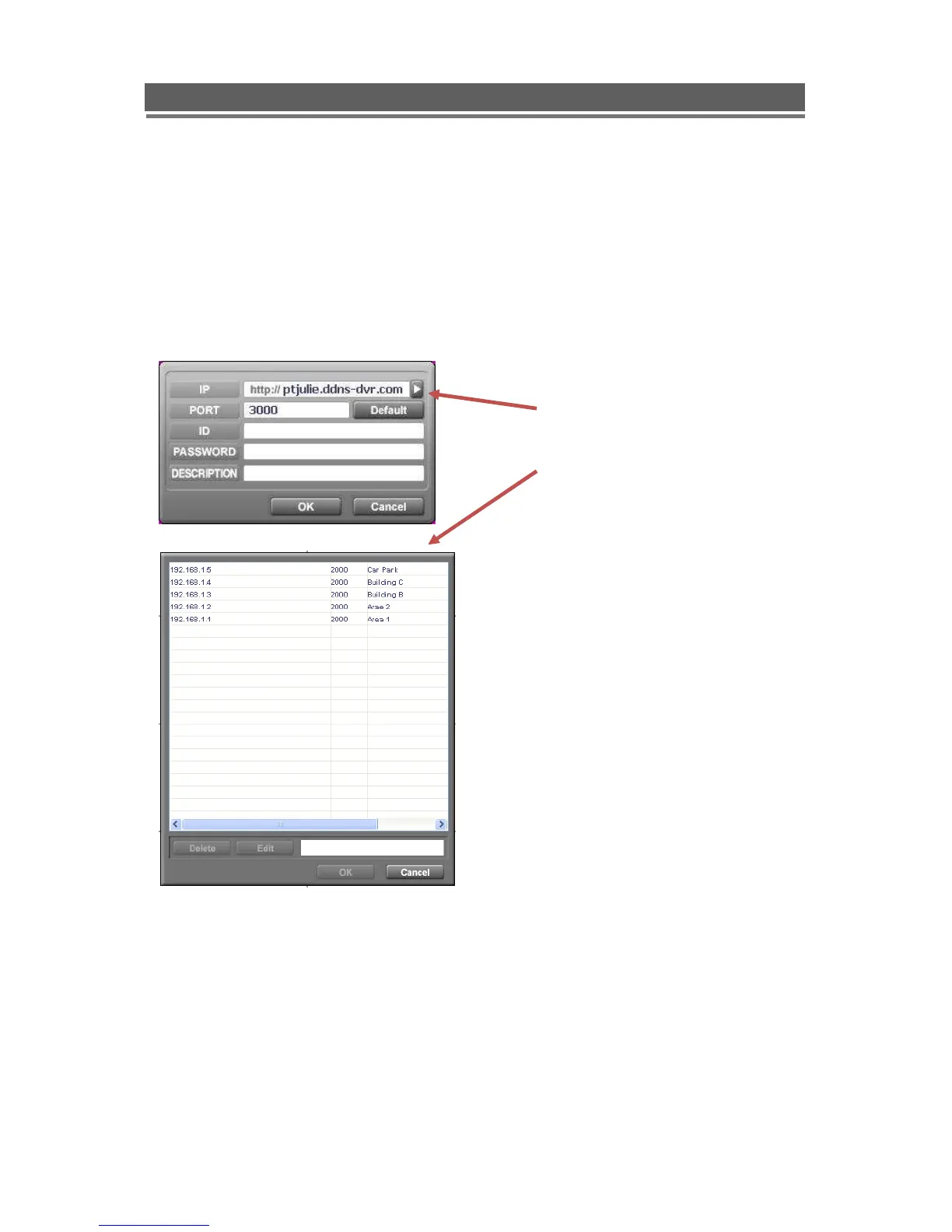
The following window will appear.
To connect to the Quantum, enter the units: IP address; DVR Port (2000 ids default), ID and
Password. Then, click “OK”, to start the live monitoring.
Description field is the name of area / Building / location of the DVR, this should be typed in
he first time the unit is connected to, this will store it in the address book.
Click on the Arrow to the left of the IP
address, the following box will appear.
This lists the last 22 units that have been
accessed. To reconnect to one of these
units simply double click, then add the ID
and Password.



 To Next Page