117
Quantum Plus installation and user manual
APPENDIX 5
MAKING A PARTITION ON AN EXTERNAL USB HARD DRIVE
To back up to USB HDD, the USB HDD should be formatted first on PC. The
Quantum PLUS supports the FAT32 & NTFS file system, of which maximum size is
500GB for one partition. Please refer to the following procedure to make a partition
and format on PC.
*If the HDD capacity is under 500GB, you don’t need to make a partition and simply
connect to the DVR directly.
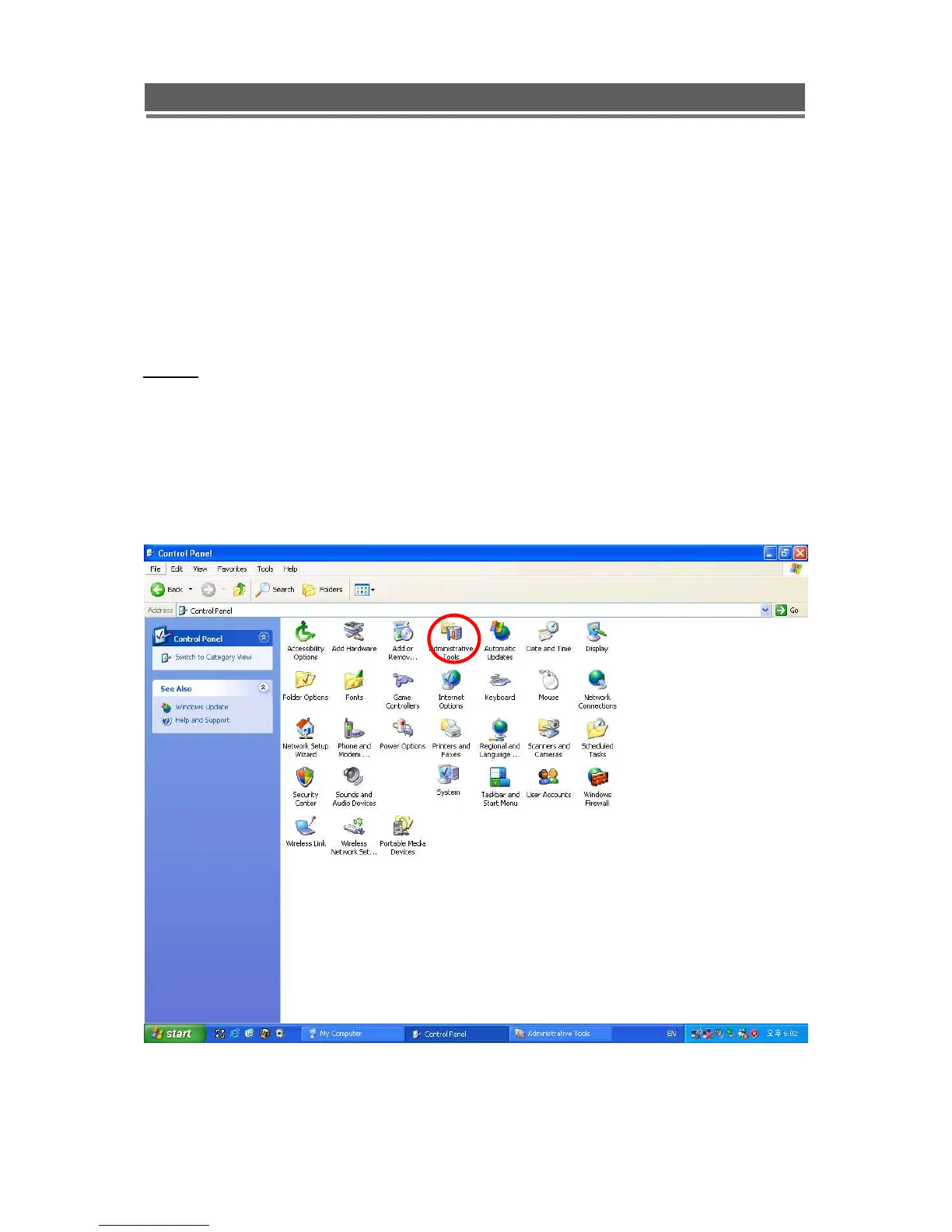
1. Select Control panel-> administrative Tools.



 To Next Page