72
Quantum Plus installation and user manual
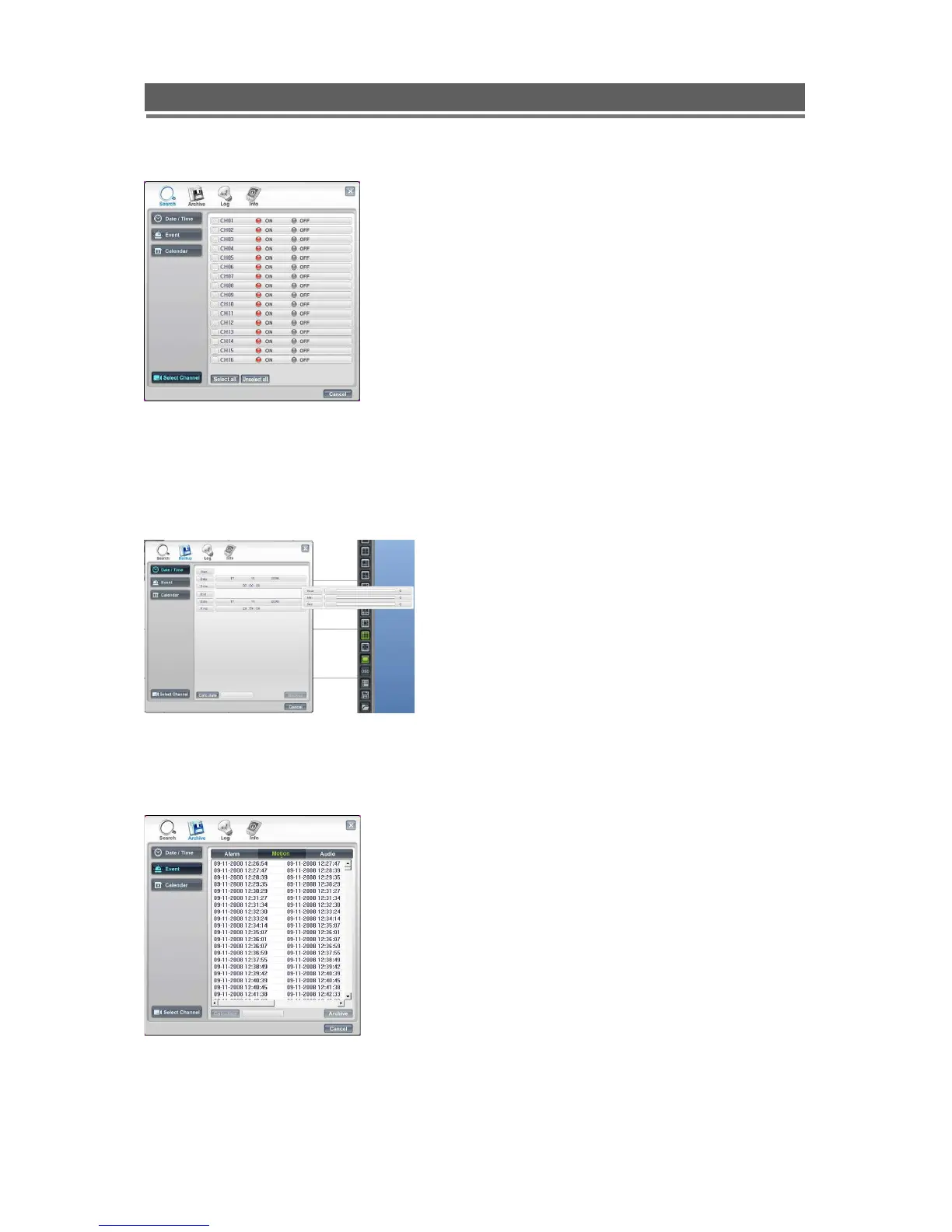
Select Channel:
.
ARCHIVE
- Remote Archive – Date/Time
- Remote Archive – Event
Enter the Start and End dates and times, by
hovering over the selections, a drop down box
will appear.
Once selection is made, then “click” calculate,
the file size will be displayed. Finally click
“Archive”, the file will be transferred to
C:\QTplayer\Download.
Select either: Alarm, Motion or Audio
from the top of the screen. A list of
events will appear.
Click on the event required, it will be
come highlighted.
Click on Calculate, the file size will be
calculated, this may take a few
seconds.
Finally click Archive; the file will be
transferred to C:\QTplayer\Download.
Channels can be included or excluded dependent
on query. This is available within Search, Backup
and Logs.



 To Next Page