112
Quantum Plus installation and user manual
APPENDIX 3
DYNAMIC IP (Supporting DDNS Server)
With DDNS Server, This allows a user to connect to the unit remotely without the
need for a fixed IP address.(Please register your ID & Domain at www.ddns-dvr.com
in which you can use their DDNS server as free of charge)
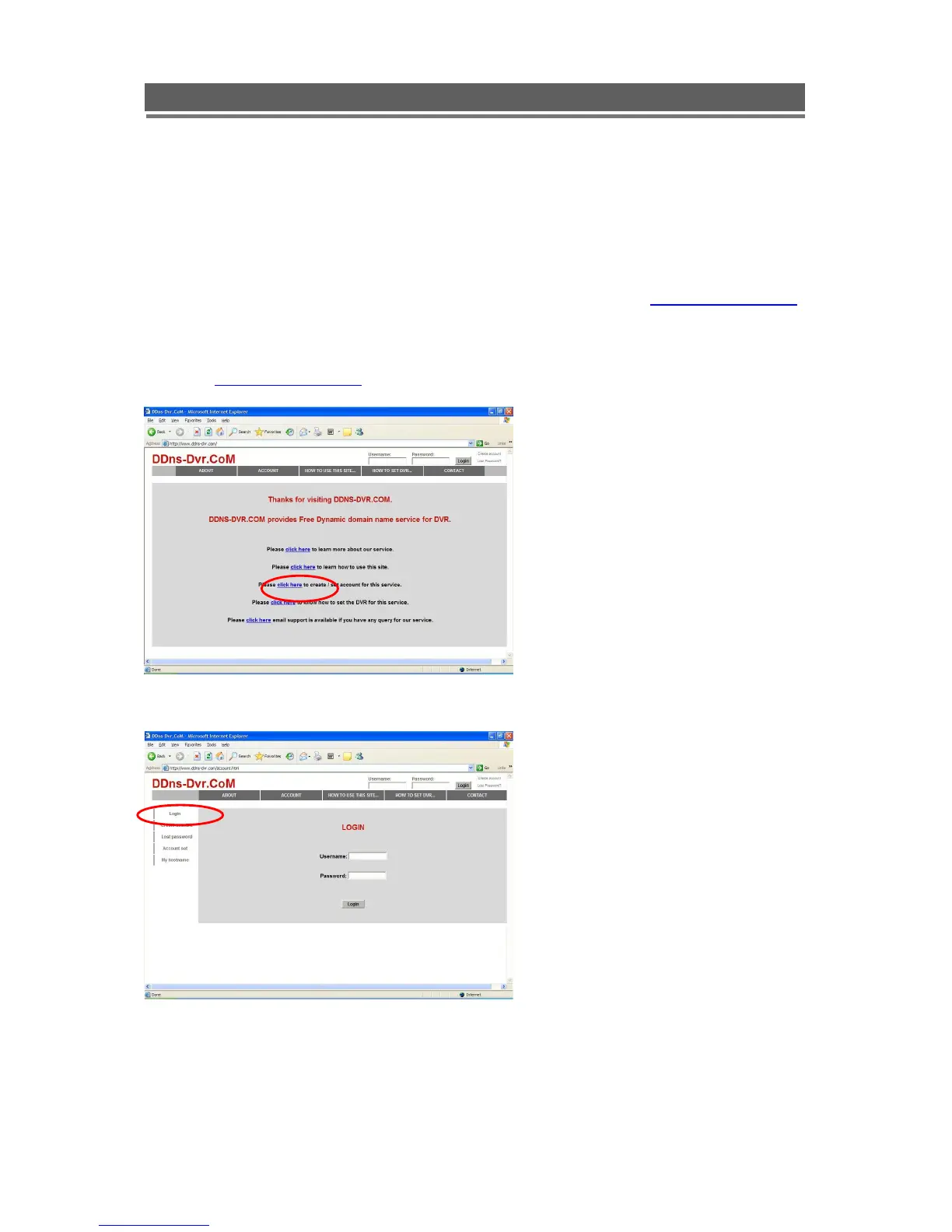
1. Visit www.ddns-dvr.com to get the DDNS user ID & PW as well as Host name.
2. Click to create / set account of “Dynamic DNS”.
3. Select “Create Account” menu.



 To Next Page