108
Quantum Plus installation and user manual
APPENDIX 2
SETTING INTERNET SECURITY SETUP FOR WEB CLIENT ON
WINDOW XP/2000 & WINDOW VISTA SERVICE PACK 2.
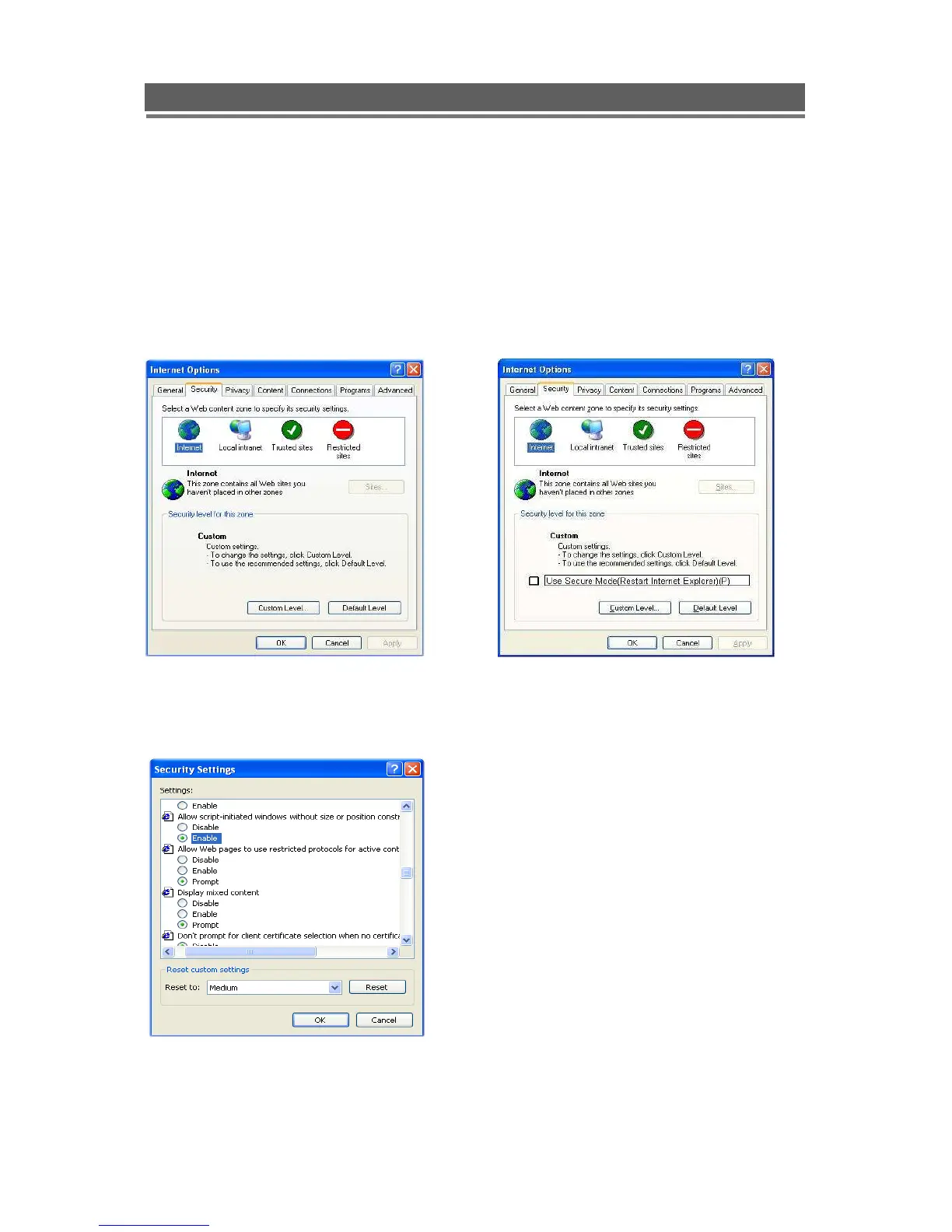
1) Security Setup
> Window XP / 2000 > Window Vista
Tools-> Internet Options-> Security
-> Select “Customer Level”
Select “ Allow script-initiated windows
Without Size or position constraints”->



 To Next Page