16
Quantum Plus installation and user manual
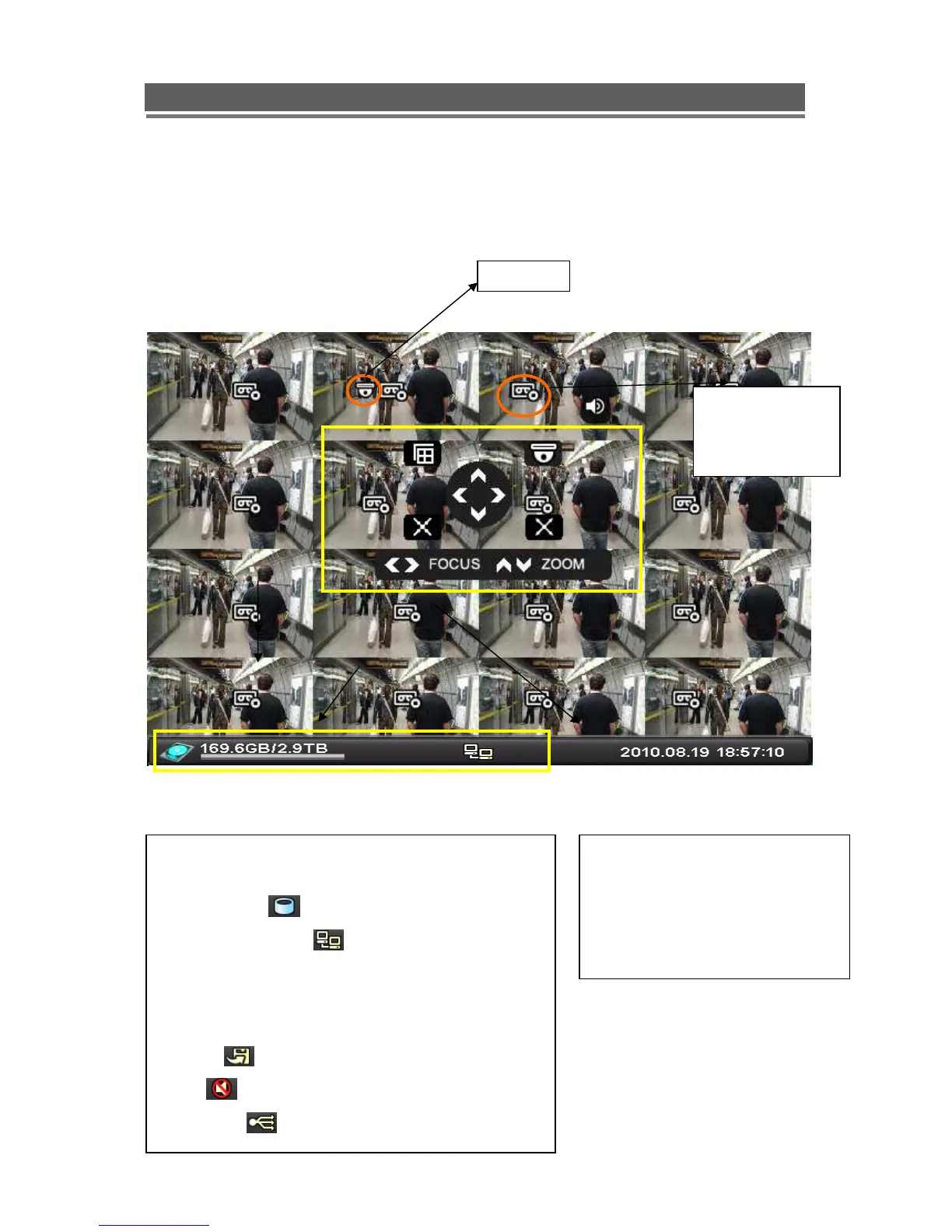
OSD DESCRIPTION
The Status Bar shows HDD capacity, Network
connection, Time, etc using by icons.
-HDD capacity : 1.7GB is used out of 298.0GB
-Network connection : It is shown that admin or
user is connected.
-Date/Time
*Others :
-Backup
-Mute
-USB Stick:
This screen shows PTZ control of
camera 2. The on screen arrows
will allow control of this camera.
Record Standby:



 To Next Page