68
Quantum Plus installation and user manual
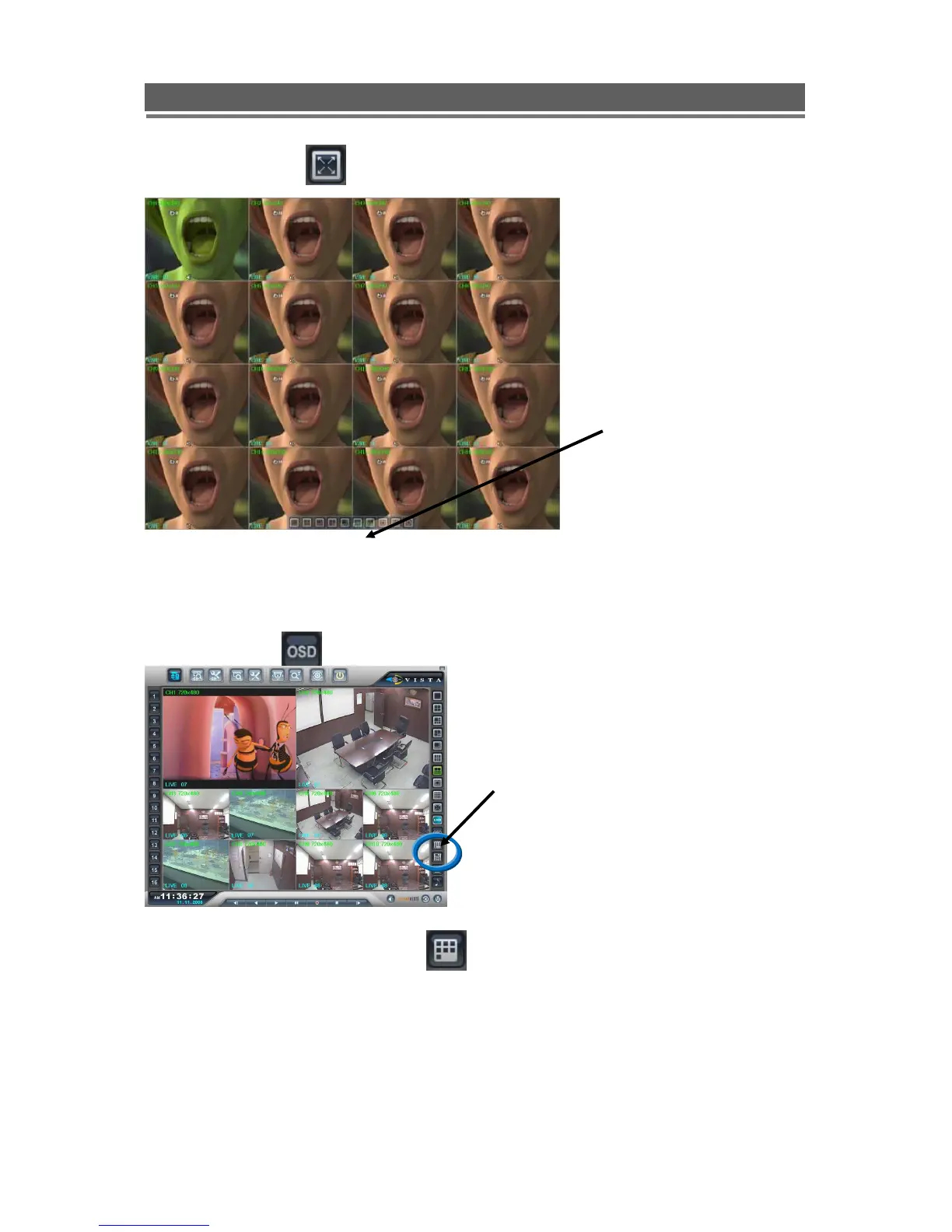
Full Screen on/ off
When the full screen button is
selected, a tool bar offering the
various split screen options, and
the Exit key will be displayed at
the bottom of the screen.
OSD on/off:
(SMART)ARRANGE ON/OFF:
If Cameras are being displayed in segments that are not logical, the Smart button will
rearrange and put camera input 1 into segment 1 (Top Left) etc.
The OSD button will toggle
between the on screen titles
etc being shown or hidden



 To Next Page