21
Quantum Plus installation and user manual
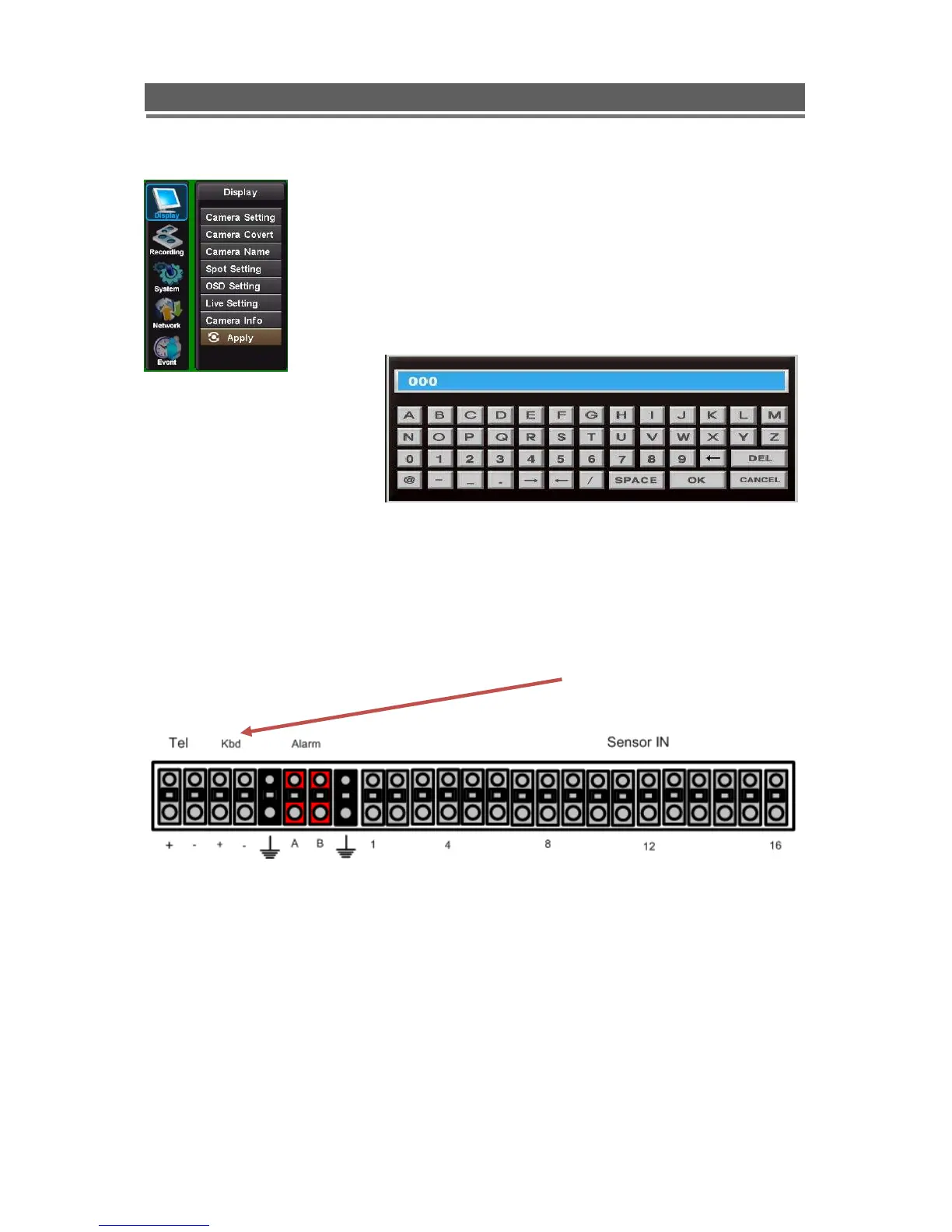
If Menu has been selected the following screen will be displayed.
Select Sub menus by clicking on the relevant title.
The method of altering t he value of a segment within a menu page will
vary slightly depending on the page:
1. Clicking on a segment will toggle through available values
2. Click on icon at top of list will change all channel values
3. Click on the box and the following keyboard will be displayed:
Use the keyboard to fill in titles etc, followed by OK to enter the value.
Remote Keyboard
The remote keyboard is connected via the push in connector on the rear of the unit. The 2
connectors are marked as Kbd (+) and Kbd(-), as shown below:



 To Next Page