98
Quantum Plus installation and user manual
Calendar
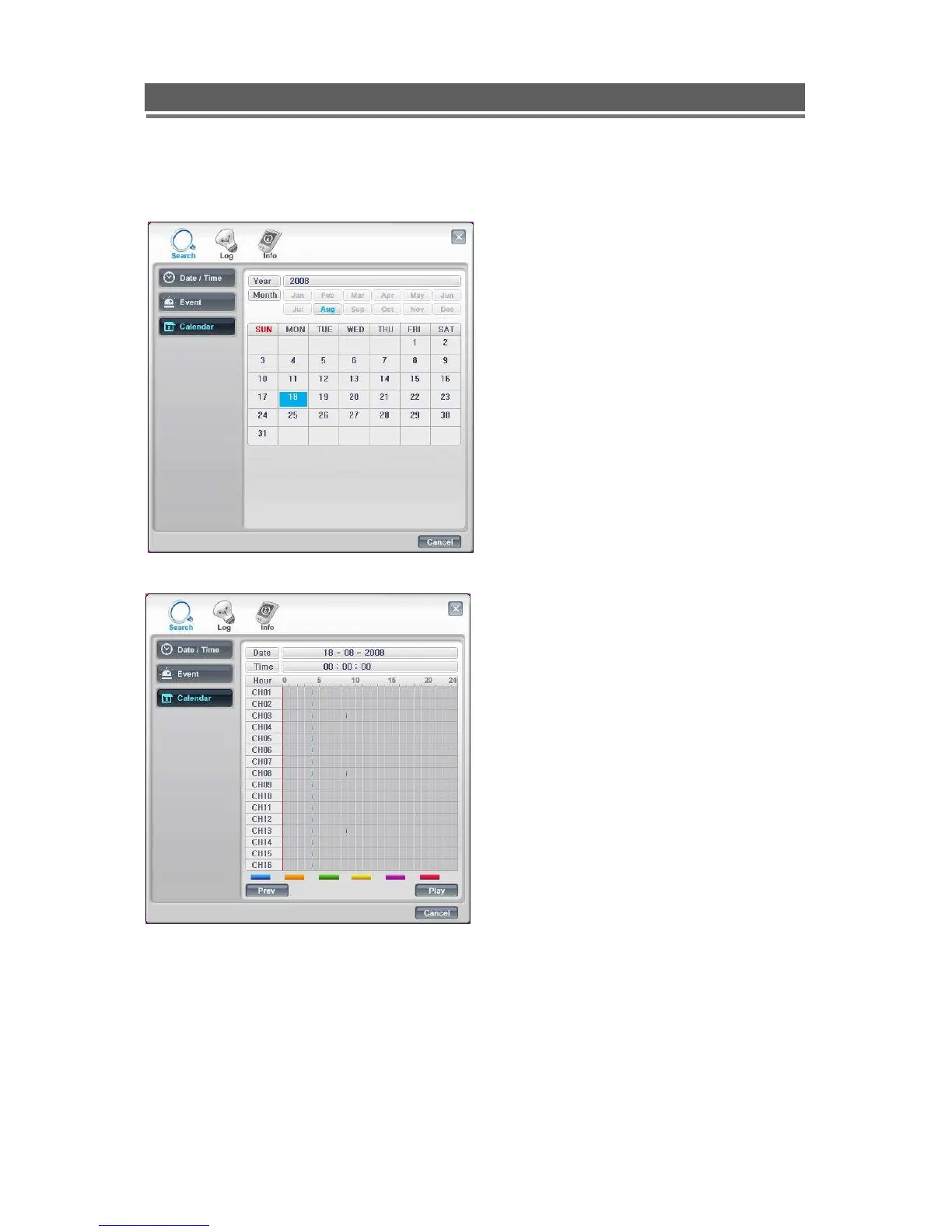
When the Calendar option is chosen this
screen will appear, any day with
recording available will be highlighted in
Blue.
Select the required day.
Any downloaded event s will be shown,
click on the event, the red line will move to
that event. Then click Play to review the
recording.



 To Next Page