MGW Diamond Multi-Channel HEVC and H.264 Portable Encoder
User Manual, Version 1.6 44
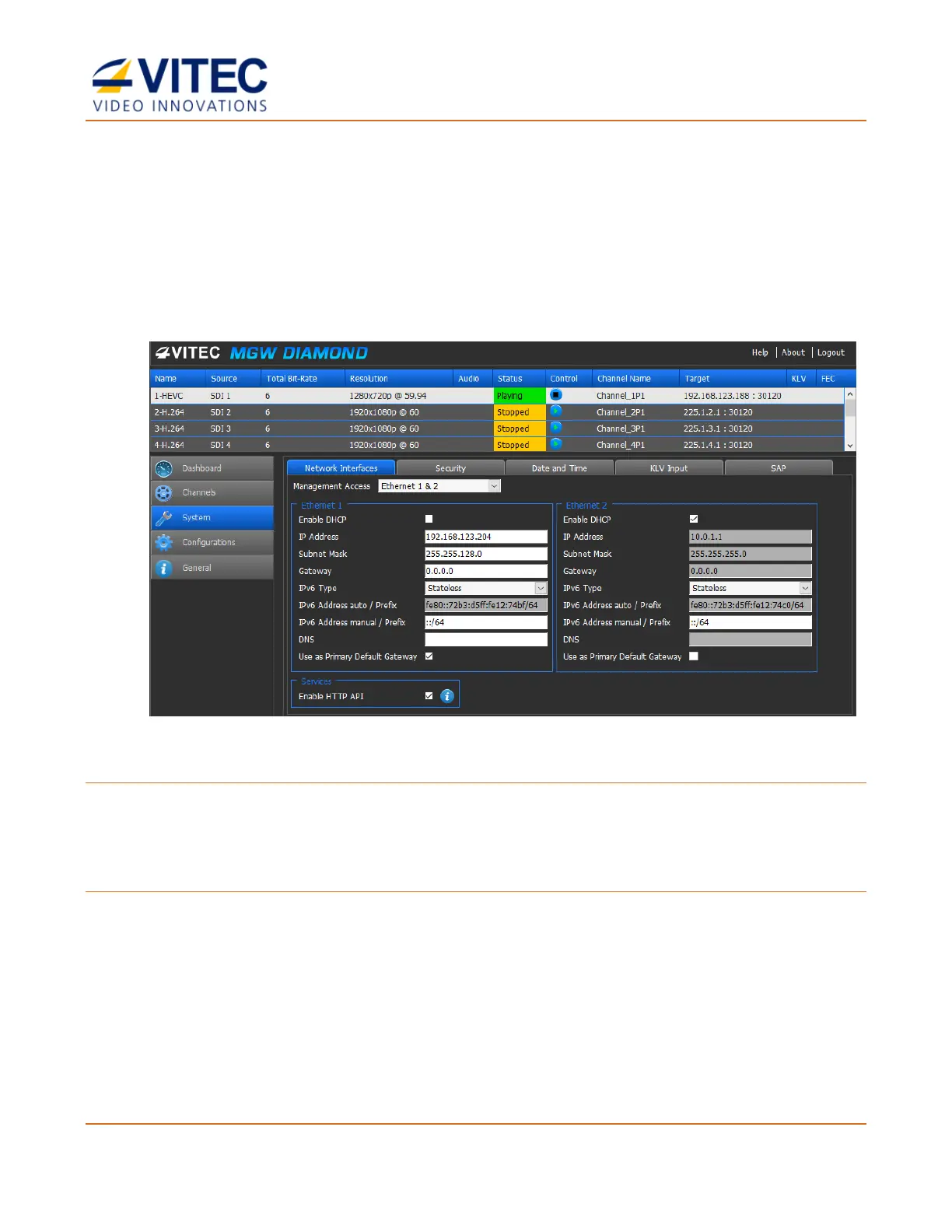
The System Page
In the System page you set the parameters of the following tabs:
• Network Interfaces
• Security
• Date and Time
• KLV Input
• SAP.
Figure 4-7: The System page
To set the system parameters:
1. From the main menu select System.
2. Set the desired parameters as required in each section and click Apply.
To set the network interface:
Two network interfaces are available. Each one can be used for either management and/or
streaming.
For easier management of the system, Ethernet Port 1 and 2 can be configured in DHCP mode. If
DHCP mode is selected, the system will obtain the IP address automatically from the DHCP server.



 To Next Page