Connecting the RD-101
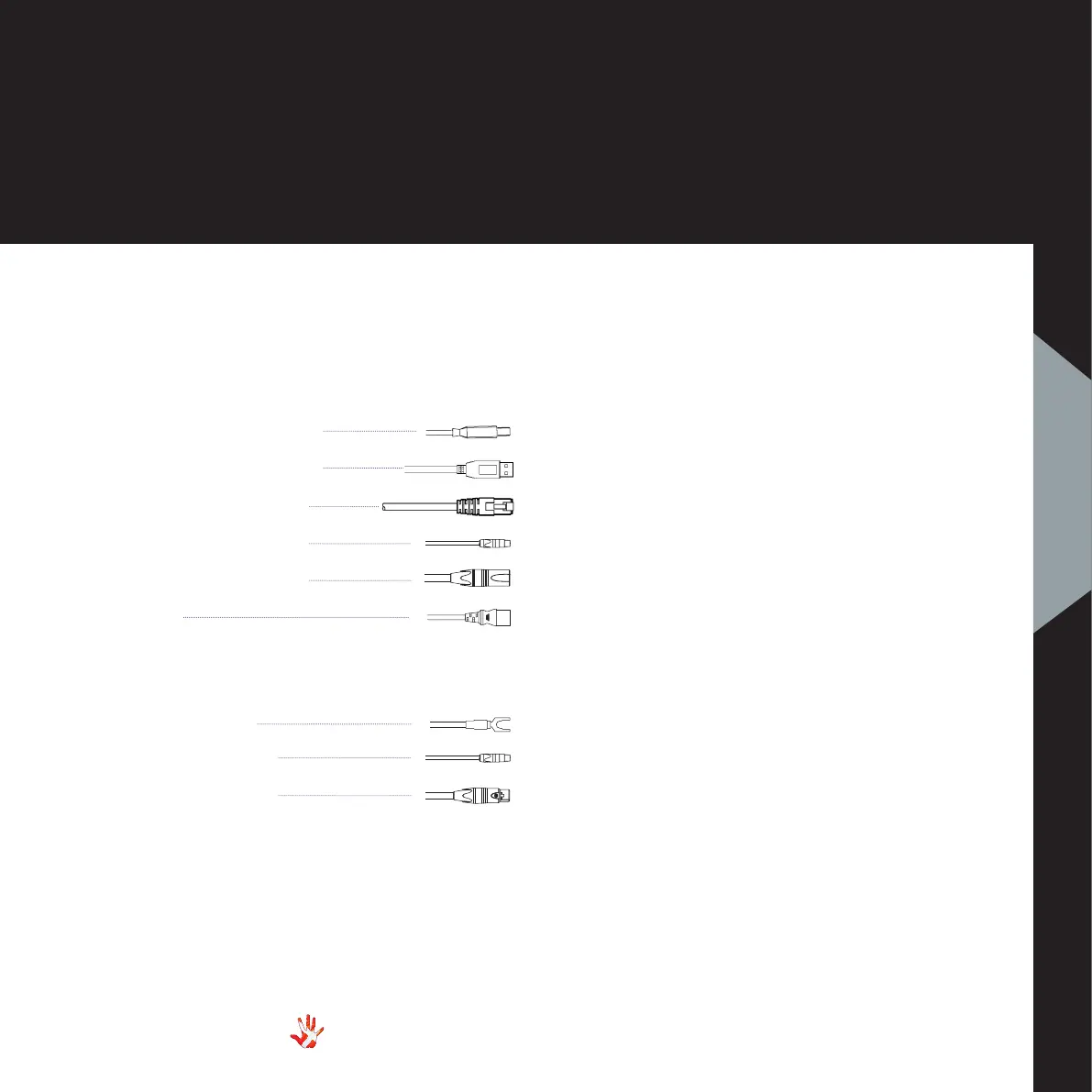
Digital Inputs.
Input USB B
WI-FI USB A
Ethernet RJ45
Input RCA
Input XLR
Power
Outputs
Ground/Earth
Output RCA
Output XLR
Ground
XLR out
Power
XLR in
11
RD-101 | Version 1
2. connecting
2. connecting
Place the RD-101 on its shelf.
Connect all the sources to the
inputs of the RD-101.
Connect the outputs of the
RD-101. Carefully connect the
mains to the DAC, after you
have connected both inputs
and outputs.
USB B in
WI-FI dongle in
RCA in
RCA out
Ethernet in



 To Next Page