37
RD-101 | Version 1
7. examples operating
7. examples
Example 4 remote
Pairing the remote
and the RD-101
The remote is (fresh from the
box) not paired to the RD-101.
When you go into the menu to
see the remote ID, the display
will show NO PAIR.
You first have to
pair the remote and
the RD-101 to get a
remote ID. We will
show you how to pair
the RD-101 and the
remote.
Follow these steps
1.Press and hold the
Standby button.
2.Press and hold the
Next Input button.
3.Hold these buttons
down for 5 seconds.
The display shows
the Remote I.D
( for example 155).
Example 4.1
Changing the
remote ID
When two devices have the same
remote ID. Then you can change
the remote id of one of the
devices
Follow these steps
1.Press and hold the
standbybutton.
2.Press and hold the
Mute button.
3.Hold these buttons down
for 5 seconds.
The display now shows the new
Remote ID ( old ID + 1, fx 156)
Example 4.2
Unpairing the remote
and the RD-101
Follow these steps
1.Press and hold the
standby button.
2.Press and hold the
Previous Input button.
3.Hold these buttons down
for 5 seconds. The display
shows NO PAIR
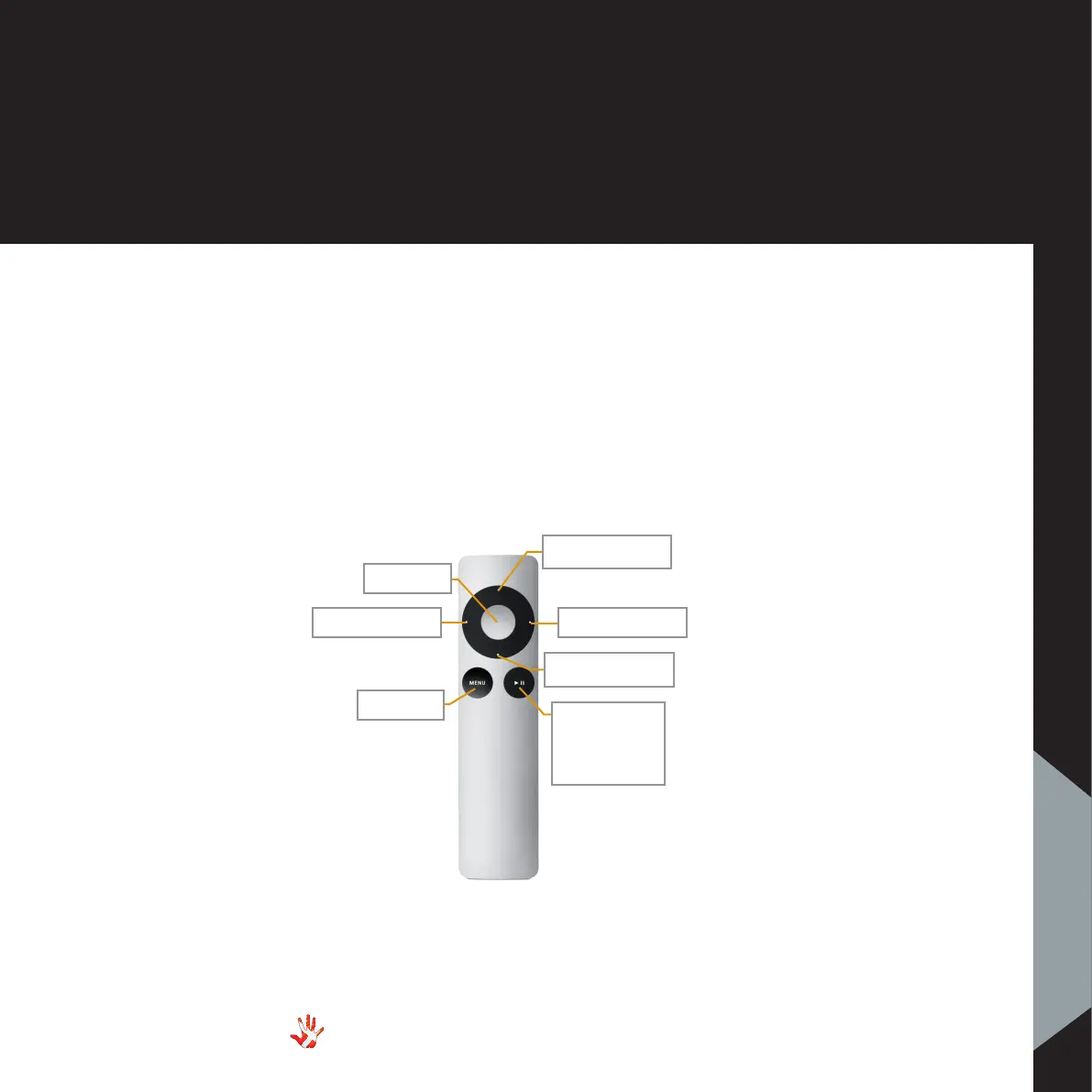
Previous Input
Volume Down
Next Input
Mute
Standby
Figure 14 Mac-remote functions.
Volume Up
Change
output for
RD-101



 To Next Page