24
RD-101 | Version 1
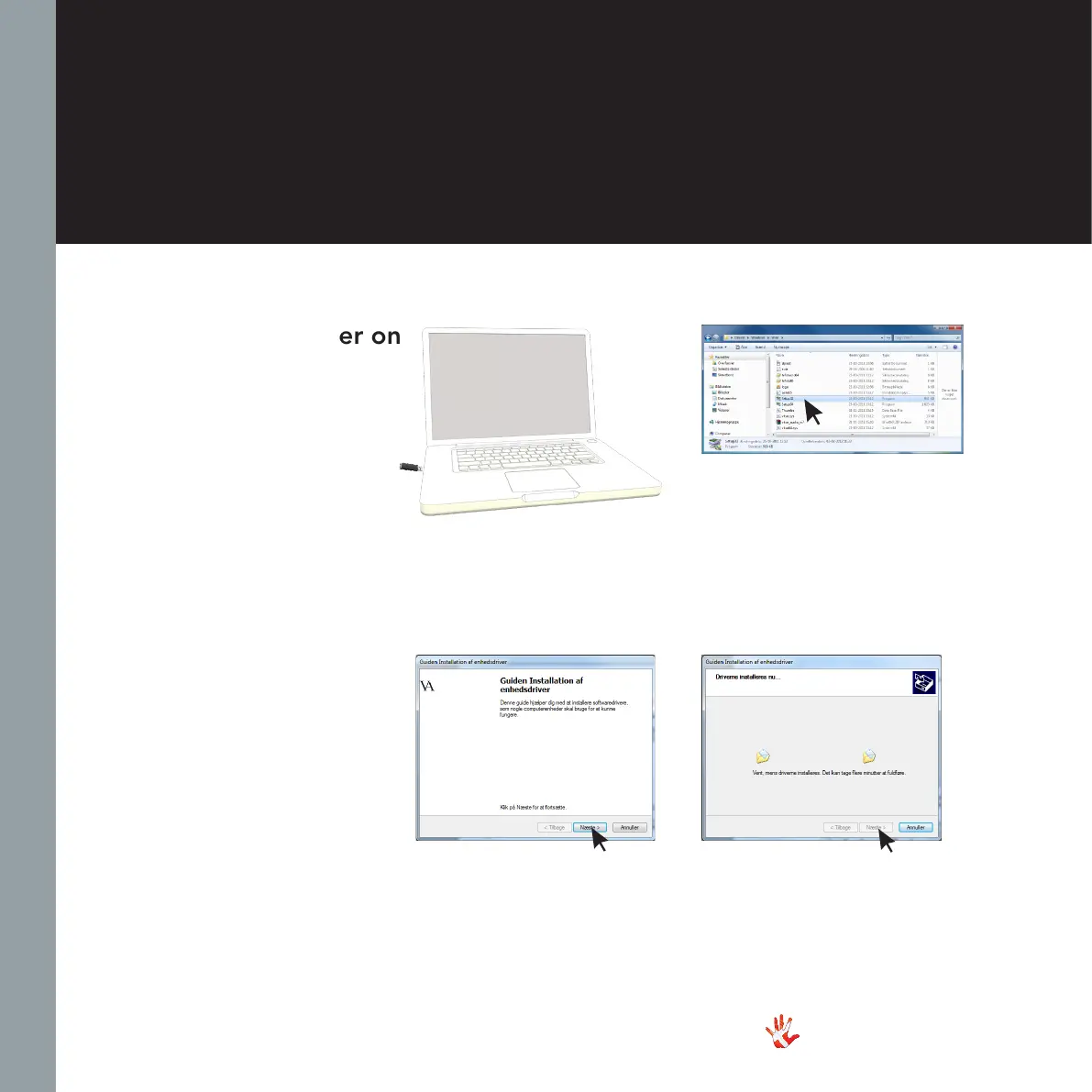
2 Find the folder.
On the USB enter the folder
named USB Drivers and open
the folder containing the RD-
101 Driver.
4 Software installation.
Run the XMOS-Stereo
Software.
Press Next and then install.
5 Software installation.
Press next when the driver has
been installed.
Installing the driver on
windows 7/8/10
1 Insert the USB drive.
Put the USB in your computer
and open the USB folder.
4. operation & service
3 Before installing the
software.
Before installation, connect
your RD-101 to your PC with
a USB A to USB B cable.
Connect the Mains power to
the RD-101 and turn it on. Now
you are ready to install the
software on the PC.



 To Next Page