17
RD-101 | Version 1
3. operation
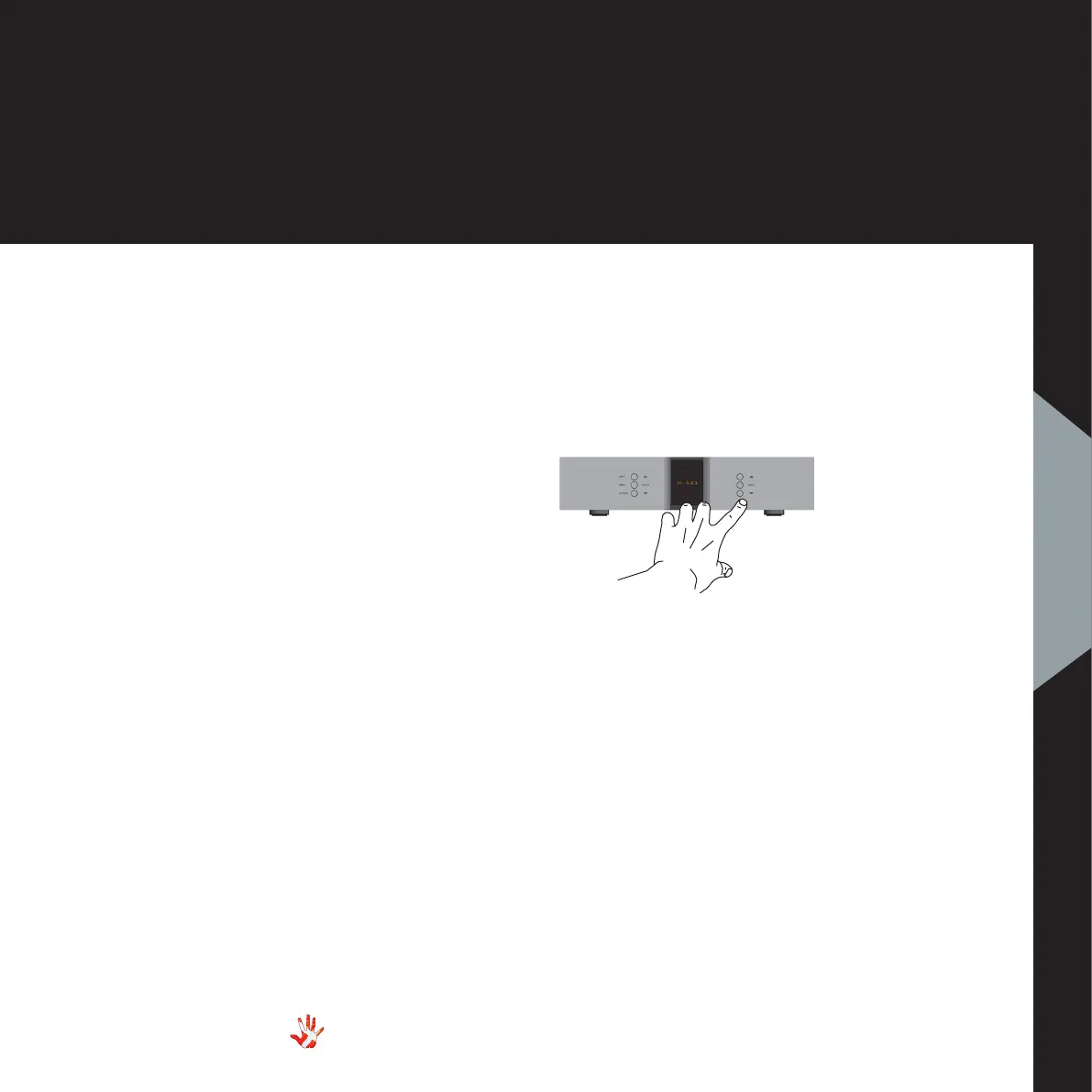
Normal mode
In normal mode there are
3 basic functions/buttons
available on the right front:
1. Turns volume UP.
2. MUTE Mutes the output.
3. Turns volume DOWN.
Menu mode
In the text-menu it is possible
to change the name of the
input. This is done by using
the following buttons from the
right front:
1. Change selected
character.
2. MUTE Go to the next
character
in the display.
3. Change selected
character.
3. operation
Functions – right front panel
Figure 8 RD-101 Right front panel.



 To Next Page