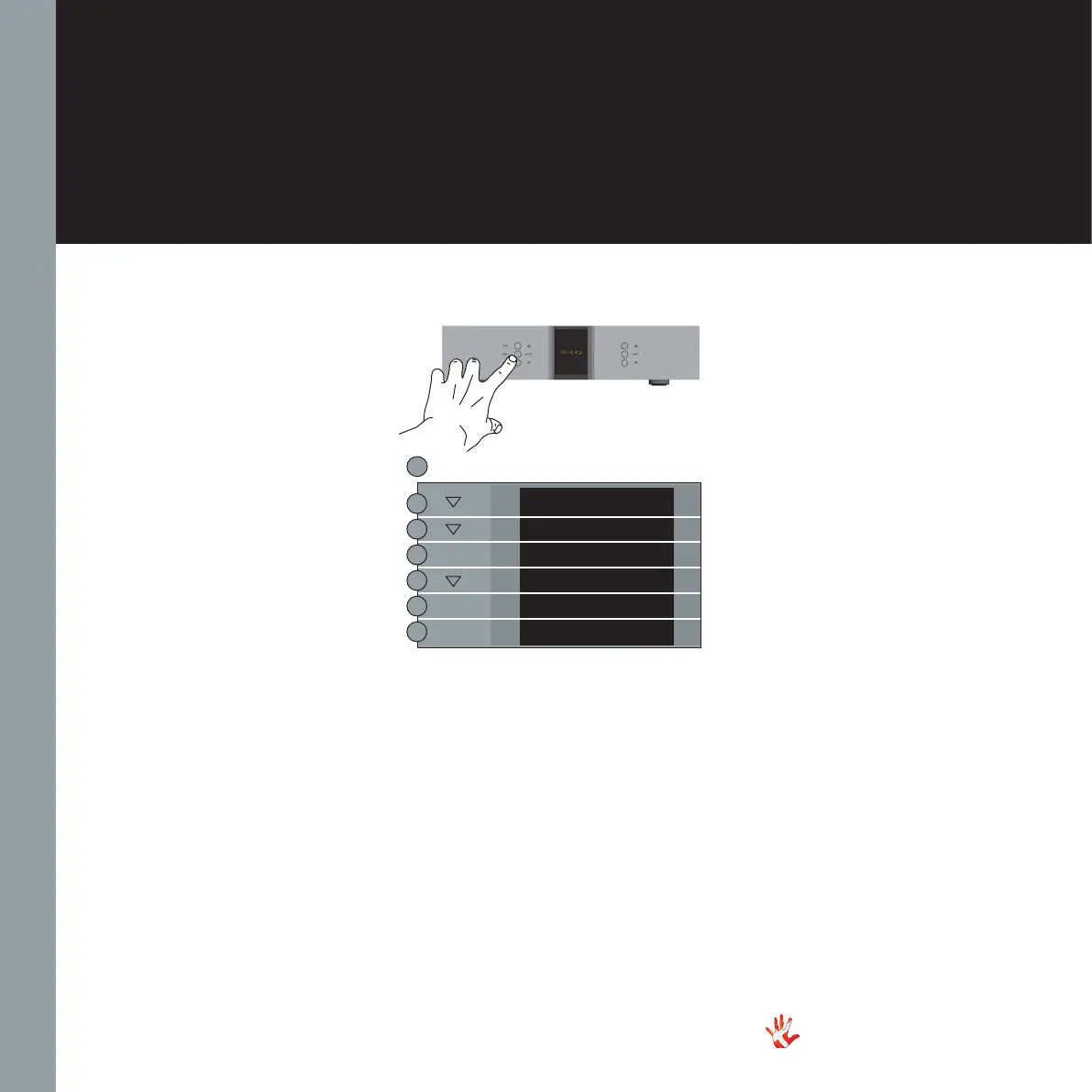
Example 1
Changing output
from XLR OUR to
RCA OUT
Press the“MENU”button to
enter Menu Mode.
Navigate to the “OUTPUT”
submenu, using the function
buttons on the left front
1. Scroll forward in
the menu.
2. MENU/ Enter & Exit
SELECT submenus and
select settings.
3. Scroll backward
in the menu.
Enter the OUTPUT submenu.
The display now shows Output
2. Press the SELECT button.
The display now shows
OUTPUT 2. leave the menu.
The output is now set to
output two.
MENU
EXIT
SETUP
OUTPUT
XLR OUT
RCA OUT
OUTPUT
SELECT
SELECT
34
RD-101 | Version 1
7. examples operating
RD-101 Left front panel



 To Next Page