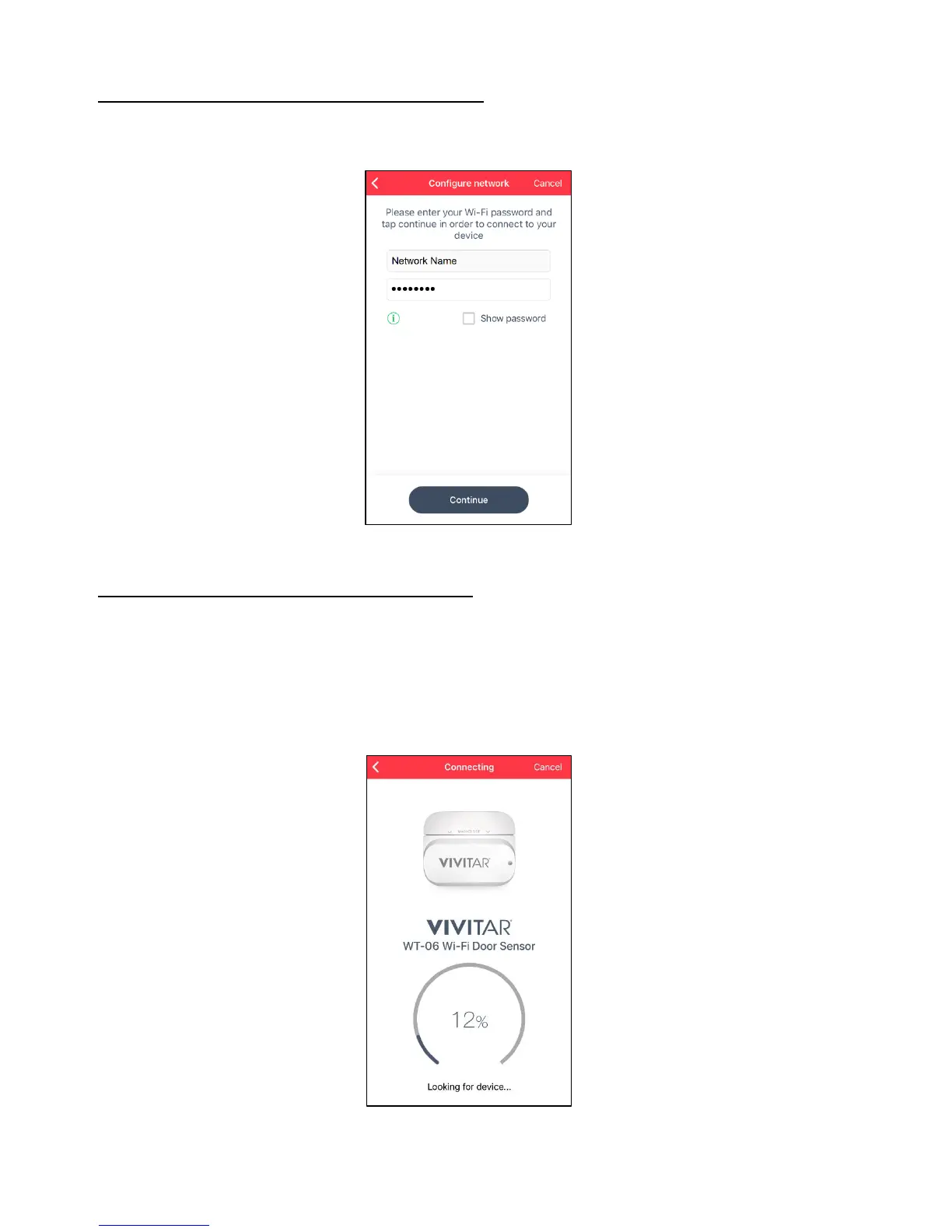
9. ADD NEW DEVICE: CONFIGURE NETWORK
Please enter your Wi-Fi password and then tap Continue to connect your device.
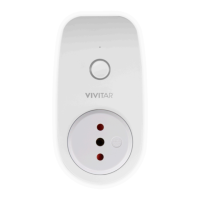
10. ADD NEW DEVICE: CONNECTING STATUS
The ‘Connecting’ screen appears displaying the connection progress. Please wait for the
indication that the Smart Sensor has successfully been found and connected.
NOTE: The blue LED light stops blinking once the connection is successful.


 To Next Page