to permit the “Smart Home Security” app to send you notifications and to adjust the time for
the sunrise and sunset feature. This can be configured later via your mobile device’s
settings.
5. END USER LICENSE AGREEMENT
The End User License Agreement screen appears. Tap Agree & Continue to enter the
‘Devices’ Home screen and continue to the initial registration and adding your device.
6. INITIAL REGISTERATION – SENSORS ACCOUNT - GROUP 3 ACCOUNT
You must create an account or sign in to your existing account to use your device. To
register and add a new Smart Sensor:
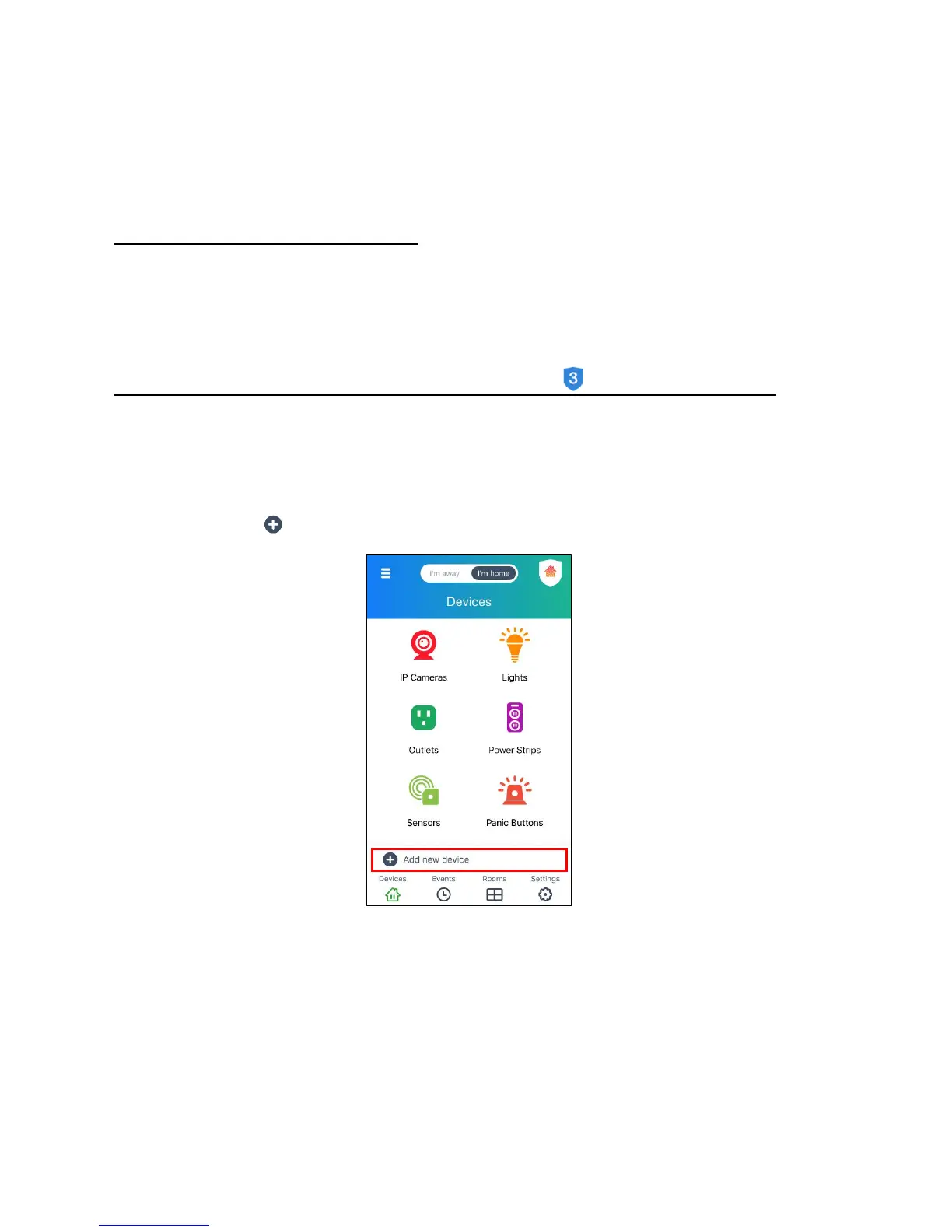
1) On the ‘Devices’ Home screen, the list of Vivitar Smart Home Security devices
appears. Tap Add New Device to enter the ‘Add new device’ screen.


 To Next Page