MAIN MENU
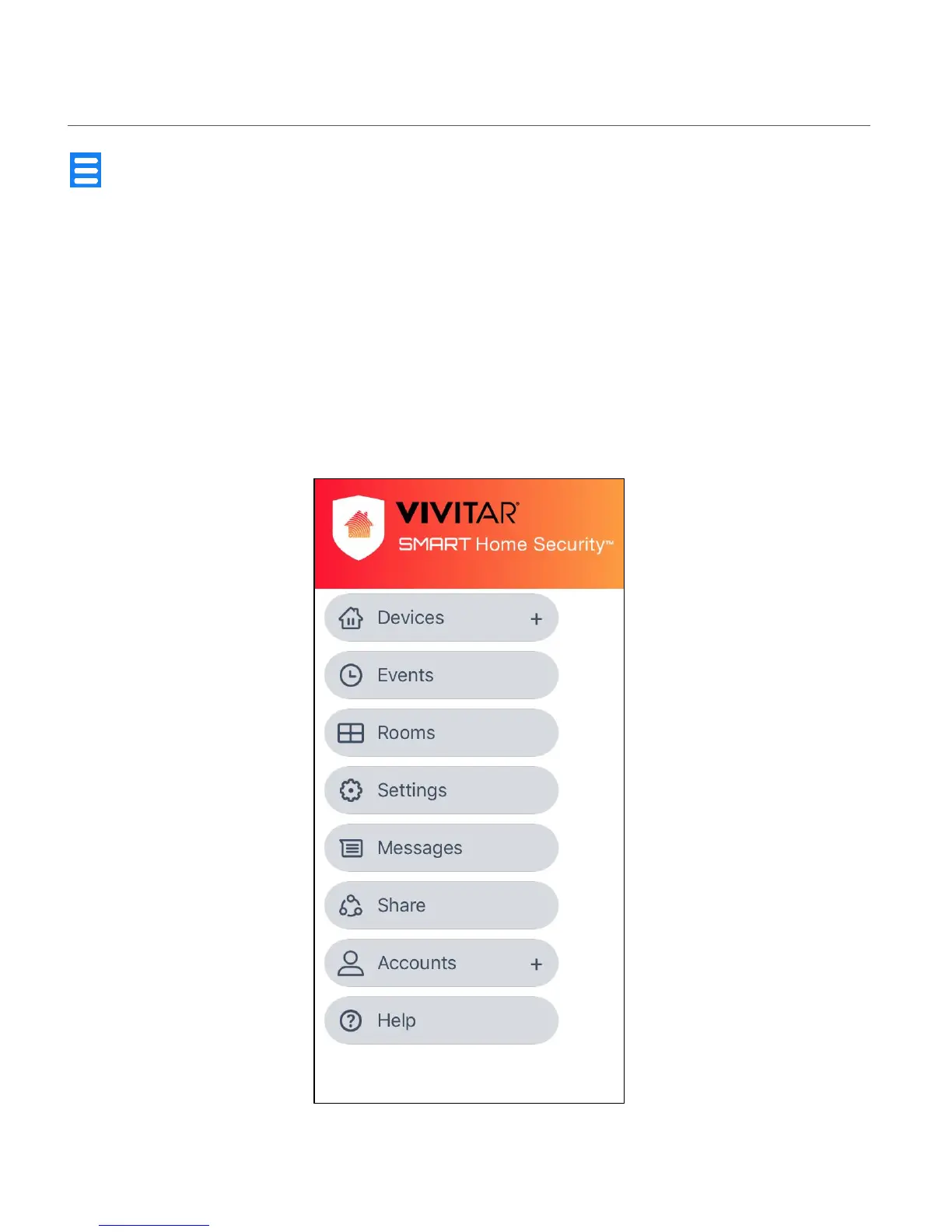
Tap the Main Menu button to view the following menu options:
Devices +, Events, Rooms, Settings, Messages, Share, Accounts +, Help
Tap on one of the menu items to view the selected menu’s options.
NOTE: All menu options that appear with a + plus symbol can be expanded when tapping on
the + plus symbol. The menu option can be minimized by tapping on the - minus symbol.


 To Next Page