B. THE DEVICE TYPES
The app includes the following device types:
IP Cameras, Lights, Outlets, Power Strips, Sensors, Panic Buttons
NOTE: List of devices subject to change as per update of new devices.
1) IP Cameras
Tap IP Cameras to access and control your registered Vivitar Smart Home Security
IP Camera(s).
NOTE: Please sign in to or create an account in GROUP 1 for your IP Camera.
2) Lights
Tap Lights to access and control your registered Vivitar Smart Home Security Light
Bulb(s).
NOTE: Please sign in to or create an account in GROUP 2 or GROUP 4 for your
light bulb.
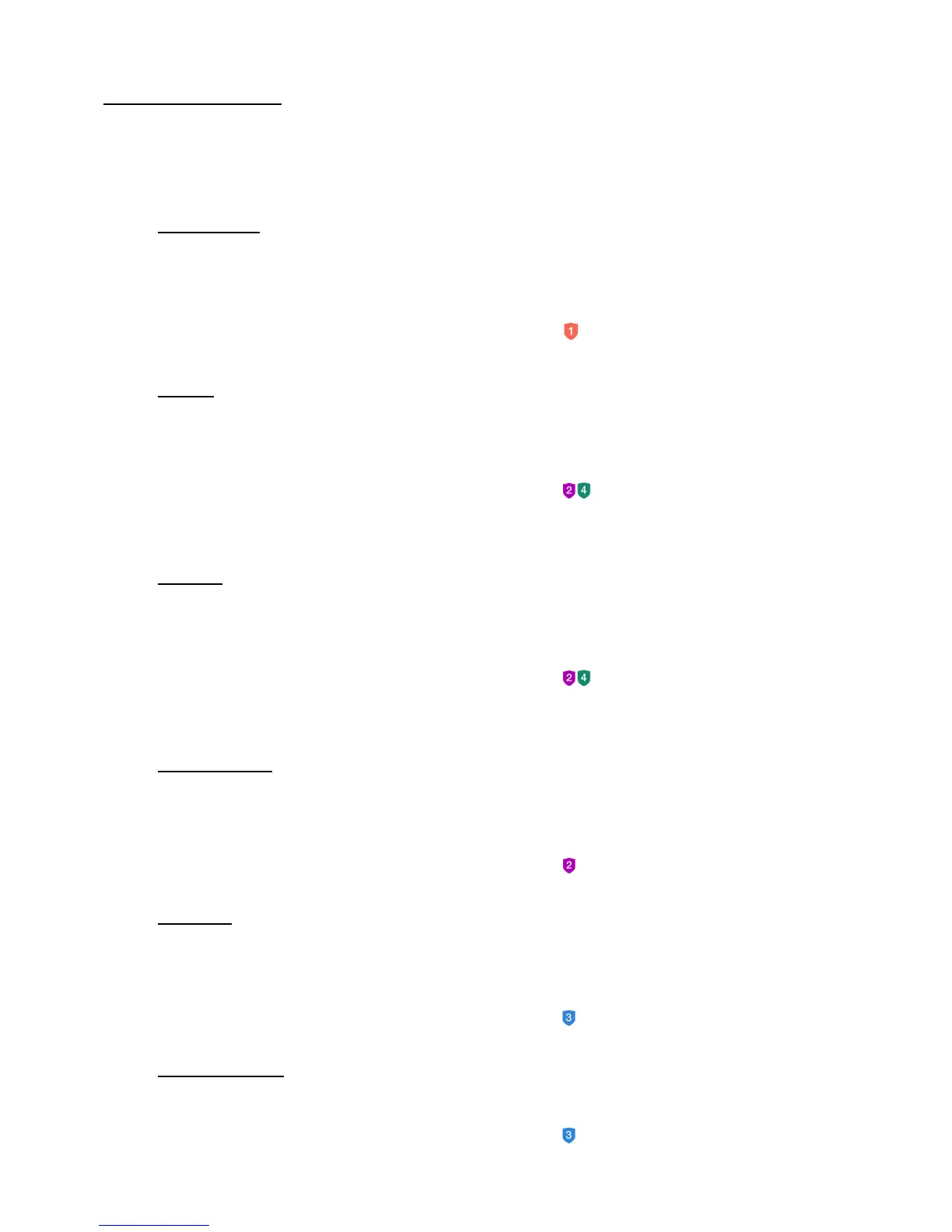
3) Outlets
Tap Outlets to access and control your registered Vivitar Smart Home Security
Outlet(s).
NOTE: Please sign in to or create an account in GROUP 2 or GROUP 4 for your
outlet.
4) Power Strips
Tap Power Strips to access and control your registered Vivitar Smart Home Security
Power Strip(s).
NOTE: Please sign in to or create an account in GROUP 2 for your power strip.
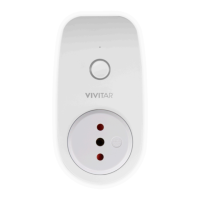
5) Sensors
Tap Sensors to access and control your registered Vivitar Smart Home Security
Sensor(s).
NOTE: Please sign in to or create an account in GROUP 3 for your sensor.
6) Panic Buttons
Tap Panic Buttons to access and control your registered panic button devices.
NOTE: Please sign in to or create an account in GROUP 3 for your panic button.


 To Next Page