12. SETUP COMPLETE
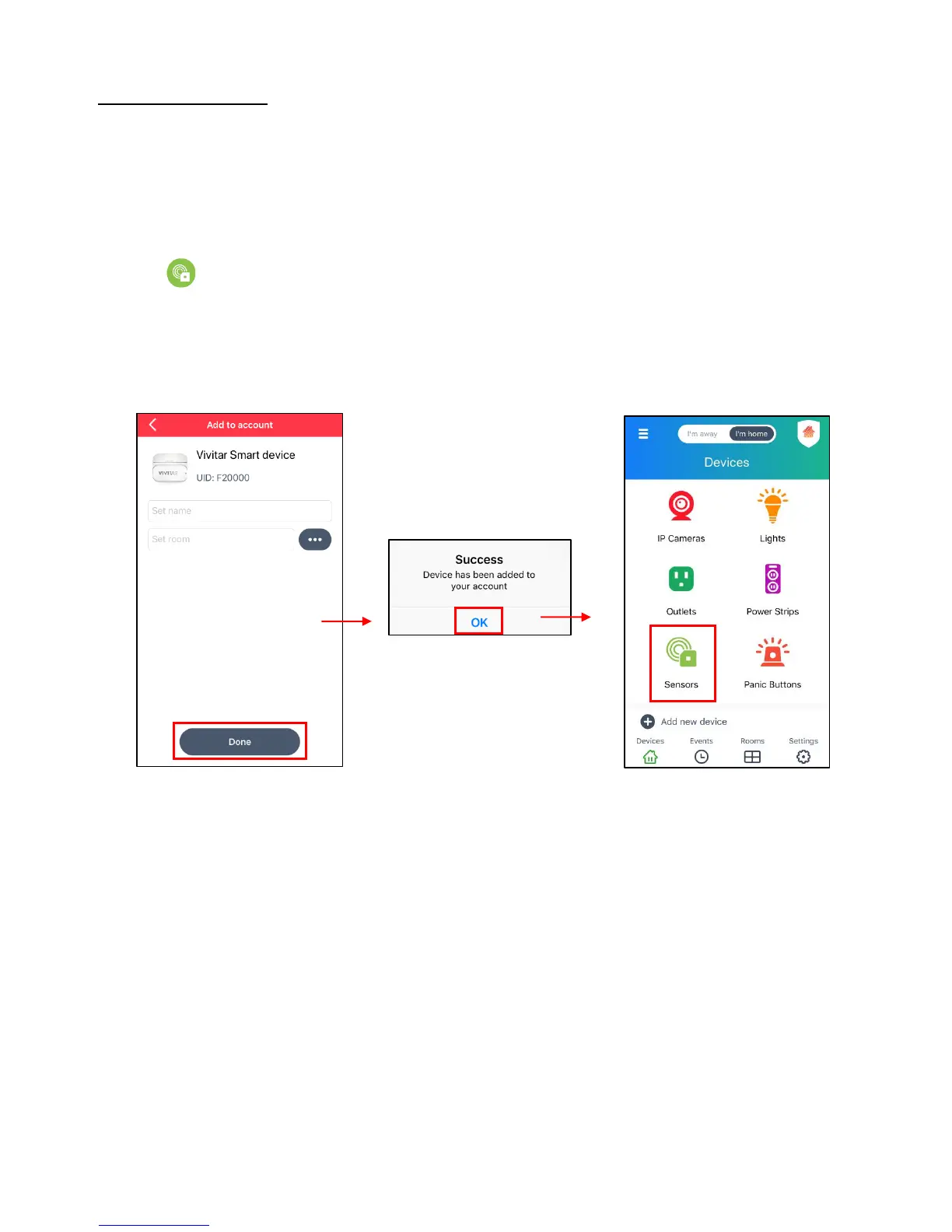
After setting your device name and selecting a room, tap Done.
- A ‘Success’ window then appears, showing that your device has been successfully added
to your account.
- Tap OK to complete the setup and open the ‘Devices’ screen. (iOS)
- Tap Sensors to open your Wi-Fi Smart Sensor’s Dashboard control screen.
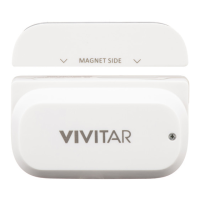
- Place the battery compartment cover back on the device and tighten the screw with the
supplied screwdriver to securely close the cover.


 To Next Page