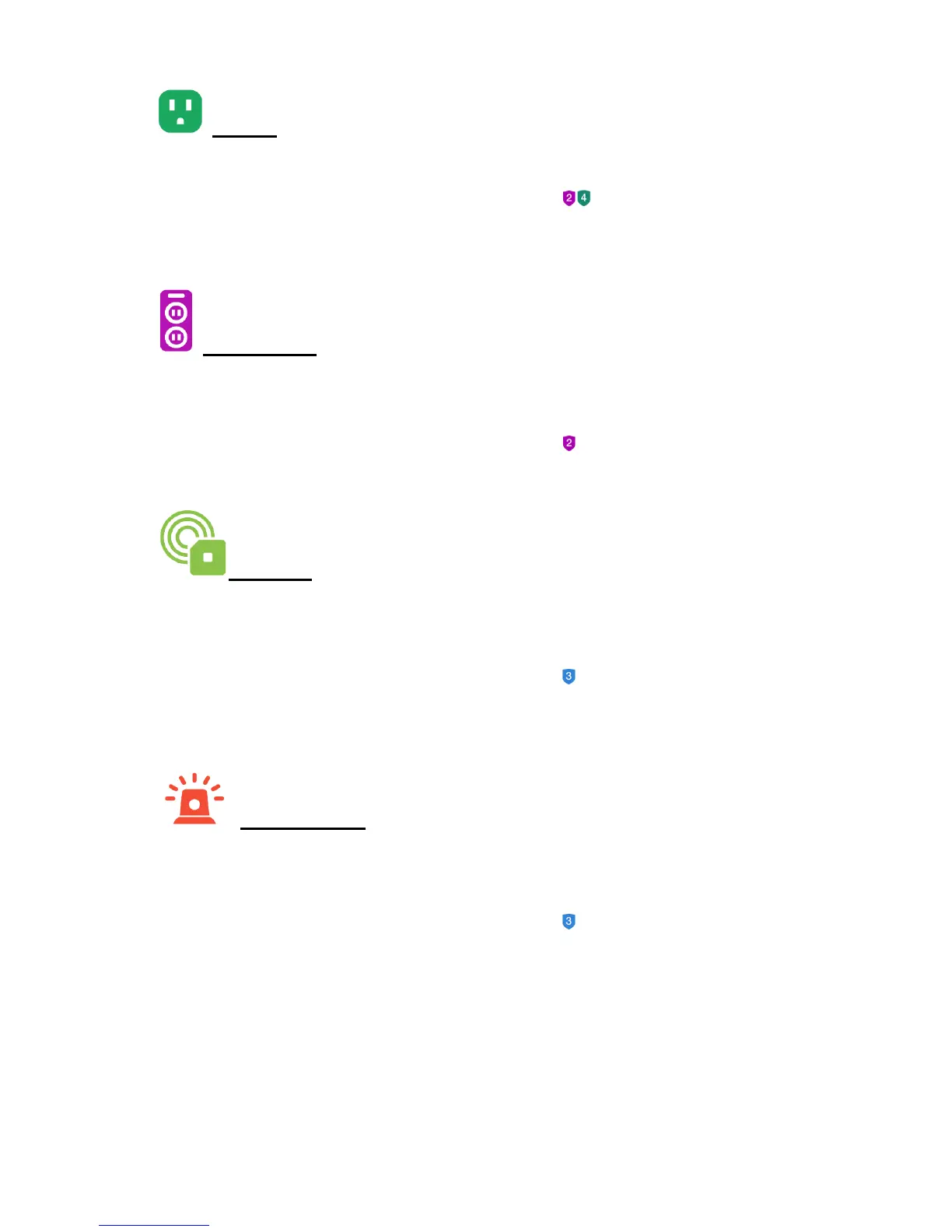
3) Outlets
Tap Outlets to go to the ‘Outlets’ screen or directly to the Outlets Dashboard screen.
NOTE: Please sign in to or create an account in GROUP 2 or GROUP 4 for your
outlet.
4) Power Strips
Tap Power Strips to go to the ‘Power Strips’ screen or directly to the Power Strips
Dashboard screen.
NOTE: Please sign in to or create an account in GROUP 2 for your power strip.
5) Sensors
Tap Sensors to go to the ‘Sensors’ screen or directly to the Sensors Dashboard
screen.
NOTE: Please sign in to or create an account in GROUP 3 for your sensor.
.
6) Panic Buttons
Tap Panic Buttons to go to the ‘Panic Buttons’ screen or directly to the Panic Button
Dashboard screen.
NOTE: Please sign in to or create an account in GROUP 3 for your panic button.


 To Next Page